 Multi-Downloader


WMV Converter Online. Instantly
Stop struggling with 'Codec Missing' errors. Effortlessly transform WMV, AVI, and old Windows recordings into polished, high-definition MP4, MOV, or ProRes
- MP4
- Auto
-
 231Worship
-
 67Movies
-
 ABEMA
ABEMA
-
 Amazon
-
 AMC
AMC
- Apple Music
- Bilibili
-
 Boosty
- BuzzFeed
-
 Cineby
-
 Coloso
-
 Crunchyroll
- Dailymotion
- Disney Plus
- Dramabox
- DramaSQ
-
 E! News
-
 Equibase
- ESPN
-
 FlixBaba
-
 Giants
- Gogoanime
- Gogoanimez
- Google Drive
- HiAnime
-
 HomeWiseDocs
-
 HPA
HPA
-
 HStorage
-
 Internet Archive
-
 LINE
LINE
- Loom
-
 Microsoft Azure
-
 Minicuddles
- MMOV
-
 Motion Array
- Movie Lair
-
 MyFlixerto
- MyVideo
-
 News 12
-
 news.com.au
-
 NHK
NHK
-
 OK.ru
OK.ru
-
 Osaka Kyoiku University
-
 OUK
OUK
- Patreon
-
 PCSchool
- Pikbest
-
 Pre-Script
-
 Reddit
- Rumble
- Skool
- Snapchat
-
 SOOP
SOOP
-
 SPWN
SPWN
-
 Threads
-
 Tidal
Tidal
- TikTok
- TokyVideo
- Tumblr
- TVer
- Twitch
- U Lifestyle
- U-NEXT
-
 Veo
Veo
- Vimeo
- VK Video
- WKYC
- X
- YouTube
- YouTube Music
-
 1069Tube
- 123AV
-
 9933TV
-
 Archivebate
-
 AShemaleTube
-
 AsiaBroSex
-
 AV01
AV01
-
 BaddiesOnly
-
 BoyfriendTV
-
 CamStreams
-
 Candfans
-
 Darkero
-
 Eporner
-
 ERo Me
-
 FapHouse
-
 HelloPorn
-
 Hentai4K
-
 HornyLeak
-
 Jable.TV
-
 LiveCamRips
-
 MissAV
-
 MyFans
-
 NJAV
NJAV
-
 PimpBunny
-
 Pornhub
- PornZog
-
 RedGIFs
-
 Redtube
-
 SpankBang
-
 ThisVid
-
 TNAFlix
- TOKYO Motion
-
 xHamster
-
 XNXX
XNXX
-
 XVideos
- 抖音
- 台視全球資訊網
- 小鸭看看


- MP4
- Auto
-
231Worship
-
67Movies
-
ABEMA
-
Amazon
-
AMC
- Apple Music
- Bilibili
-
Boosty
- BuzzFeed
-
Cineby
-
Coloso
-
Crunchyroll
- Dailymotion
- Disney Plus
- Dramabox
- DramaSQ
-
E! News
-
Equibase
- ESPN
-
FlixBaba
-
Giants
- Gogoanime
- Gogoanimez
- Google Drive
- HiAnime
-
HomeWiseDocs
-
HPA
-
HStorage
-
Internet Archive
-
LINE
- Loom
-
Microsoft Azure
-
Minicuddles
- MMOV
-
Motion Array
- Movie Lair
-
MyFlixerto
- MyVideo
-
News 12
-
news.com.au
-
NHK
-
OK.ru
-
Osaka Kyoiku University
-
OUK
- Patreon
-
PCSchool
- Pikbest
-
Pre-Script
-
Reddit
- Rumble
- Skool
- Snapchat
-
SOOP
-
SPWN
-
Threads
-
Tidal
- TikTok
- TokyVideo
- Tumblr
- TVer
- Twitch
- U Lifestyle
- U-NEXT
-
Veo
- Vimeo
- VK Video
- WKYC
- X
- YouTube
- YouTube Music
-
1069Tube
- 123AV
-
9933TV
-
Archivebate
-
AShemaleTube
-
AsiaBroSex
-
AV01
-
BaddiesOnly
-
BoyfriendTV
-
CamStreams
-
Candfans
-
Darkero
-
Eporner
-
ERo Me
-
FapHouse
-
HelloPorn
-
Hentai4K
-
HornyLeak
-
Jable.TV
-
LiveCamRips
-
MissAV
-
MyFans
-
NJAV
-
PimpBunny
-
Pornhub
- PornZog
-
RedGIFs
-
Redtube
-
SpankBang
-
ThisVid
-
TNAFlix
- TOKYO Motion
-
xHamster
-
XNXX
-
XVideos
- 抖音
- 台視全球資訊網
- 小鸭看看

Transform WMV, Legacy Windows Renders & PC Clips into Universal & HD MP4s
-
Convert Legacy WMV, AVI, and Raw PC Recordings into HD MP4 Instantly
-
The Perfect Solution for Media Archivists, Content Creators, Youtubers & More
-
Fix 'Codec Lag' Errors — Turn Stuttering WMV Files into Smooth, Edit-Ready Video
-
Bit-Perfect Preservation — Maintain Original Resolution, Hi-Fi Audio, and Metadata
-
Bridge the PC-to-Mac Gap — Convert Restricted WMV to Smooth, Mac-Friendly MOV
One-Click WMV Workflow – Instant Conversion to MP4, MOV & Beyond
Instantly transform legacy WMV files, old PC recordings and clips into universal HD formats whether you need a Mac-friendly MOV, a mobile-ready MP4, or professional ProRes for editing
400+ Audio Files
Supports 400+ Audio Formats
 M4A Converter
M4B Converter
M4R Converter
MIDI Converter
MKA Converter
MOD Converter
MP3 Converter
OGA Converter
OGG Converter
Opus Converter
PCM Converter
RA / RAM
VOC Converter
WAV Converter
WEBA Converter
WMA Converter
M4A Converter
M4B Converter
M4R Converter
MIDI Converter
MKA Converter
MOD Converter
MP3 Converter
OGA Converter
OGG Converter
Opus Converter
PCM Converter
RA / RAM
VOC Converter
WAV Converter
WEBA Converter
WMA Converter
500+ Video Files
Supports 500+ Video Formats
DV Converter
DVR Converter
FLV Converter
GIF Converter
M2TS Converter
M4V Converter
MKV Converter
MOD Converter
MOV Converter
MP4 Converter
MPEG Converter
MPG Converter
MTS Converter
MXF Converter
RM Converter
RMVB Converter
SWF Converter
TS Converter
VOB Converter
WEBM Converter
WMV Converter
WTV Converter
Convert WMV to MP4 in 3 Simple Steps
-
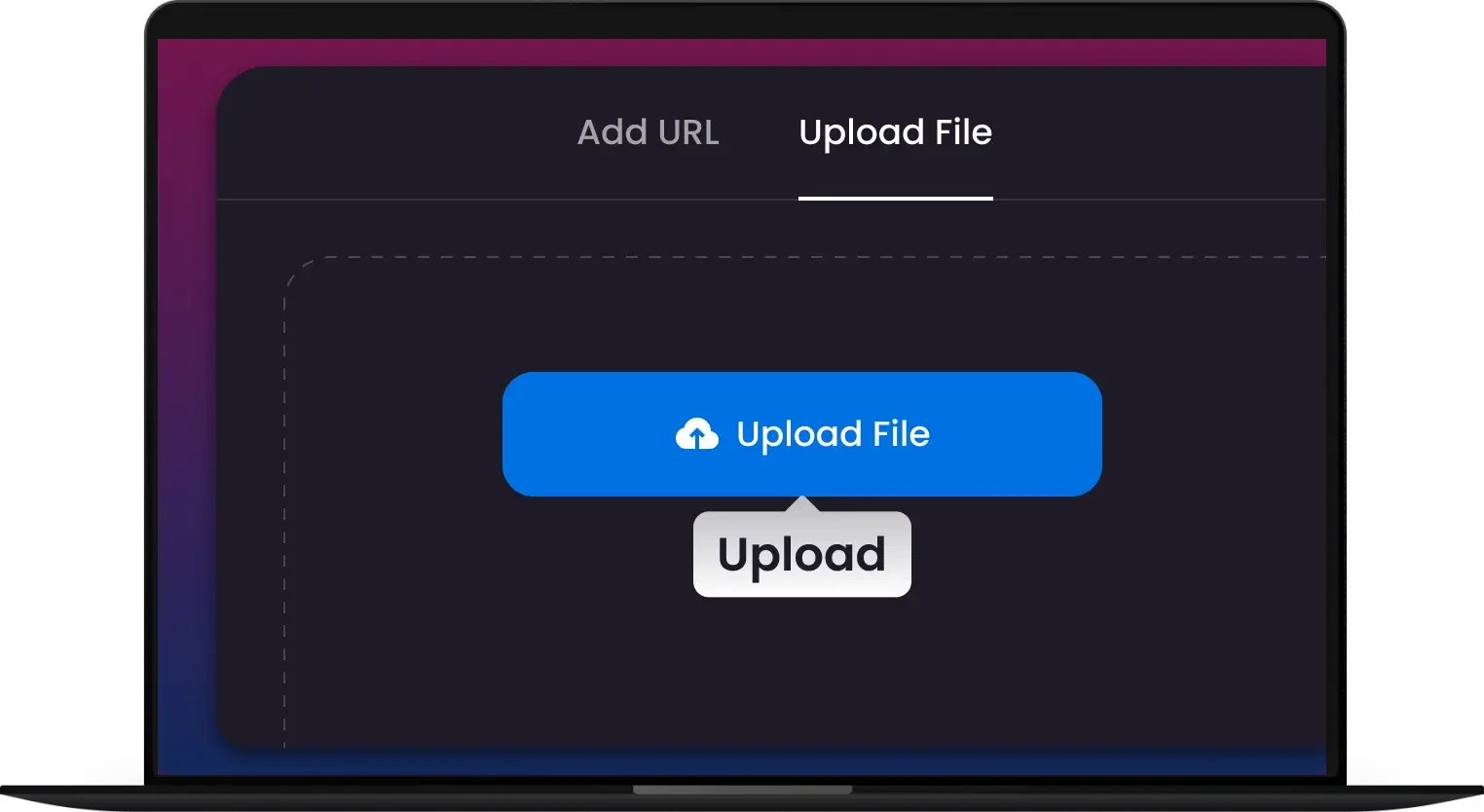
1. Upload Your WMV
Drag and drop WMV files of any size. Supports single clips or bulk WMV video conversion.
-
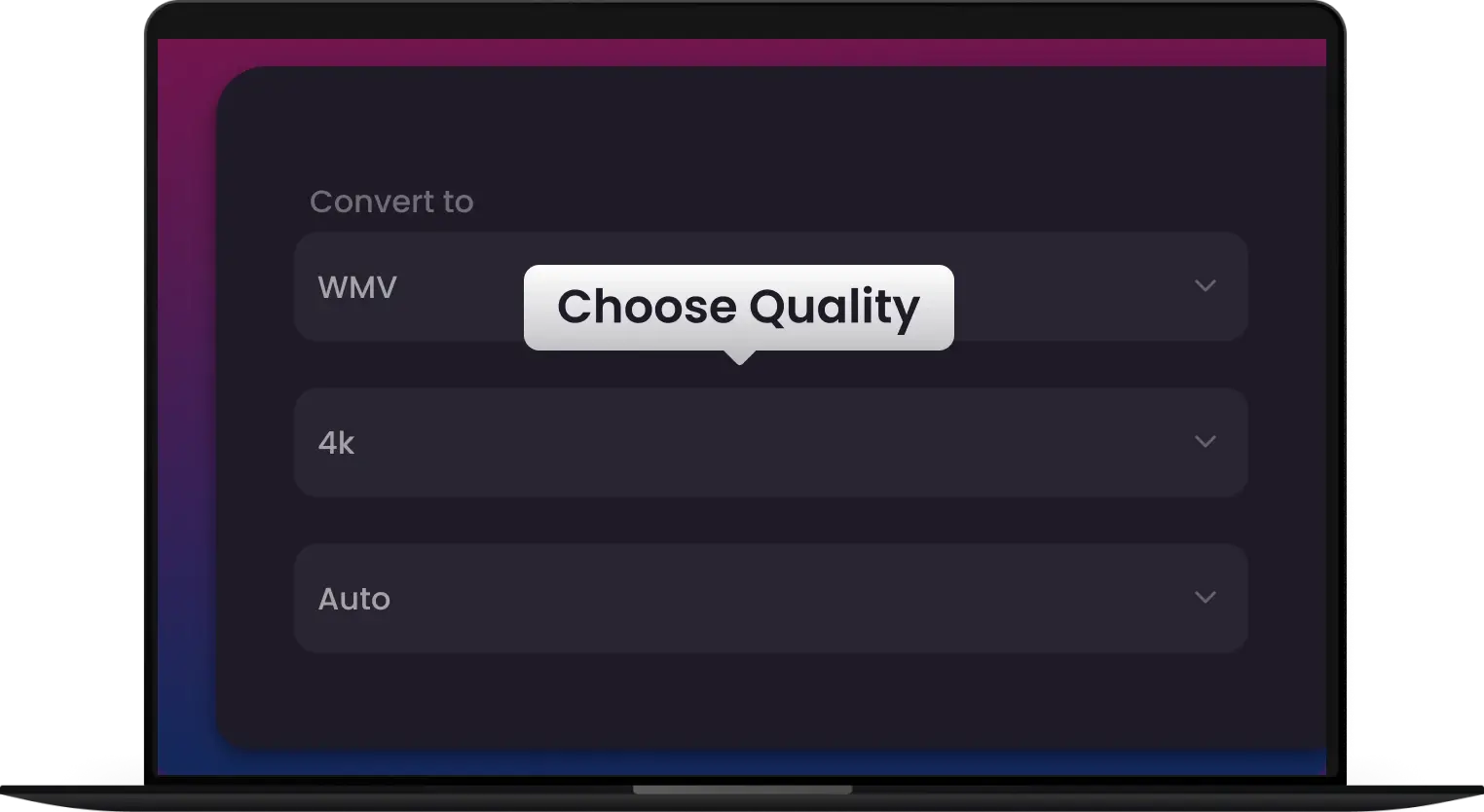
2. Select MP4 Setting
Select MP4 with HD resolution, original frame rate, and high-quality audio—no codec headaches.
-
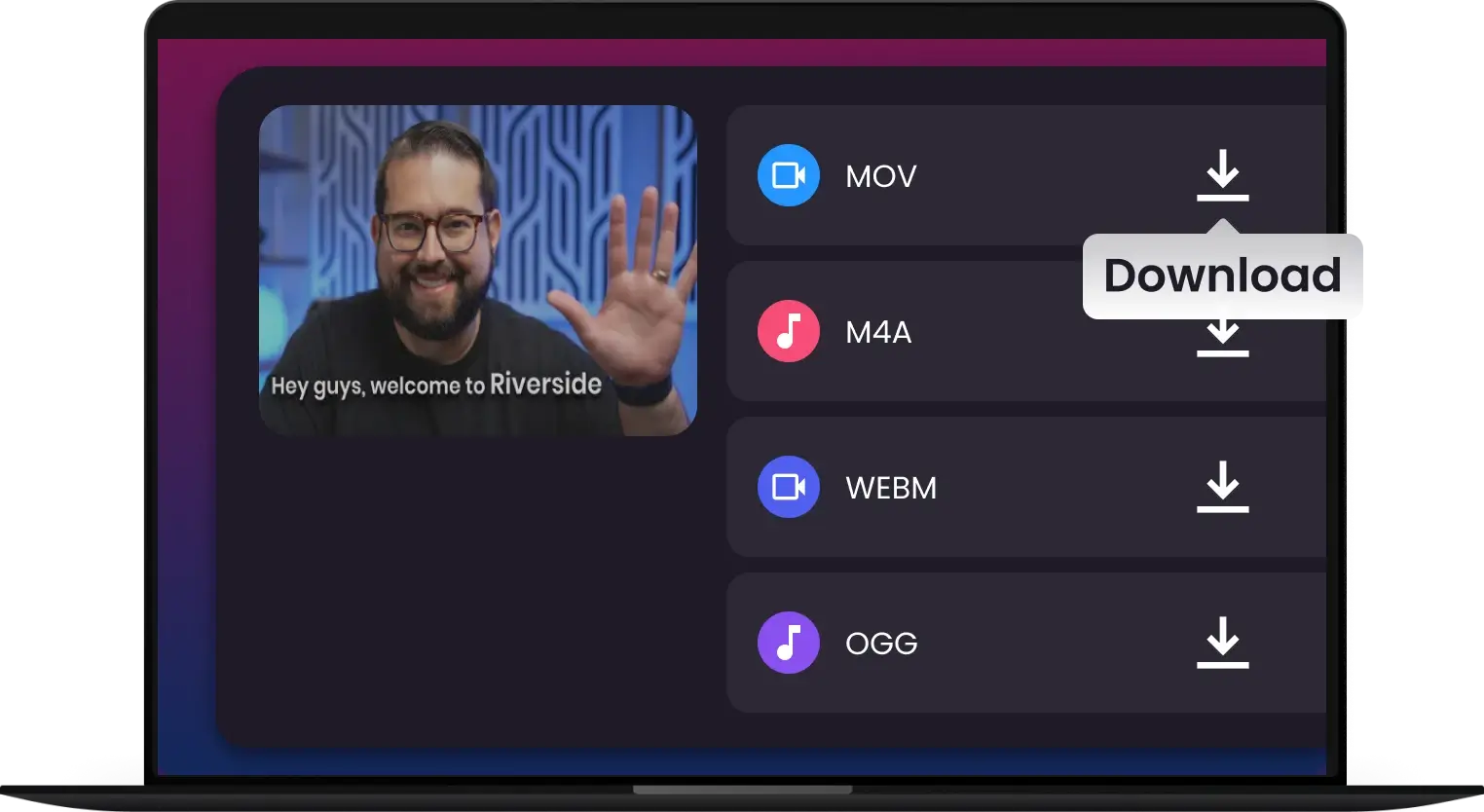
3. Convert & Download
One click converts WMV to MP4 for smooth playback on all devices. Download instantly—no sign-up needed.
-
![Bridge the PC-to-Mac Compatibility Gap]()
Bridge the PC-to-Mac Compatibility Gap
Received a WMV you can't open? Instantly convert 'unsupported' Windows files into Apple-native MOV or MP4 for seamless playback on Mac, iPhone, and iPad
Convert WMV -
![Edit-Ready Transcoding for Professional Workflows]()
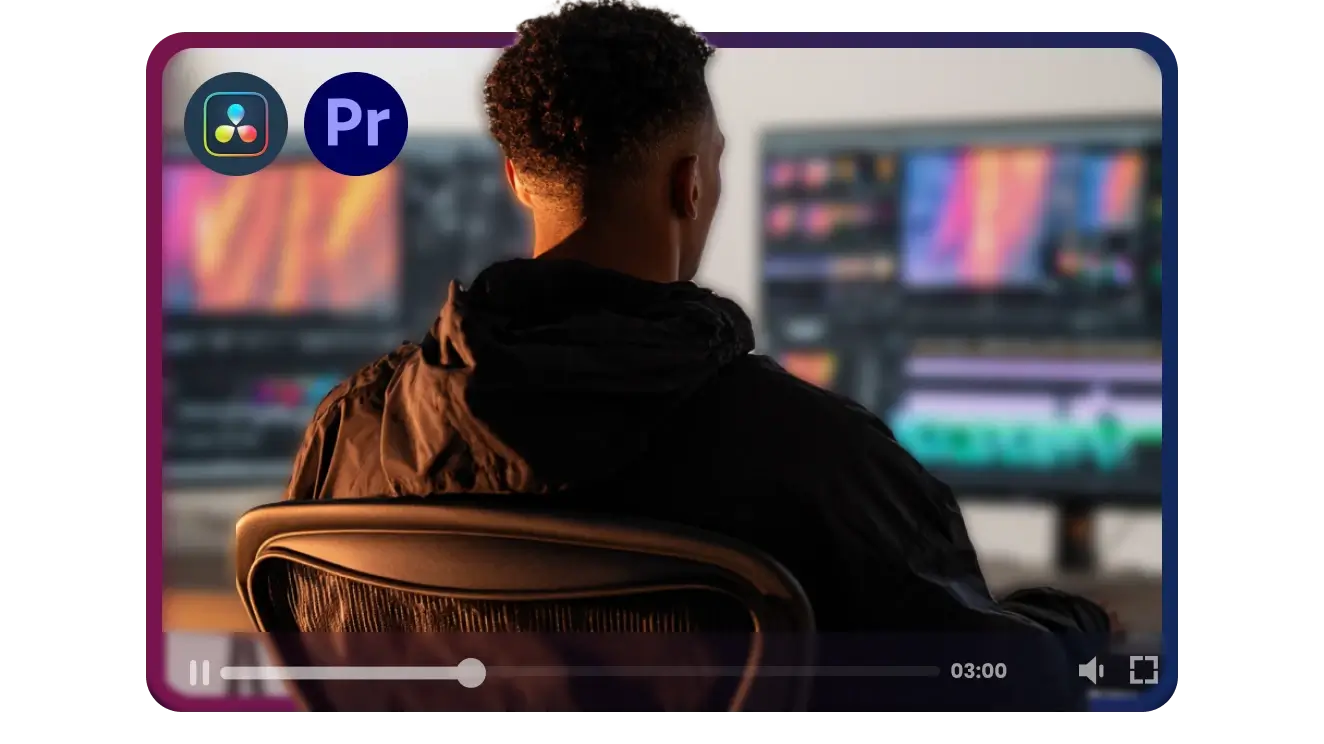
Edit-Ready Transcoding for Professional Workflows
Fix playback lag and import errors. Transform stuttering WMV files into high-performance ProRes or DNxHD for a smooth, crash-free edit in Premiere and Resolve
Optimize for Editing -
![Universal MP4 Conversion in a Single Click]()
Universal MP4 Conversion in a Single Click
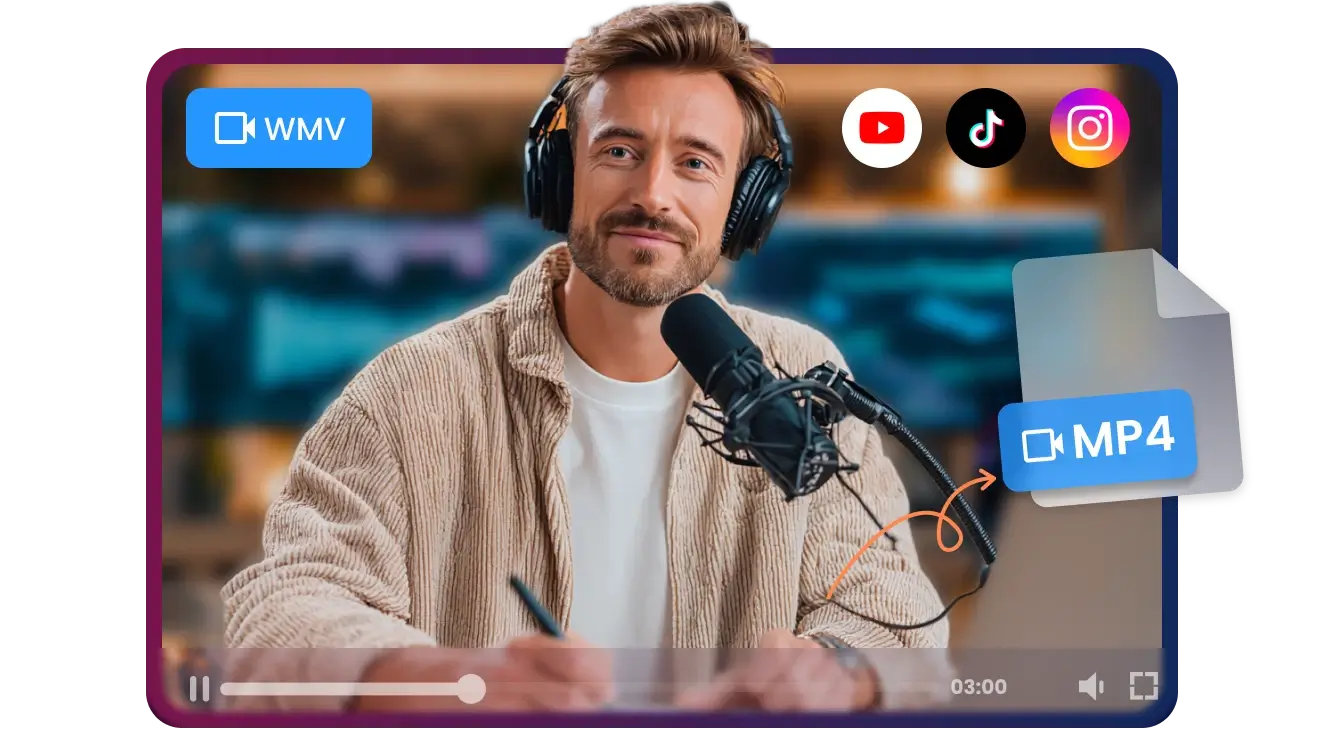
Turn outdated Windows Media into universal HD MP4s. Perfect for sharing on YouTube, TikTok and Instagram or casting to your favorite Smart TV flawlessly
Convert to MP4 -
![Industrial-Grade Batch Processing at 180X Speed]()
Industrial-Grade Batch Processing at 180X Speed
Modernize entire corporate archives in minutes. Leverage GPU acceleration to handle up to 100 WMV files simultaneously with bit-perfect quality preservation
Batch Conversion -
![Bit-Perfect Preservation of Your Legacy Footage]()
Bit-Perfect Preservation of Your Legacy Footage
Don't sacrifice quality for compatibility. Our lossless engine maintains original resolution, frame rates, and Hi-Fi audio while moving your video to MP4
Convert Losslessly


Convert Any WMV to Modern HD. No Exceptions.
Turn MP4, AVI, MOV, FLV, or raw recordings into high-definition WMV files instantly


Pixel-Perfect WMV Conversion — High-Quality Video & Audio, Every Time
Mac Switcher
Professional Editor
Content Creators
Media Archivists
Educators & Trainers


Join 500,000+ Creators Rescuing Their Footage with Our Pro-Speed WMV Converter


Frequently Asked Questions
Why won’t my WMV files play on my Mac or iPhone?
Will I lose video quality during the conversion process?
Can I convert WMV files for use in Premiere Pro or DaVinci Resolve?
How fast is the conversion from WMV to MP4?
Can I convert multiple WMV files at once?
Does the converter support old AVI or ASF files too?
Will the converted files work on my Smart TV or Gaming Console?
What if my original WMV file is in a 4:3 (square) aspect ratio?
Do I need to be a tech expert to use this?
Which video formats can I convert to WMV?
One Tool for Your Audio, A Whole Suite for Your Workflow


