Converter

WAV Converter Online. Instantly

Convert WAV to MP3, FLAC, or AAC files without losing a single bit of audio quality. Fast, secure, and easy to use.

WAV Converter
Add URL
Upload Audio
Convert Link to WAV, MP3 & More 1000+ Sites Supported
WAV
  • WAV
Auto
  • Auto
Select the platform
  • Spotify
  • Apple Music
  • Artlist
  • Audio
  • SoundCloud
  • YouTube
  • YouTube Music
  • Amazon Music
  • Audiomack
  • 7Digital
  • Beatport
  • Boomplay
  • Bugs
  • DI.FM
  • Mixcloud
  • Soniva
  • Suno
  • Mureka
  • Epidemic Sound
  • Udio
  • Myinstants
  • StreetVoice
  • Bandcamp
  • Deezer
  • DJ Bill Bass
  • Internet Archive
  • KKBOX
  • LINE Music
  • Melon
  • Pandora
  • Pixabay
  • Songer
  • Tidal
  • Bilibili
  • Facebook
  • Instagram
  • TikTok
Trending: https://www.youtube.com/watch?v=c6rP-YP4c5I&list=RDc6rP-YP4c5I&start_radio=1 Paste Song Link Enter a song Enter an artist Enter an album
WAV, FLAC, AIFF, M4A, OGG and more
Up to 100 files, max 5GB each
WAV
  • WAV
Auto
  • Auto
Select the platform
  • Spotify
  • Apple Music
  • Artlist
  • Audio
  • SoundCloud
  • YouTube
  • YouTube Music
  • Amazon Music
  • Audiomack
  • 7Digital
  • Beatport
  • Boomplay
  • Bugs
  • DI.FM
  • Mixcloud
  • Soniva
  • Suno
  • Mureka
  • Epidemic Sound
  • Udio
  • Myinstants
  • StreetVoice
  • Bandcamp
  • Deezer
  • DJ Bill Bass
  • Internet Archive
  • KKBOX
  • LINE Music
  • Melon
  • Pandora
  • Pixabay
  • Songer
  • Tidal
  • Bilibili
  • Facebook
  • Instagram
  • TikTok
Trending: https://www.youtube.com/watch?v=c6rP-YP4c5I&list=RDc6rP-YP4c5I&start_radio=1 Paste Song Link Enter a song Enter an artist Enter an album
Files to be converted
Keep the same settings for all files
Remove All
Convert All
Convert More
Stop All
Download All
Remove All
Download All
100% Online, No Sign-up Needed

Convert Audio & Video to WAV — Fast, Easy & Reliable

  • True High-Quality WAV – Up to 24-bit, No Quality Loss
  • Perfect for creating music tracks, podcasts or sound libraries, etc.
  • No intrusive ads, fake buttons or misleading redirects
  • Supports Beyond YouTube – Also Works with TikTok, Facebook and more
  • Speedy Conversion – AWS cloud transcoding makes it 180X faster
  • Convert 400+ audio formats from MP3, WAV, AAC, FLAC, M4A, OGG and more
Convert to WAV

Tailored for Music Producers, Sound Engineers, and Anyone Who Needs Studio-Quality WAV

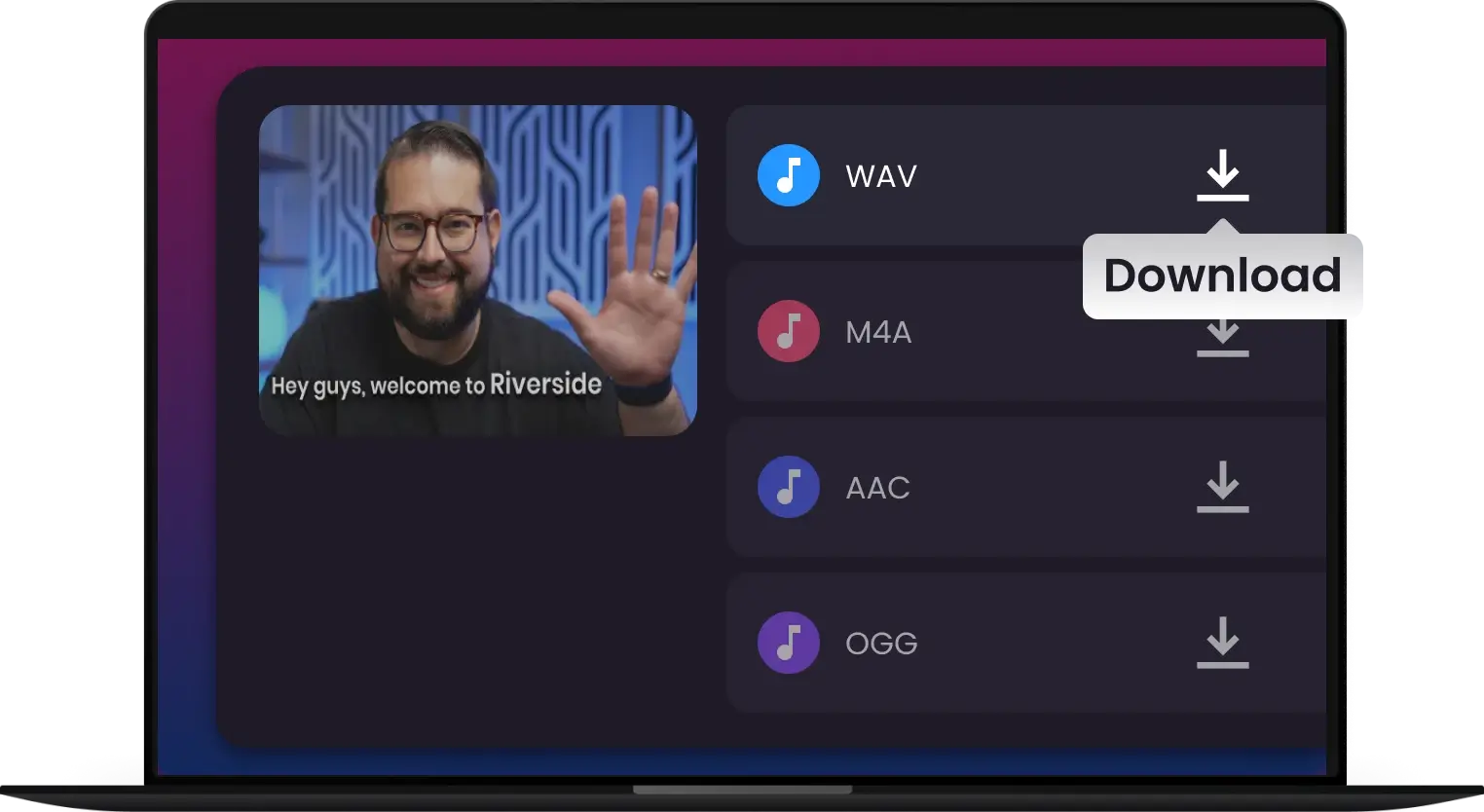
Convert videos, local files, or links into 24-bit WAV instantly — a streamlined workflow built for your music production, studio clips, and high-fidelity podcasts
Music Producer
Extract WAV Audio
Music Producers

Music Producers

Extract lossless WAV audio from any video to capture the perfect sample or drum hit. No compression, no artifacts—just pure, high-fidelity sound ready to drop straight into your DAW.
Podcasters & Editors
High-Fidelity Podcasting
Podcasters & Editors

Podcasters & Editors

Convert interviews and remote recordings into uncompressed WAV files. Maintain every detail of the human voice for professional-grade EQ and mastering, ensuring your listeners hear crystal-clear audio.
YouTubers
WAV Converter for YouTubers
YouTubers

YouTubers

Get pristine WAV audio from your YouTube videos—ideal for intros, backgrounds, and soundtracks. Effortless and lossless, with no extra software needed. Just fast, high-quality conversion.
TikTok & Social Creators
High-Quality WAV Extraction
TikTok & Social Creators

TikTok & Social Creators

Extract 24-bit WAV audio from any source—videos, music, or links—without losing quality. Perfect for sound design, music production, or creating your audio library with ease.
Videographers
Convert to WAV in Seconds
Videographers

Videographers

Convert your videos, audio, or links into professional-quality WAV files in an instant. Perfect for podcasts, sound effects, and music clips—keep your audio clear and sharp every time.
Audiophiles & Hi-Fi Enthusiasts
Pure Audio Extraction
Audiophiles & Hi-Fi Enthusiasts

Audiophiles & Hi-Fi Enthusiasts

Save your favorite performances and live sessions in the highest possible resolution. Multi-Downloader preserves the full dynamic range for a true studio-quality listening experience.

How to Convert WAV in 3 Simple Steps

  • 1. 

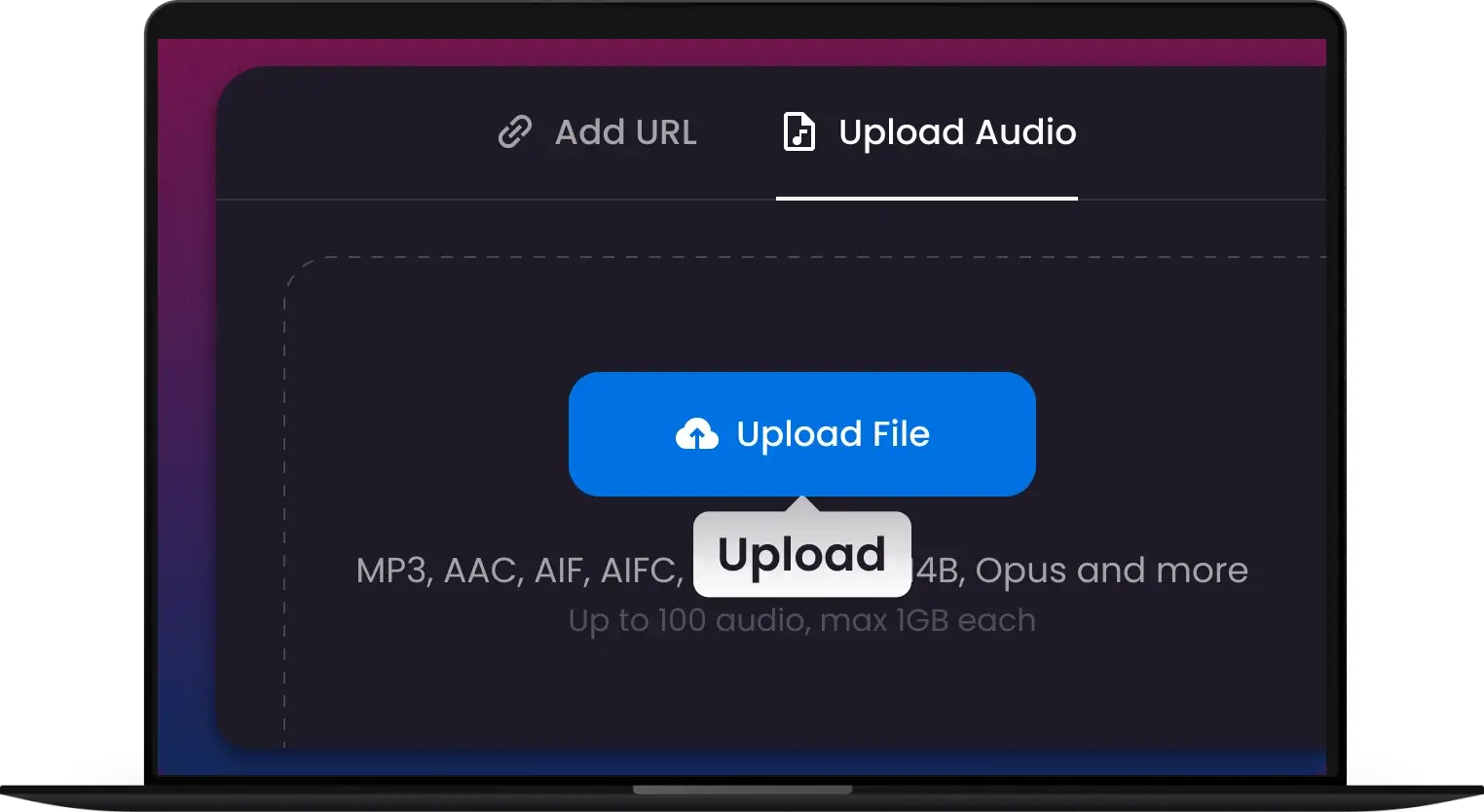
    Upload WAV

    Drag and drop your audio files into the converter. We support all major formats, including MP3, AAC, and FLAC.

  • 2. 

    Select WAV & Settings

    Choose WAV as your output format. For professional results, you can customize the sample rate and bit depth to ensure lossless, studio-grade quality.

  • 3. 

    Convert & Download

    Click the "Convert" button to start the high-speed processing. Once finished, instantly download your high-fidelity WAV files.
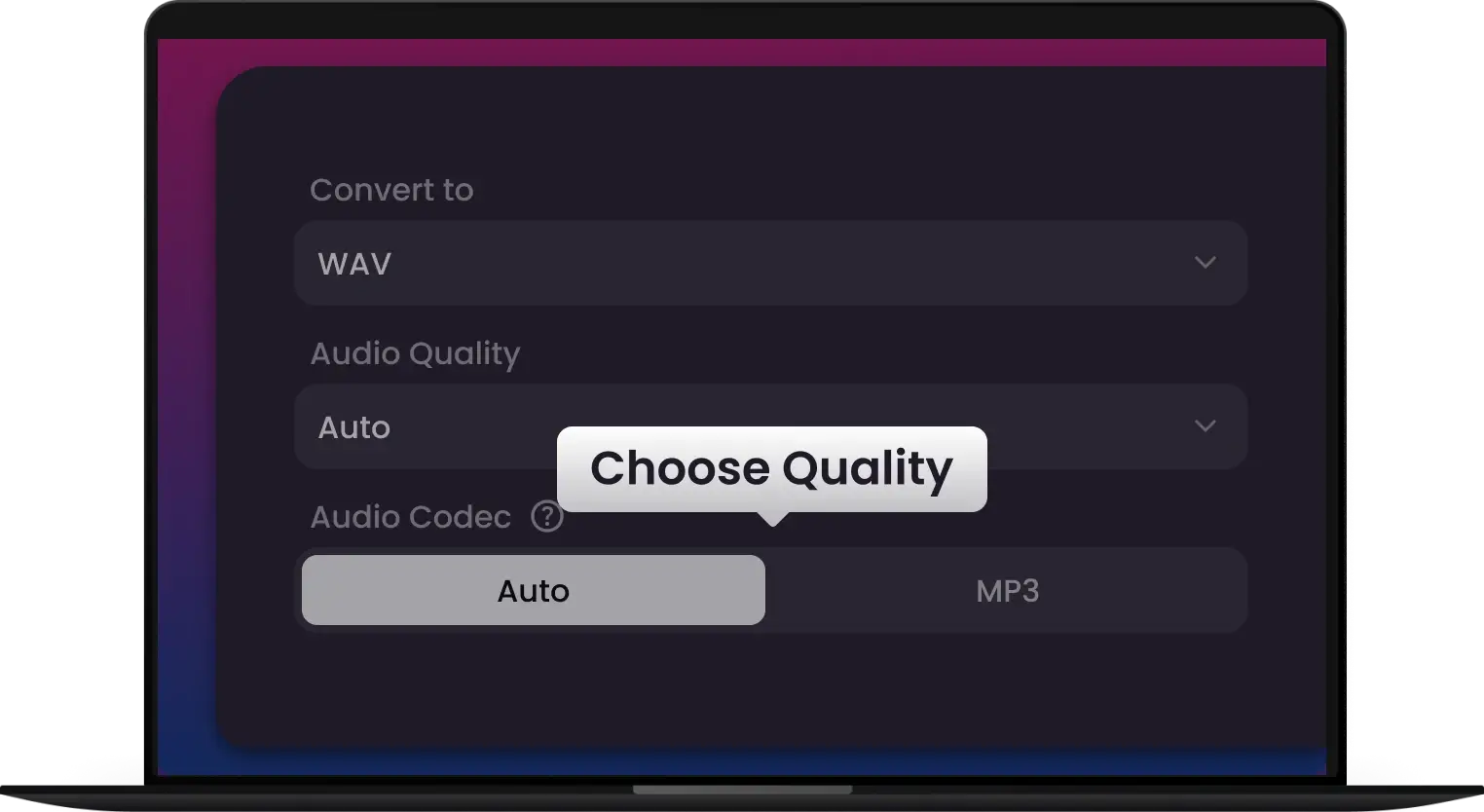
  • Upload WAV
  • Select WAV & Settings
  • Convert & Download
Testimonials background Testimonials mask

They Love Us, You Will Too

Join the thousands of satisfied users who trust our converter for fast, high-quality MP3, WAV and 400+ audio conversions
I needed a reliable way to get lossless WAV samples from various sources for my DAW projects. Multi-Downloader Pro gives me studio-grade audio for a fraction of the cost.
I was tired of 'free' sites filled with sketchy ads and fake download buttons. This is clean, fast, and professional. The $ 1.95 Pro upgrade is the best money I’ve spent this year.
Perfect for my podcasting needs. I can extract crystal-clear WAV audio from any video or audio source, saving me tons of editing time!
Converting long-form interviews used to take forever. Now, I can batch-convert 500+ formats instantly. The audio clarity is perfect, even at high compression.
We use Multi-Downloader to archive our social media trends and TikTok inspo. It handles 4K video like a breeze. Simple, effective, and zero hassle.
I use it to download and convert my university lectures for offline study. It’s so easy to use, and I love that I can watch my courses anywhere without buffering.
I use it for everything—editing videos, extracting audio, and converting files for my blog. The process is so fast and the results are top-notch.

Frequently Asked Questions

What's the best wav converter to mp3?
Choosing the best WAV to MP3 converter depends on your specific needs, but Multi-Downloader has emerged as the premier choice for creators and professionals. Multi-Downloader stands out for its perfect balance of speed and studio-grade quality. It uses the latest LAME 320kbps encoding technology to ensure that your lossless WAV files retain their depth and clarity after being converted to MP3.
How to Convert WAV to Video for YouTube Online?
You can't directly upload a WAV file to YouTube because it requires a video format like MP4; Directly upload WAV to YouTube by converting it to MP4. Combine your high-quality audio with album art or video using tools like CapCut or Multi-Downloader. Create your YouTube-ready video in minutes!
How to convert wav to mp4 on Mac?
To convert WAV to MP4 on Mac, you have several easy, high-quality options. The most reliable way to convert WAV to MP4 on a Mac is by adding a visual. If you're in a hurry, use browser-based tools like Multi-Downloader. Simply upload your WAV, select MP4, and download—no software required.
How do I convert MP3 to WAV?
To convert MP3 to WAV, simply open your WAV converter software, select the MP3 file, choose WAV as the output format, and click ‘Convert’. Multi-Downloader will process the file and save it as a lossless WAV audio file.
Are WAV files larger than MP3 files?
Yes, WAV files are uncompressed, meaning they take up more storage space compared to MP3 files, which use compression to reduce file size. WAV offers superior sound quality, making it ideal for professional audio editing.
Can I convert WAV to other formats?
Yes, most WAV converters allow you to convert WAV files to other popular formats such as MP3, FLAC, or AAC. This can be useful if you need a smaller file size or need the audio in a different format for specific applications.
Will converting WAV to MP3 reduce my audio quality?
WAV is a lossless format, while MP3 is lossy. Converting to MP3 will technically remove some data to shrink the file size. However, if you use a professional tool like Multi-Downloader and select a 320kbps bitrate, the quality difference is virtually indistinguishable to the human ear.
Can I upload a WAV file directly to YouTube?
No, YouTube is a video platform and does not support standalone audio files like WAV. To get your audio on YouTube, use a WAV to MP4 converter or a video editor to combine your audio with an image (like album art) before uploading.
What is the best bitrate for converting WAV for professional use?
For professional results in the US market—especially for podcasts and music distribution—always choose 320 kbps CBR (Constant Bitrate). This ensures your audio meets the high-quality standards required by platforms like Spotify, Apple Podcasts, and SoundCloud.
How to convert WAV to M4A on Mac?
If you're using QuickTime on your Mac, you can convert a WAV file to M4A with ease. Simply open QuickTime, click "File > Open File" to load your WAV file, then go to "File > Export As > Audio Only." This will allow you to extract and save your audio as an M4A file. Although QuickTime's output formats are limited to M4A for audio and MOV for video, it’s a quick and easy solution for basic audio conversions.
5025 Boardwalk Dr Ste 100, Colorado Springs, CO, 80919 Copyright © 2025 ANGELO NETWORK TECHNOLOGY LTD
back to top