 Multi-Downloader


WEBM Converter Online. Instantly
Convert WEBM to MP4, MOV, or M4A effortlessly. Tailored for the Apple ecosystem and professional workflows
- MP4
- Auto
-
 231Worship
-
 67Movies
-
 ABEMA
ABEMA
-
 Amazon
-
 AMC
AMC
- Apple Music
- Bilibili
-
 Boosty
- BuzzFeed
-
 Cineby
-
 Coloso
-
 Crunchyroll
- Dailymotion
- Disney Plus
- Dramabox
- DramaSQ
-
 E! News
-
 Equibase
- ESPN
-
 FlixBaba
-
 Giants
- Gogoanime
- Gogoanimez
- Google Drive
- HiAnime
-
 HomeWiseDocs
-
 HPA
HPA
-
 HStorage
-
 Internet Archive
-
 LINE
LINE
- Loom
-
 Microsoft Azure
-
 Minicuddles
- MMOV
-
 Motion Array
- Movie Lair
-
 MyFlixerto
- MyVideo
-
 News 12
-
 news.com.au
-
 NHK
NHK
-
 OK.ru
OK.ru
-
 Osaka Kyoiku University
-
 OUK
OUK
- Patreon
-
 PCSchool
- Pikbest
-
 Pre-Script
-
 Reddit
- Rumble
- Skool
- Snapchat
-
 SOOP
SOOP
-
 SPWN
SPWN
-
 Threads
-
 Tidal
Tidal
- TikTok
- TokyVideo
- Tumblr
- TVer
- Twitch
- U Lifestyle
- U-NEXT
-
 Veo
Veo
- Vimeo
- VK Video
- WKYC
- X
- YouTube
- YouTube Music
-
 1069Tube
- 123AV
-
 9933TV
-
 Archivebate
-
 AShemaleTube
-
 AsiaBroSex
-
 AV01
AV01
-
 BaddiesOnly
-
 BoyfriendTV
-
 CamStreams
-
 Candfans
-
 Darkero
-
 Eporner
-
 ERo Me
-
 FapHouse
-
 HelloPorn
-
 Hentai4K
-
 HornyLeak
-
 Jable.TV
-
 LiveCamRips
-
 MissAV
-
 MyFans
-
 NJAV
NJAV
-
 PimpBunny
-
 Pornhub
- PornZog
-
 RedGIFs
-
 Redtube
-
 SpankBang
-
 ThisVid
-
 TNAFlix
- TOKYO Motion
-
 xHamster
-
 XNXX
XNXX
-
 XVideos
- 抖音
- 台視全球資訊網
- 小鸭看看


- MP4
- Auto
-
231Worship
-
67Movies
-
ABEMA
-
Amazon
-
AMC
- Apple Music
- Bilibili
-
Boosty
- BuzzFeed
-
Cineby
-
Coloso
-
Crunchyroll
- Dailymotion
- Disney Plus
- Dramabox
- DramaSQ
-
E! News
-
Equibase
- ESPN
-
FlixBaba
-
Giants
- Gogoanime
- Gogoanimez
- Google Drive
- HiAnime
-
HomeWiseDocs
-
HPA
-
HStorage
-
Internet Archive
-
LINE
- Loom
-
Microsoft Azure
-
Minicuddles
- MMOV
-
Motion Array
- Movie Lair
-
MyFlixerto
- MyVideo
-
News 12
-
news.com.au
-
NHK
-
OK.ru
-
Osaka Kyoiku University
-
OUK
- Patreon
-
PCSchool
- Pikbest
-
Pre-Script
-
Reddit
- Rumble
- Skool
- Snapchat
-
SOOP
-
SPWN
-
Threads
-
Tidal
- TikTok
- TokyVideo
- Tumblr
- TVer
- Twitch
- U Lifestyle
- U-NEXT
-
Veo
- Vimeo
- VK Video
- WKYC
- X
- YouTube
- YouTube Music
-
1069Tube
- 123AV
-
9933TV
-
Archivebate
-
AShemaleTube
-
AsiaBroSex
-
AV01
-
BaddiesOnly
-
BoyfriendTV
-
CamStreams
-
Candfans
-
Darkero
-
Eporner
-
ERo Me
-
FapHouse
-
HelloPorn
-
Hentai4K
-
HornyLeak
-
Jable.TV
-
LiveCamRips
-
MissAV
-
MyFans
-
NJAV
-
PimpBunny
-
Pornhub
- PornZog
-
RedGIFs
-
Redtube
-
SpankBang
-
ThisVid
-
TNAFlix
- TOKYO Motion
-
xHamster
-
XNXX
-
XVideos
- 抖音
- 台視全球資訊網
- 小鸭看看

Convert WEBM to MP4 for Seamless Playback on iPhone & Mac
-
Effortlessly convert MP4, MOV, AVI, MKV, and 500+ Formats into WEBM
-
Ultra-HD WEBM Quality – Supports 1080P, 2K, 4K and up to 8K transcoding
-
Instantly convert 'unplayable' WEBM files into iPhone and Mac-ready MP4 or MOV
-
Paste links from YouTube, TikTok, Facebook and 1000+ sites to save directly as WEBM
-
Optimized for Web Use & Beyond - Perfect for web developers, social media editors, YouTube creators, and gaming clips
Made for Content Creators, Social Shapers, and Anyone Who Needs Fast, High-Quality WEBM to MP4 Conversion

iPhone, Mac & iPad Users

Influencers & Content Editors

Premiere Pro & Final Cut Users

Web Developers & Site Owners

Mobile Streamers & Travelers
Convert Any Video or Audio – 500+ Formats Supported
From MP4 and MOV to WAV and FLAC, Multi-Downloader handles all your conversion needs – Fast & secure conversions for all your audio and video projects.
400+ Audio Files
Supports 400+ Audio Formats
 M4A Converter
M4B Converter
M4R Converter
MIDI Converter
MKA Converter
MOD Converter
MP3 Converter
OGA Converter
OGG Converter
Opus Converter
PCM Converter
RA / RAM
VOC Converter
WAV Converter
WEBA Converter
WMA Converter
M4A Converter
M4B Converter
M4R Converter
MIDI Converter
MKA Converter
MOD Converter
MP3 Converter
OGA Converter
OGG Converter
Opus Converter
PCM Converter
RA / RAM
VOC Converter
WAV Converter
WEBA Converter
WMA Converter
500+ Video Files
Supports 500+ Video Formats
DV Converter
DVR Converter
FLV Converter
GIF Converter
M2TS Converter
M4V Converter
MKV Converter
MOD Converter
MOV Converter
MP4 Converter
MPEG Converter
MPG Converter
MTS Converter
MXF Converter
RM Converter
RMVB Converter
SWF Converter
TS Converter
VOB Converter
WEBM Converter
WMV Converter
WTV Converter
How to Convert WEBM to MP4 in 3 Simple Steps
-
1.
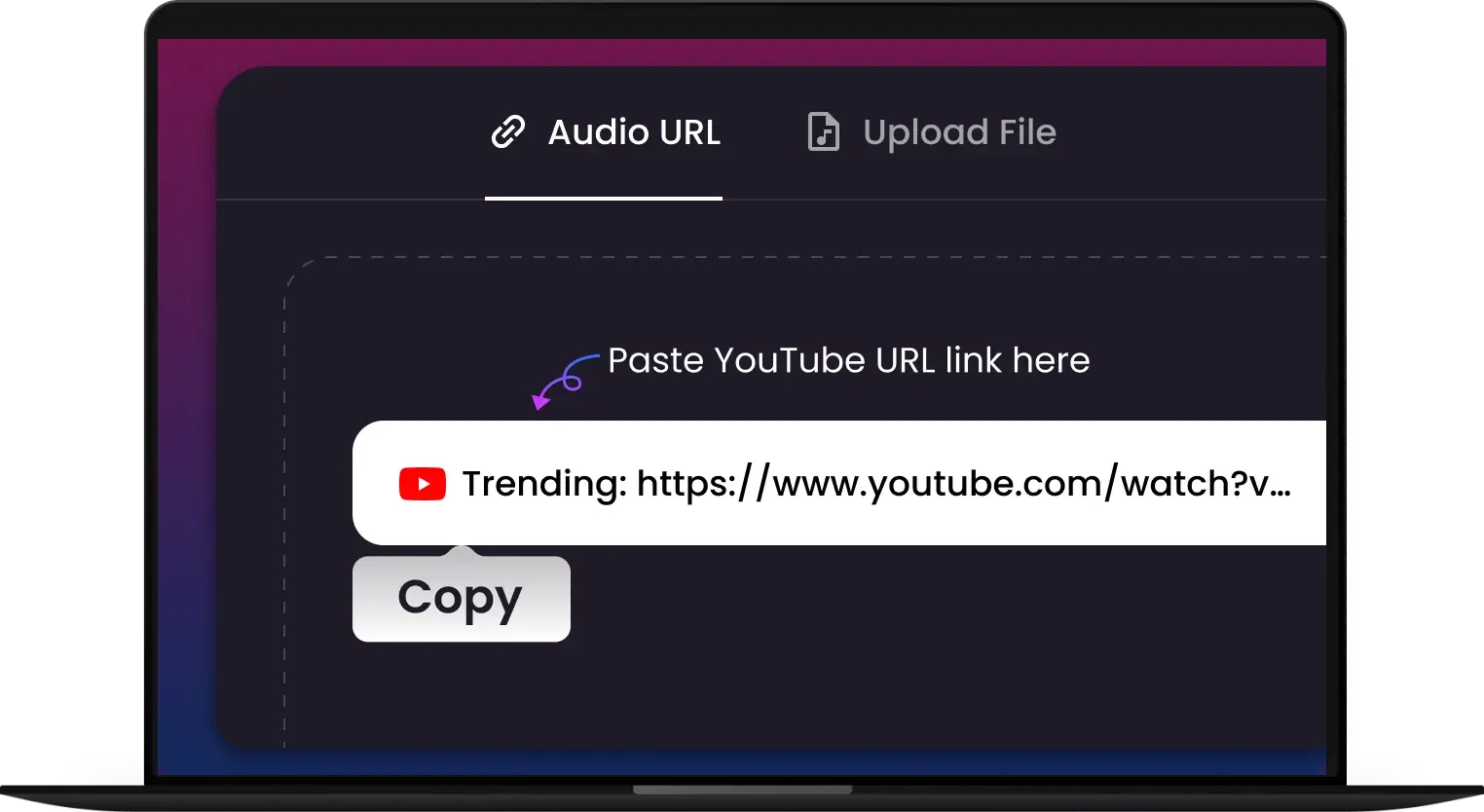
1. Upload Your Video
Drag and drop your WEBM files or click to upload. Our secure server supports batch processing, so you can add multiple videos at once for instant conversion.
-
2.
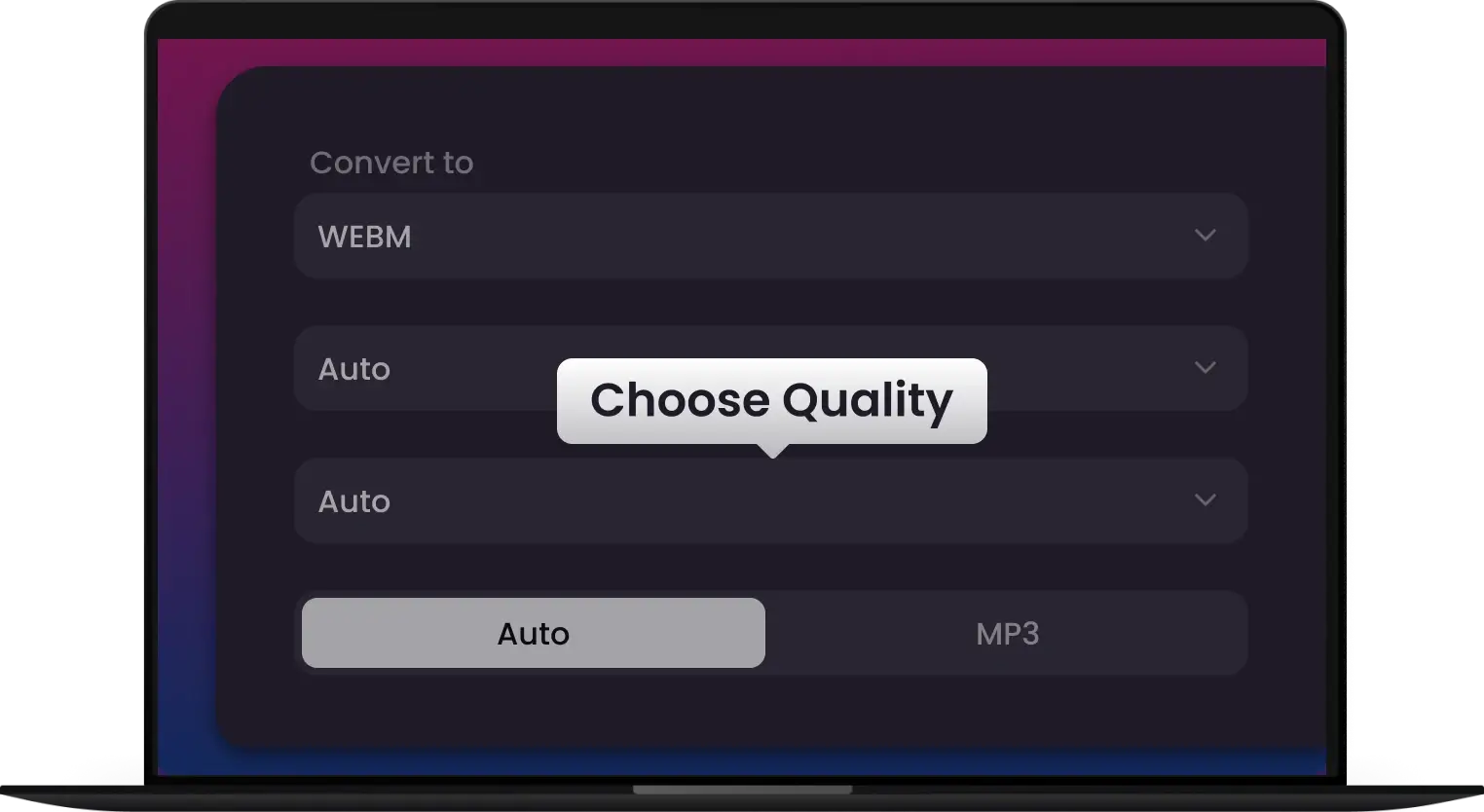
2. Choose Your Format
Select MP4, MOV, or any Apple-optimized format. Customize your settings or keep the default high-definition presets for a perfect balance of file size and visual clarity.
-
3.
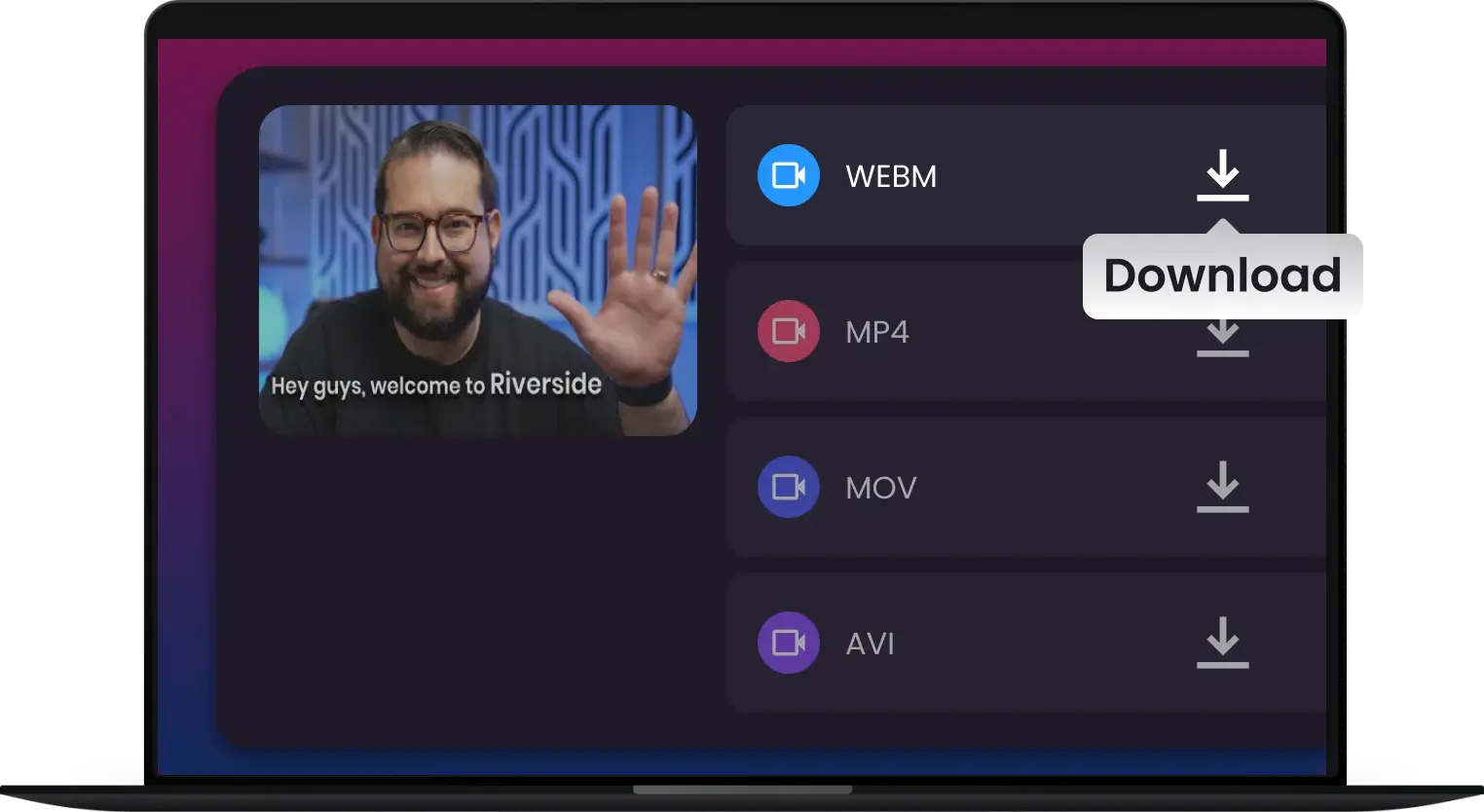
3. Convert & Download
Hit "Convert" and get your files in seconds. Once finished, save your new videos directly to your device, ready for seamless playback on any iPhone, Mac or social platform.
Convert Any WEBM, No Exceptions
Convert from MP4, AVI, MOV, MKV, FLV and more — one tool for all your WebM and Apple-optimized conversion needs




They Trust Us for Speed, You’ll Love Us for Quality


Frequently Asked Questions
One Tool for Your Audio, A Whole Suite for Your Workflow


