 Multi-Downloader


AAC Converter Online. Instantly
Don't compromise on sound. Convert to AAC with zero quality loss and keep your metadata intact
- AAC
- Auto
-
 7Digital
- Amazon Music
- Apple Music
- Artlist
- Audio
- Audiomack
-
 Bandcamp
-
 Beatport
-
 BeatStars
-
 Boomplay
-
 Bugs
Bugs
- Deezer
-
 DI.FM
DI.FM
-
 DJ Bill Bass
- Epidemic Sound
- Internet Archive
-
 KKBOX
KKBOX
-
 LINE Music
-
 ccMixter
-
 Jamendo
-
 MakeBestMusic
-
 Melon
Melon
-
 Mixcloud
- Mureka
-
 Musopen
-
 Myinstants
-
 NetEase
-
 Pandora
-
 Pixabay
-
 Qobuz
Qobuz
-
 PrayerSong
-
 RaveDJ
-
 Smule
Smule
-
 Songer
-
 Soniva
- SoundCloud
-
 Splice
- Spotify
-
 StreetVoice
- Suno
-
 Tidal
Tidal
- Tumblr
-
 Udio
Udio
- YouTube
- YouTube Music
- Bilibili
-
 Instagram
- TikTok
-
 抖音
抖音
- 歌曲宝


- AAC
- Auto
-
7Digital
- Amazon Music
- Apple Music
- Artlist
- Audio
- Audiomack
-
Bandcamp
-
Beatport
-
BeatStars
-
Boomplay
-
Bugs
- Deezer
-
DI.FM
-
DJ Bill Bass
- Epidemic Sound
- Internet Archive
-
KKBOX
-
LINE Music
-
ccMixter
-
Jamendo
-
MakeBestMusic
-
Melon
-
Mixcloud
- Mureka
-
Musopen
-
Myinstants
-
NetEase
-
Pandora
-
Pixabay
-
Qobuz
-
PrayerSong
-
RaveDJ
-
Smule
-
Songer
-
Soniva
- SoundCloud
-
Splice
- Spotify
-
StreetVoice
- Suno
-
Tidal
- Tumblr
-
Udio
- YouTube
- YouTube Music
- Bilibili
-
Instagram
- TikTok
-
抖音
- 歌曲宝

High-Speed AAC Converter — Crystal-Clear Audio, GPU-Accelerated
-
Effortlessly convert WAV, FLAC, WMA and 500+ legacy audio formats
-
Fix 'Unsupported Format' errors—Convert to universal, crystal-clear AAC or M4A
-
Zero Quality Loss — Preserve every audio channel and metadata tag perfectly
-
Lightning-Fast AAC Conversion — Process entire music libraries at 180X speed
-
The pro-grade AAC solution for music collectors, podcasters, streamers, and audio professionals
Instant AAC Conversion — Smooth, Edit-Ready Audio for Premiere & DaVinci
Convert MP3, WAV, and FLAC to AAC for smaller file sizes with no quality loss - ideal for large music libraries
400+ Audio Files
Supports 400+ Audio Formats
 M4A Converter
M4B Converter
M4R Converter
MIDI Converter
MKA Converter
MOD Converter
MP3 Converter
OGA Converter
OGG Converter
Opus Converter
PCM Converter
RA / RAM
VOC Converter
WAV Converter
WEBA Converter
WMA Converter
M4A Converter
M4B Converter
M4R Converter
MIDI Converter
MKA Converter
MOD Converter
MP3 Converter
OGA Converter
OGG Converter
Opus Converter
PCM Converter
RA / RAM
VOC Converter
WAV Converter
WEBA Converter
WMA Converter
500+ Video Files
Supports 500+ Video Formats
DV Converter
DVR Converter
FLV Converter
GIF Converter
M2TS Converter
M4V Converter
MKV Converter
MOD Converter
MOV Converter
MP4 Converter
MPEG Converter
MPG Converter
MTS Converter
MXF Converter
RM Converter
RMVB Converter
SWF Converter
TS Converter
VOB Converter
WEBM Converter
WMV Converter
WTV Converter
Convert Audio to AAC in 3 Fast Steps
-
Step 1 — Upload Your Audio
Import MP3, WAV, FLAC, OGG, or any supported audio file from your device
-
Step 2 — Choose AAC Settings
Pick AAC as your format and choose your desired bitrate. Our Pro-engine ensures 100% audio integrity and metadata preservation
-
Step 3 — Convert & Go
Hit 'Start'. Experience lightning-fast batch conversion. Once finished, your files are ready to sync perfectly with iPhone, iTunes, or your Home Theater
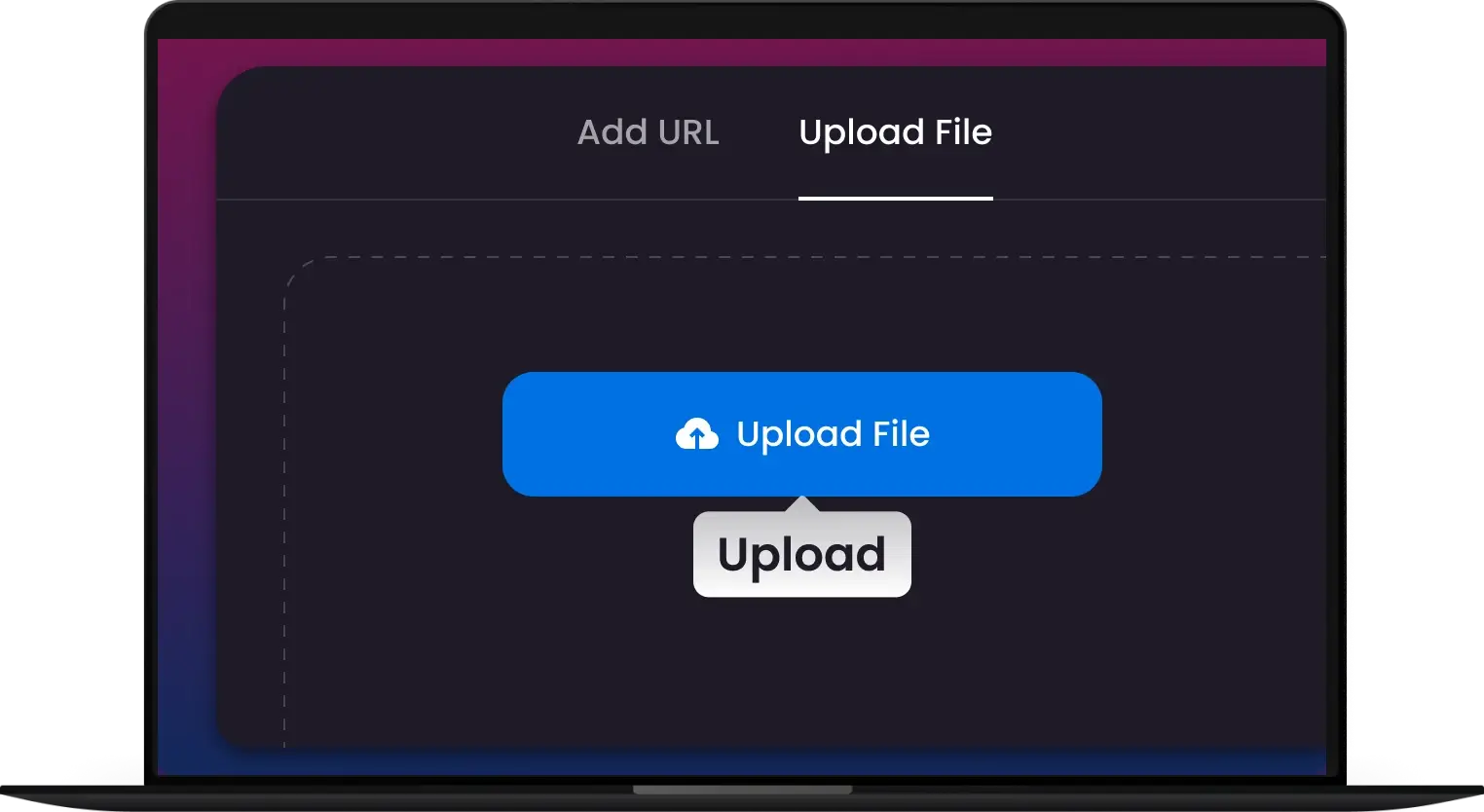
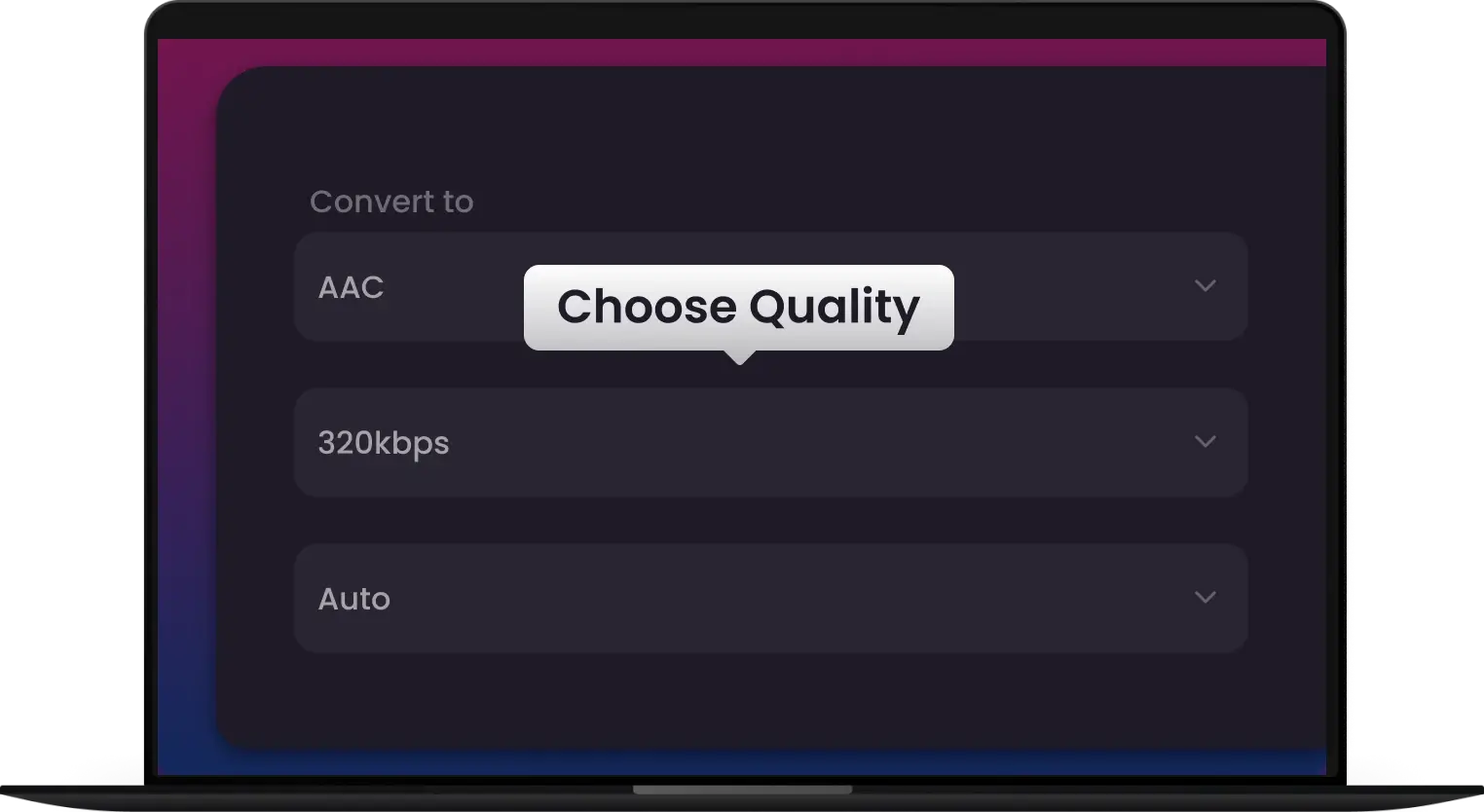
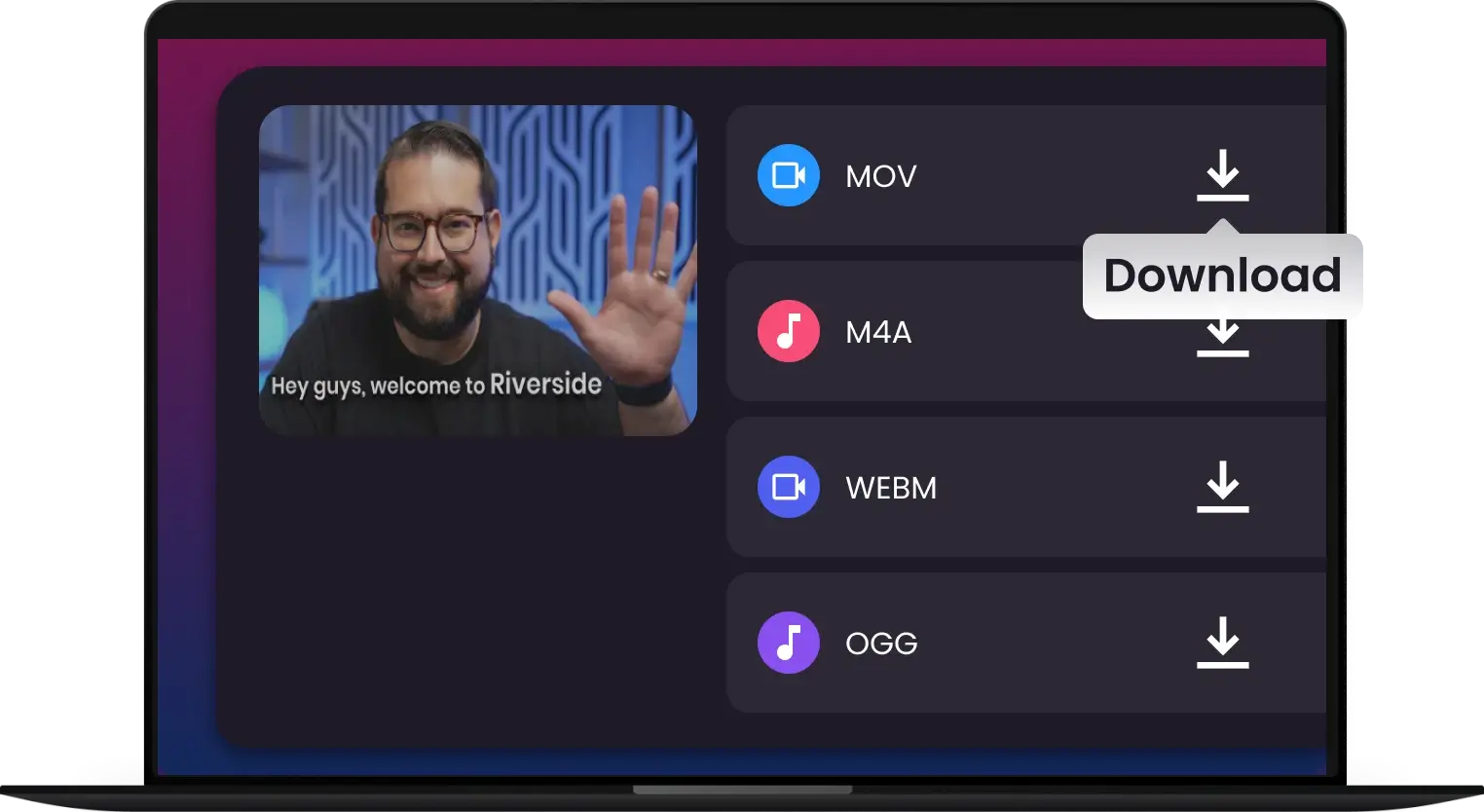
-
![Lightning-Fast AAC Batch Conversion]()
Lightning-Fast AAC Batch Conversion
Experience pro-grade transcoding speed. Convert massive music libraries to high-efficiency AAC without slowing down your PC. Optimized for multi-core processors
Convert AAC -
![Studio-Grade AAC: Zero Quality Loss]()
Studio-Grade AAC: Zero Quality Loss
Don't settle for thin sound. Transcode FLAC, WAV, and ALAC to crystal-clear 320kbps AAC. Preserve every frequency and every beat with bit-perfect accuracy.
Get Pro Quality -
![Perfect AAC Sync for iPhone & iTunes]()
Perfect AAC Sync for iPhone & iTunes
Instantly modernize legacy audio for your Apple ecosystem. Fix "Format Not Supported" errors and enjoy seamless playback on CarPlay, Apple Watch, and HomePod
Convert for iPhone -
![High-Efficiency AAC Audio Transcoding]()
High-Efficiency AAC Audio Transcoding
Shrink your file sizes without sacrificing a drop of audio quality. The smart way to manage large media collections for Plex, Roon, and mobile storage.
Optimize My Library -
![Pro-Speed Transcoding: Entire Libraries in Minutes]()
Pro-Speed Transcoding: Entire Libraries in Minutes
Why wait for slow online converters? Experience the same multi-core acceleration used by pro studios. Batch convert thousands of songs to high-fidelity AAC at 30x speed without breaking a sweat
Batch Conversion
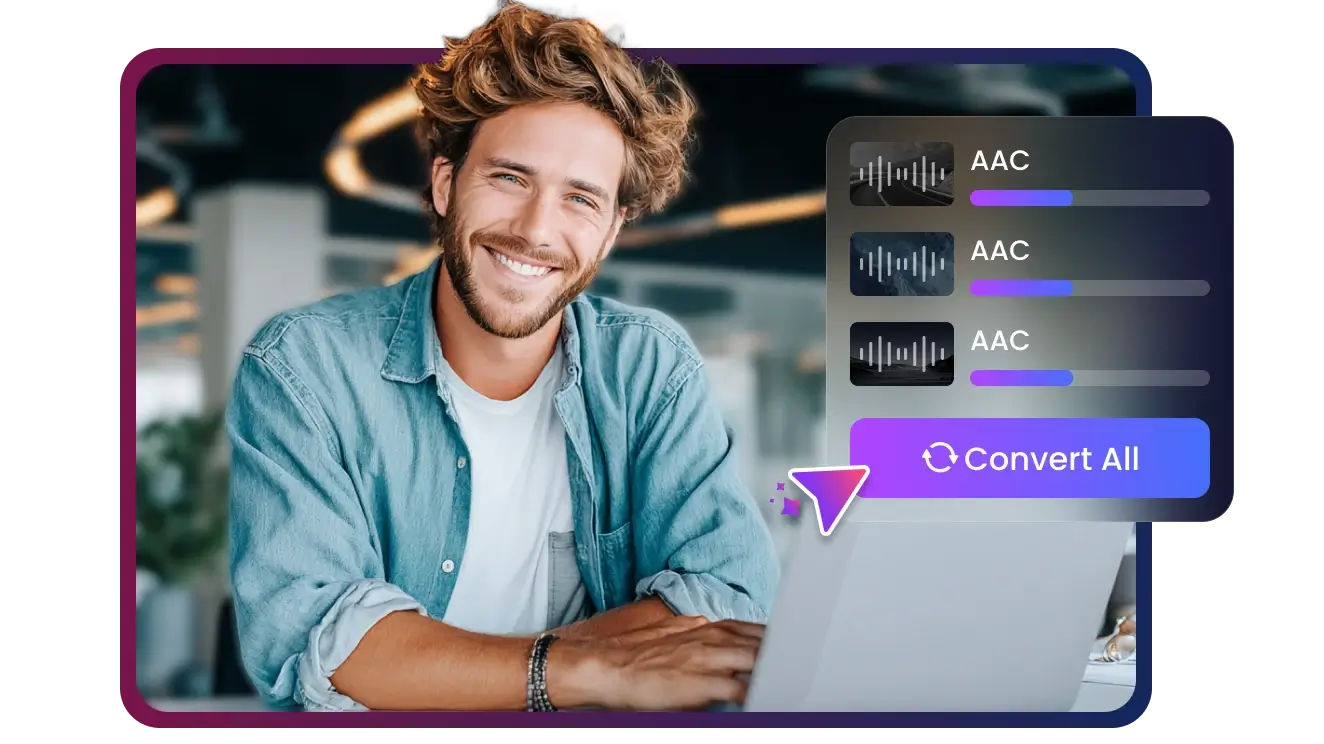
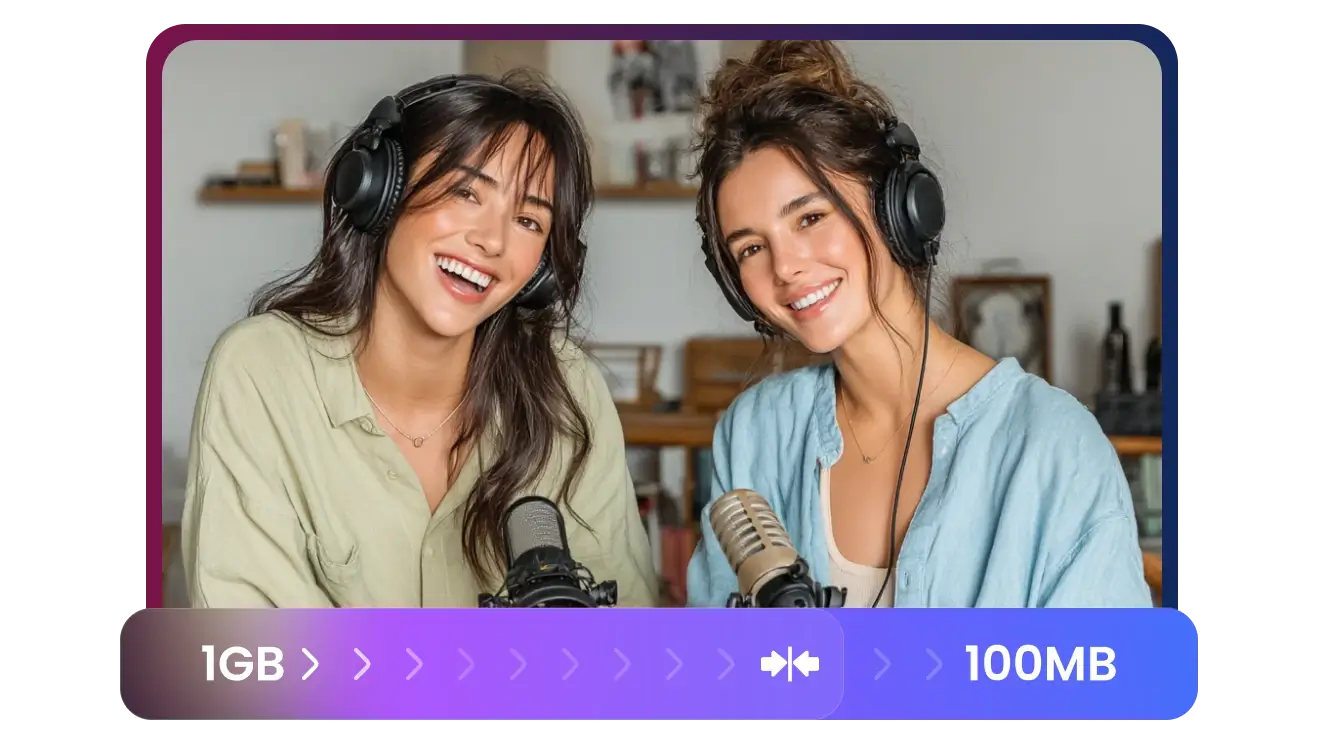

Convert Any Audio to AAC—No Exceptions
From massive Hi-Res FLAC rips to unplayable legacy files, our engine handles every audio format with ease. If it’s sound, we can convert it to high-fidelity AAC
Convert to AAC

Apple-Optimized AAC Conversion — Seamless Native Playback Guaranteed
Apple Ecosystem Loyalists
Hi-Fi & Roon Power Users
Plex Librarian
Podcasters & Audio Creators
Music Collectors


Join 500,000+ Music Lovers Using the World's Fastest AAC Converter


Frequently Asked Questions
What is the difference between AAC and MP3?
Will converting my files to AAC cause quality loss?
Can I extract AAC audio from MP4 or MOV videos?
Is this AAC converter compatible with my iPhone and iTunes?
Can I batch convert multiple folders to AAC?
What is the best bitrate to use for AAC conversion?
Does Multi-Downloader support M4A and M4B extensions?
Can I normalize the volume during conversion?
What formats can I convert to AAC?
One Tool for Your Audio, A Whole Suite for Your Workflow


