 Multi-Downloader


Opus Converter Online. Instantly
Convert MP3, WAV, FLAC, and 500+ formats to Opus instantly. Preserve full audio fidelity and retain all metadata for seamless playback
- Opus
- Auto
-
 7Digital
- Amazon Music
- Apple Music
- Artlist
- Audio
- Audiomack
-
 Bandcamp
-
 Beatport
-
 BeatStars
-
 Boomplay
-
 Bugs
Bugs
- Deezer
-
 DI.FM
DI.FM
-
 DJ Bill Bass
- Epidemic Sound
- Internet Archive
-
 KKBOX
KKBOX
-
 LINE Music
-
 ccMixter
-
 Jamendo
-
 MakeBestMusic
-
 Melon
Melon
-
 Mixcloud
- Mureka
-
 Musopen
-
 Myinstants
-
 NetEase
-
 Pandora
-
 Pixabay
-
 Qobuz
Qobuz
-
 PrayerSong
-
 RaveDJ
-
 Smule
Smule
-
 Songer
-
 Soniva
- SoundCloud
-
 Splice
- Spotify
-
 StreetVoice
- Suno
-
 Tidal
Tidal
- Tumblr
-
 Udio
Udio
- YouTube
- YouTube Music
- Bilibili
-
 Instagram
- TikTok
-
 抖音
抖音
- 歌曲宝


- Opus
- Auto
-
7Digital
- Amazon Music
- Apple Music
- Artlist
- Audio
- Audiomack
-
Bandcamp
-
Beatport
-
BeatStars
-
Boomplay
-
Bugs
- Deezer
-
DI.FM
-
DJ Bill Bass
- Epidemic Sound
- Internet Archive
-
KKBOX
-
LINE Music
-
ccMixter
-
Jamendo
-
MakeBestMusic
-
Melon
-
Mixcloud
- Mureka
-
Musopen
-
Myinstants
-
NetEase
-
Pandora
-
Pixabay
-
Qobuz
-
PrayerSong
-
RaveDJ
-
Smule
-
Songer
-
Soniva
- SoundCloud
-
Splice
- Spotify
-
StreetVoice
- Suno
-
Tidal
- Tumblr
-
Udio
- YouTube
- YouTube Music
- Bilibili
-
Instagram
- TikTok
-
抖音
- 歌曲宝

High-Speed Opus Converter — Next-Gen Audio, Hyper-Fast Processing
-
Effortlessly convert FLAC, ALAC, WAV, MP3, OGG and 500+ audio formats
-
Optimized for podcasters, DJs, music collectors, sound engineers and more
-
Optimize your library for Discord, Telegram, and High-End Mobile Streaming
-
Zero Metadata Loss — Keep your library organized with bit-perfect accuracy
-
Turn 'unsupported' audio files into high-quality Opus for iPhone, iTunes, Apple Music
Shrink Your Library, Not Your Sound. Convert Any Audio to Opus Instantly
Turn bulky MP3, WAV, and FLAC files into high-performance Opus audio—superior quality at a fraction of the size. Ideal for massive music libraries and mobile storage.
400+ Audio Files
Supports 400+ Audio Formats
 M4A Converter
M4B Converter
M4R Converter
MIDI Converter
MKA Converter
MOD Converter
MP3 Converter
OGA Converter
OGG Converter
Opus Converter
PCM Converter
RA / RAM
VOC Converter
WAV Converter
WEBA Converter
WMA Converter
M4A Converter
M4B Converter
M4R Converter
MIDI Converter
MKA Converter
MOD Converter
MP3 Converter
OGA Converter
OGG Converter
Opus Converter
PCM Converter
RA / RAM
VOC Converter
WAV Converter
WEBA Converter
WMA Converter
500+ Video Files
Supports 500+ Video Formats
DV Converter
DVR Converter
FLV Converter
GIF Converter
M2TS Converter
M4V Converter
MKV Converter
MOD Converter
MOV Converter
MP4 Converter
MPEG Converter
MPG Converter
MTS Converter
MXF Converter
RM Converter
RMVB Converter
SWF Converter
TS Converter
VOB Converter
WEBM Converter
WMV Converter
WTV Converter
Convert Any Audio to Opus in 3 Fast Steps
-
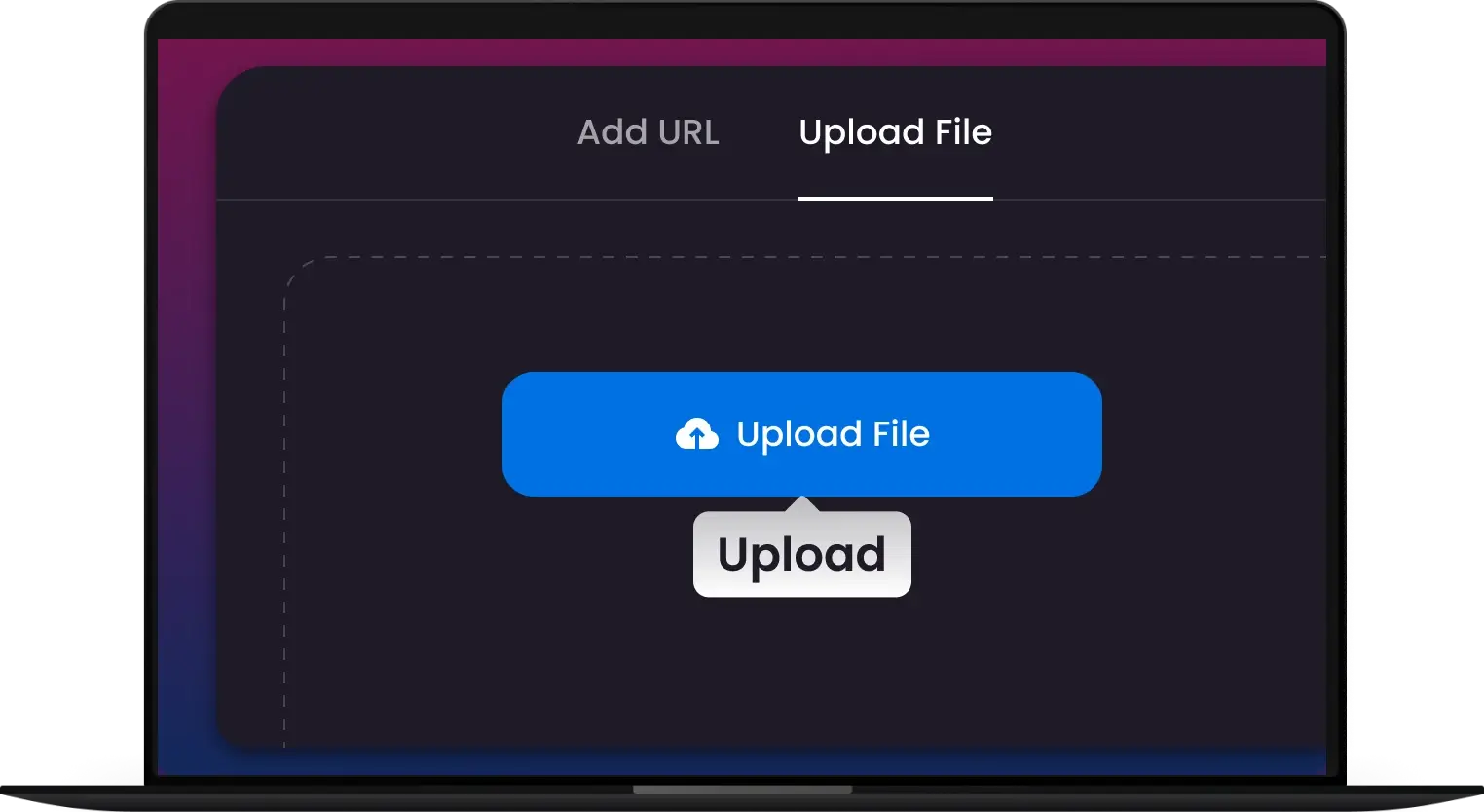
Step 1 — Upload Your Audio
Import MP3, WAV, FLAC, or any supported audio file from your device.
-
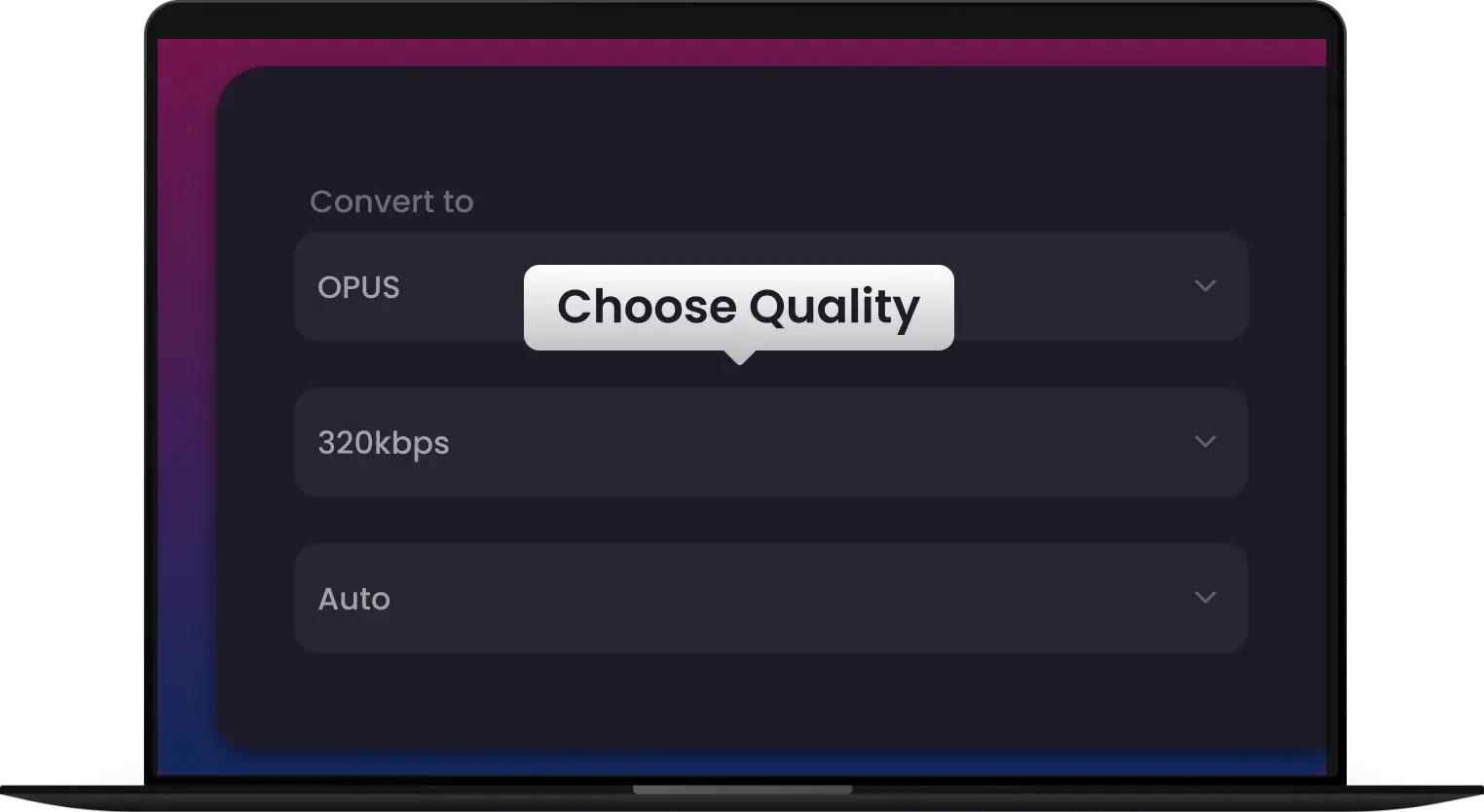
Step 2 — Select Opus Settings
Select Opus as your output format. Use our smart presets to find the 'sweet spot' between ultra-low file size and studio-grade audio fidelity. Your metadata stays 100% intact.
-
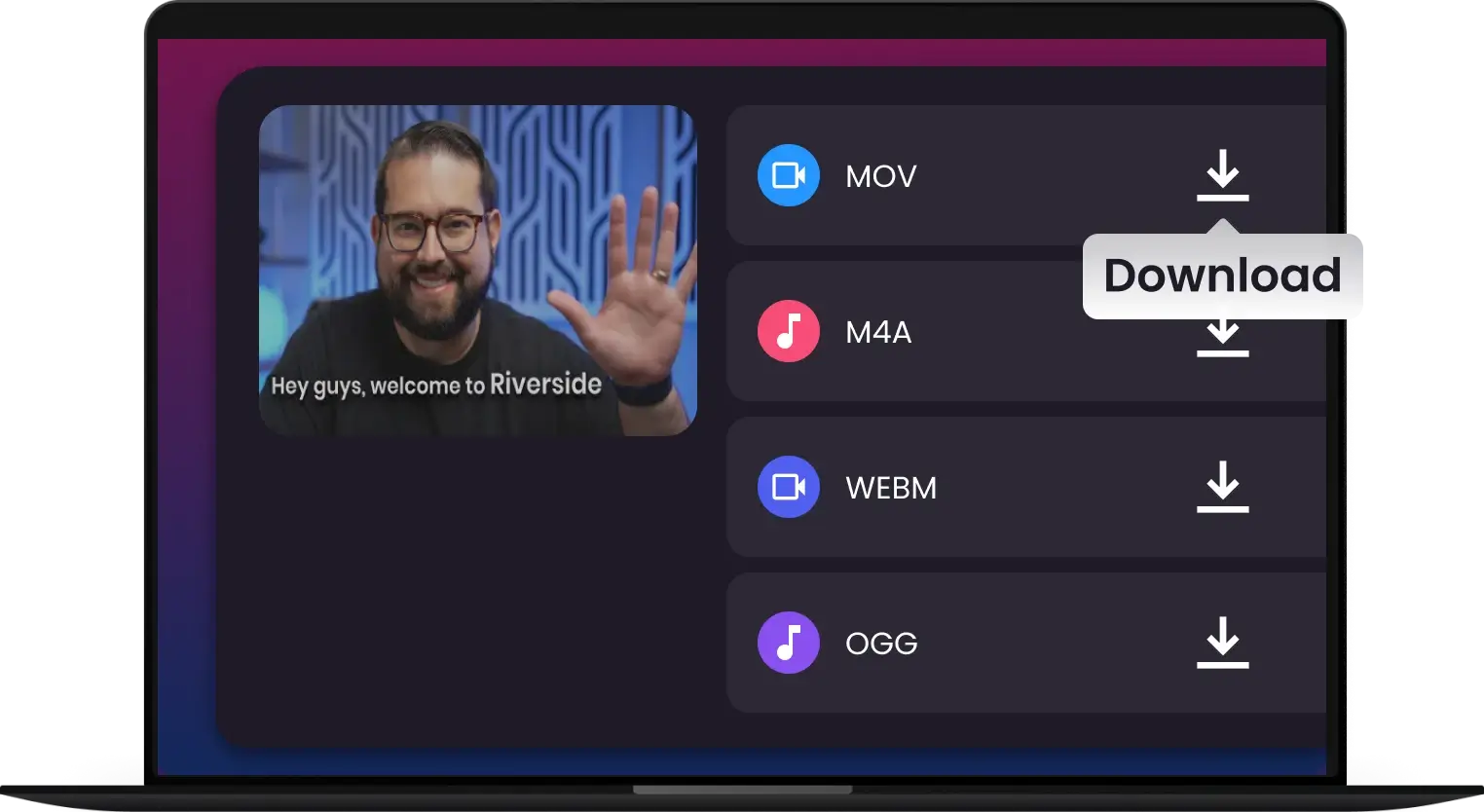
Step 3 — Convert & Go
Hit 'Start' and you're done. Experience industry-leading transcoding speeds. Once finished, your files are ready for high-performance streaming on Discord, Telegram.
-
![Next-Gen Audio: Better Sound, Smaller Files]()
Next-Gen Audio: Better Sound, Smaller Files
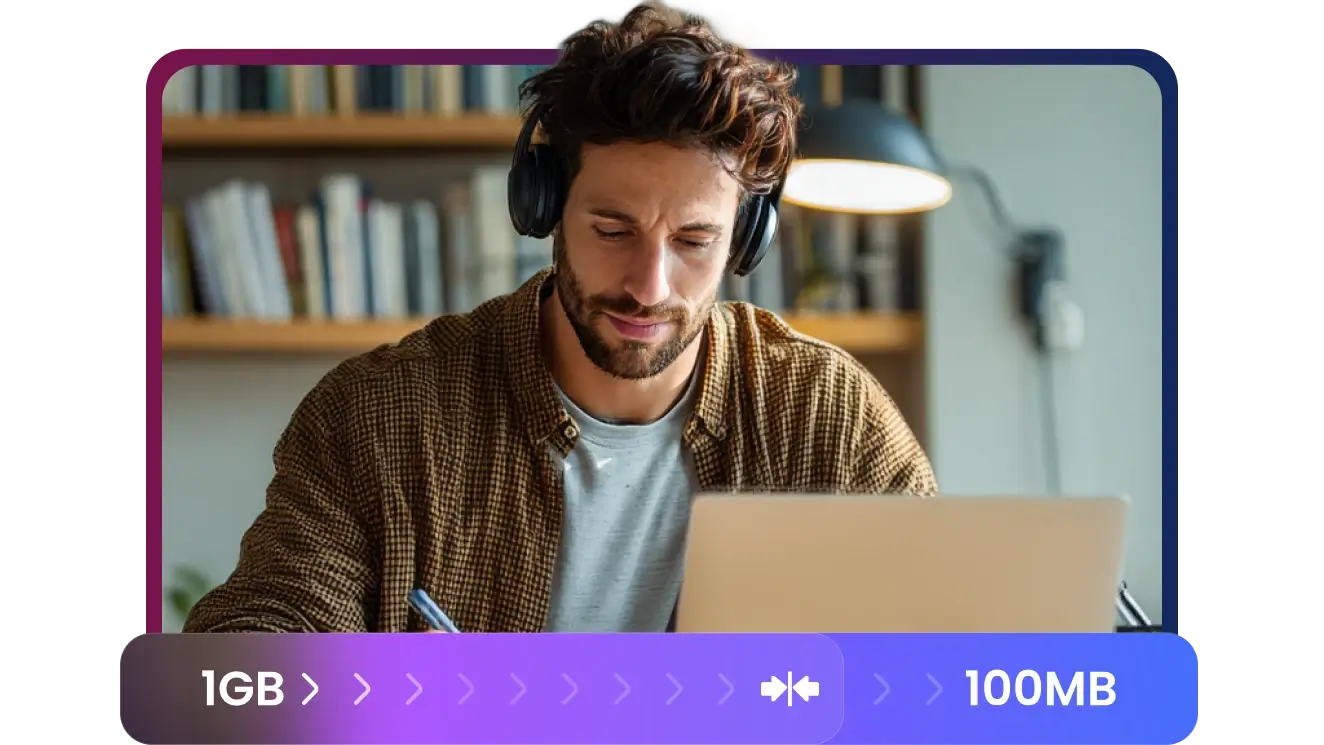
Why waste storage? Opus outperforms MP3 and AAC at almost every bitrate. Shrink your library size while maintaining studio-level clarity. Perfect for mobile devices and cloud storage.
Convert Opus -
![Bit-Perfect Conversion with Metadata Integrity]()
Bit-Perfect Conversion with Metadata Integrity
Don't lose your labels. Our converter ensures every ID3 tag, artist name, and high-res cover art stays perfectly attached to your new Opus files. Your library stays as organized as you left it.
Lossless Conversion -
![Optimized for Discord, Telegram & VOIP]()
Optimized for Discord, Telegram & VOIP
Need audio that’s ready for the web? Opus is the industry standard for low-latency streaming. Convert your voice recordings or music for seamless playback on modern communication platforms.
Convert for Web & VOIP -
![Lightning-Fast Batch Processing]()
Lightning-Fast Batch Processing
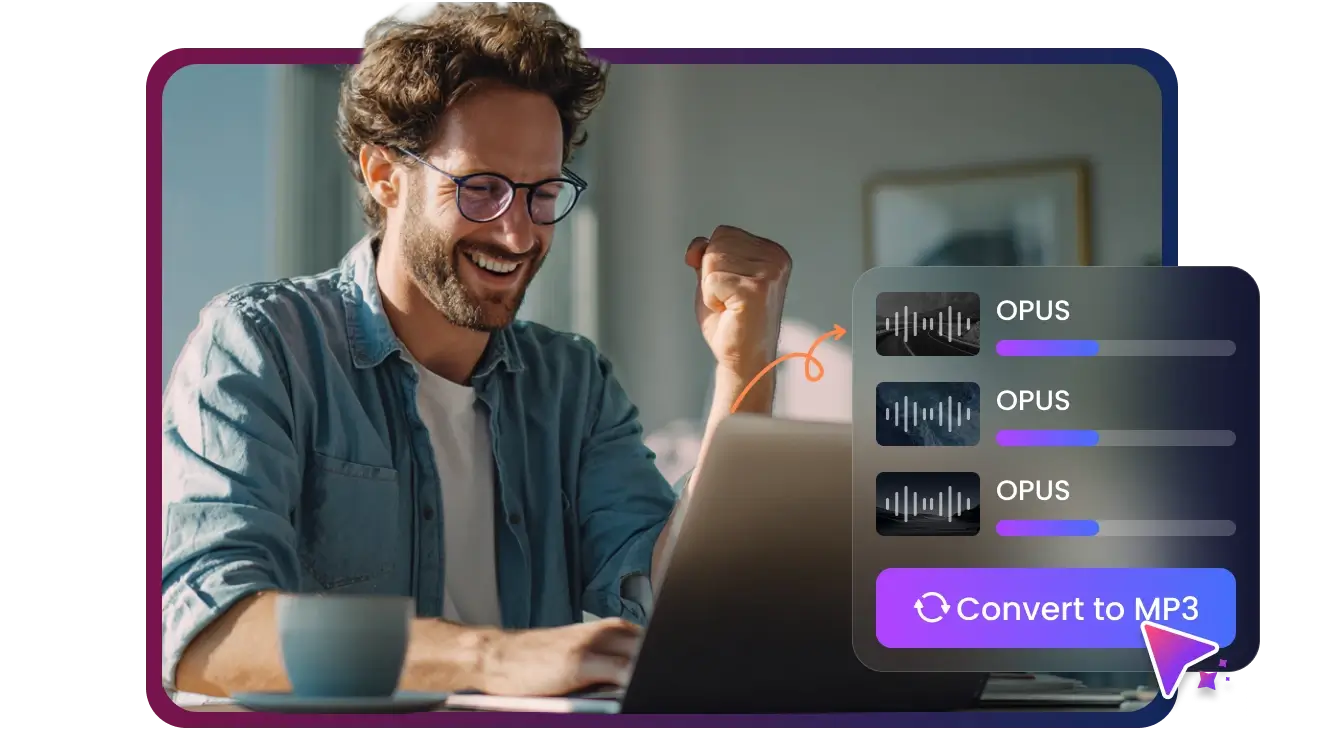
Stop converting one by one. Our high-speed engine handles entire music collections at once, leveraging your hardware to deliver 30x faster results. Fast, secure, and offline.
Batch Conversion -
![Universal Playback: The Future of Audio is Opus]()
Universal Playback: The Future of Audio is Opus
Stop worrying about format obsolescence. Opus is the modern standard supported by all major browsers, streaming platforms, and modern media players. Transition your library to the codec used by the world’s biggest tech giants for unmatched reliability.
Convert Opus

Convert Any Opus Audio to AAC—Zero Quality Loss, No Exceptions
Locked out of your WhatsApp voice memos or game recordings? Transform "stubborn" Opus files into high-quality AAC instantly.

Seamless Apple Playback for Every Opus File — Guaranteed
WhatsApp & Messaging User
Hardcore Gamer
Web Developer & Designer
Content Creator & YouTuber
Podcast Creators


Join 500,000+ Users Converting OPUS Audio—Fast, Clean, Studio-Ready


Frequently Asked Questions
Why can’t I play Opus files on my iPhone or Mac?
Does converting Opus to AAC result in audio quality loss?
Can I batch-convert WhatsApp voice notes?
Can I use converted Opus files in Adobe Premiere or Final Cut Pro?
How fast is the conversion process?
Will the converted files keep their original metadata?
What is the best output format for Opus files?
Can I adjust the volume of the audio during conversion?
Does the Opus converter support large files?
Which formats can Opus be converted to?
One Tool for Your Audio, A Whole Suite for Your Workflow


