Converter

YouTube Video-to-Text Converter

Stop watching. Copy or Download Transcripts Instantly in SRT, VTT, or TXT. The Smartest Way to Save Time, Repurpose Content, and Boost Productivity

YouTube Transcript
Paste URL Link here
    MP3, AAC, FLAC, MP4, AVI, MOV and more
    Up to 100 audio/video, max 5GB each
    Transcript Language
    English
    • English
    Subtitle Format
    SRT
    • SRT
    Transcript Now
    Paste Link
    Files to be converted
    Keep the same settings for all files

    How it works?

    • 1. 

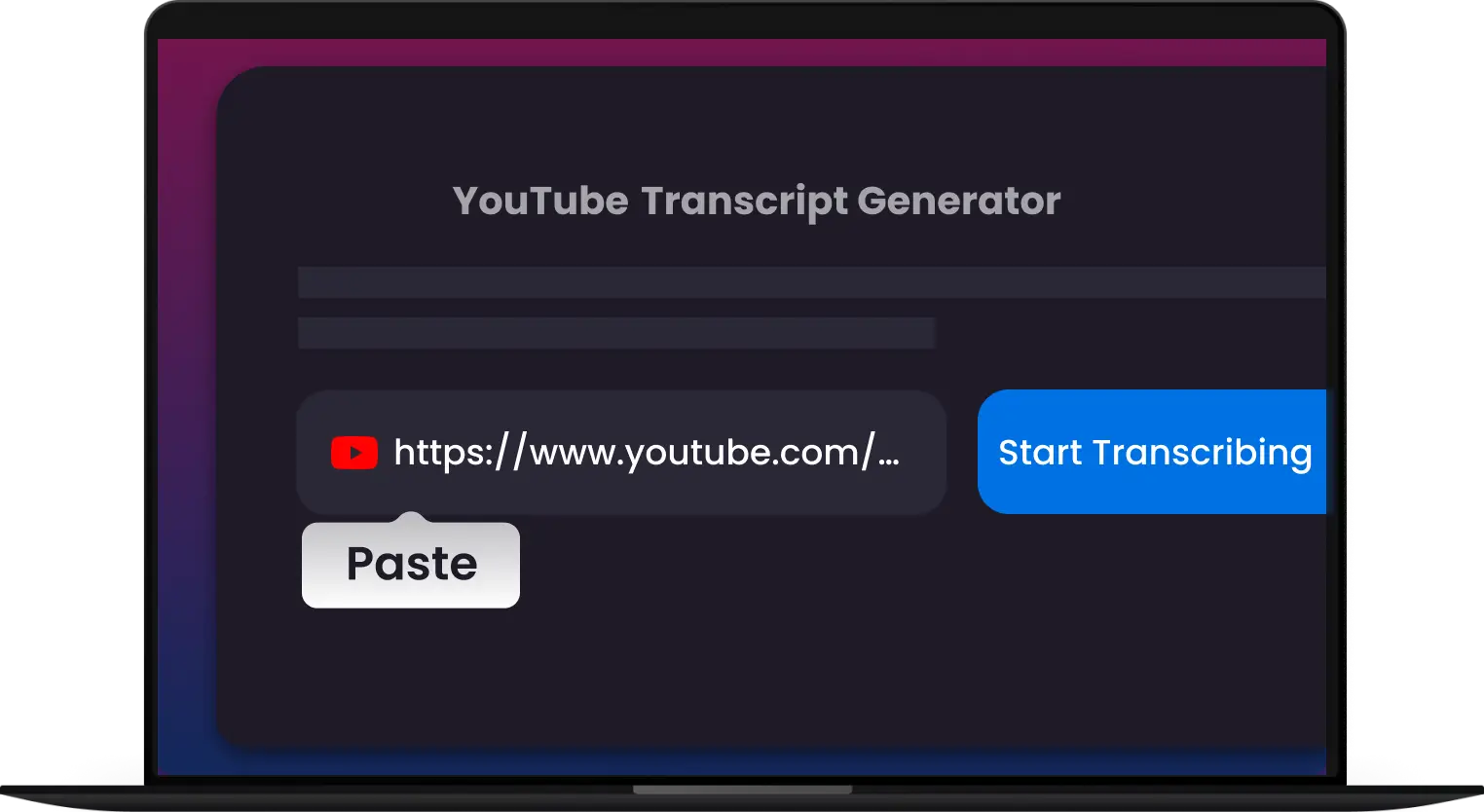
      Copy the Video Link

      Find and copy YouTube video URL from your browser‘s address bar

    • 2. 

      Paste the Link

      Paste the video link into Multi-Downloader YouTube Transcript input box below

    • 3. 

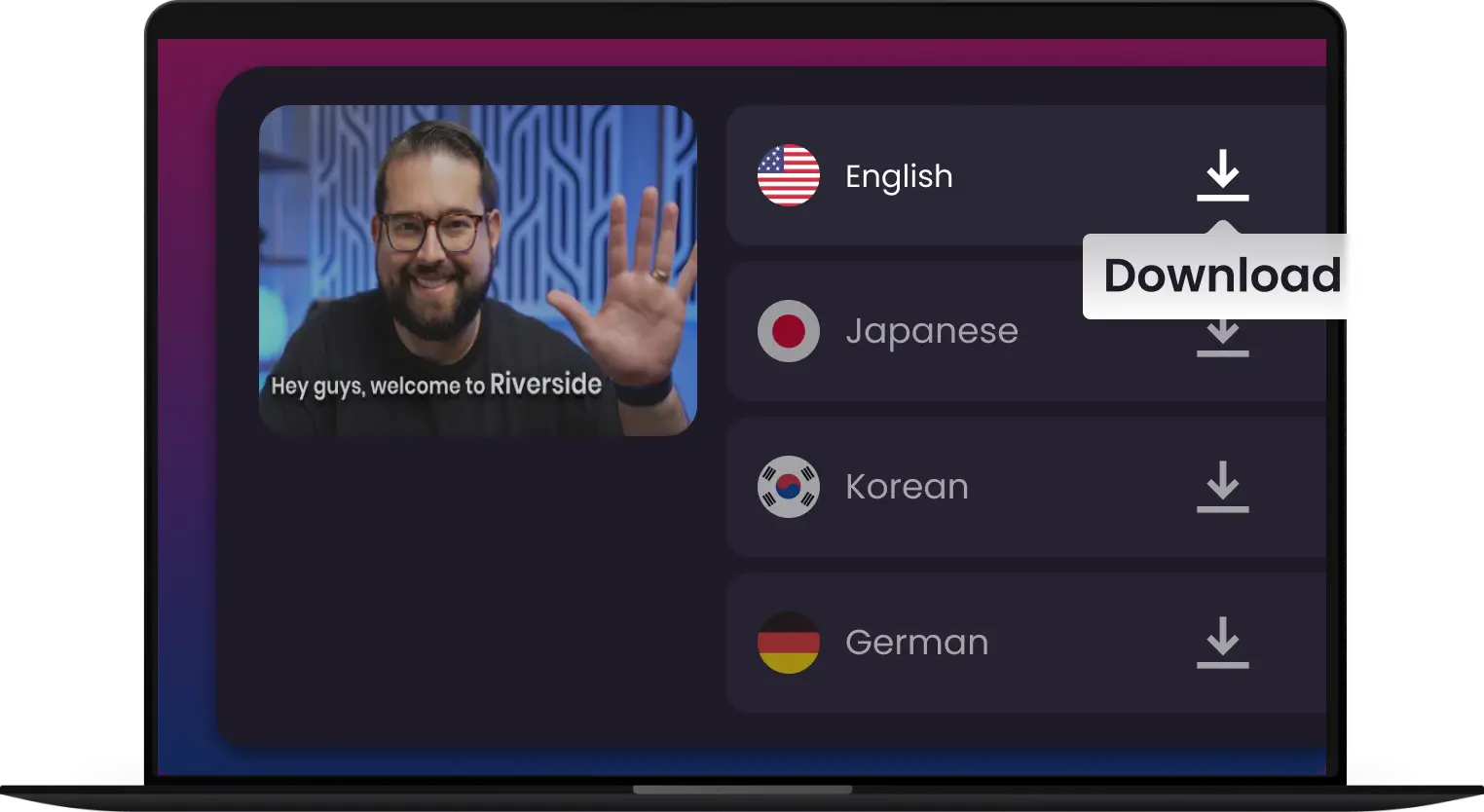
      Transcribe & Save

      Chose your desired language and click "Transcribe"
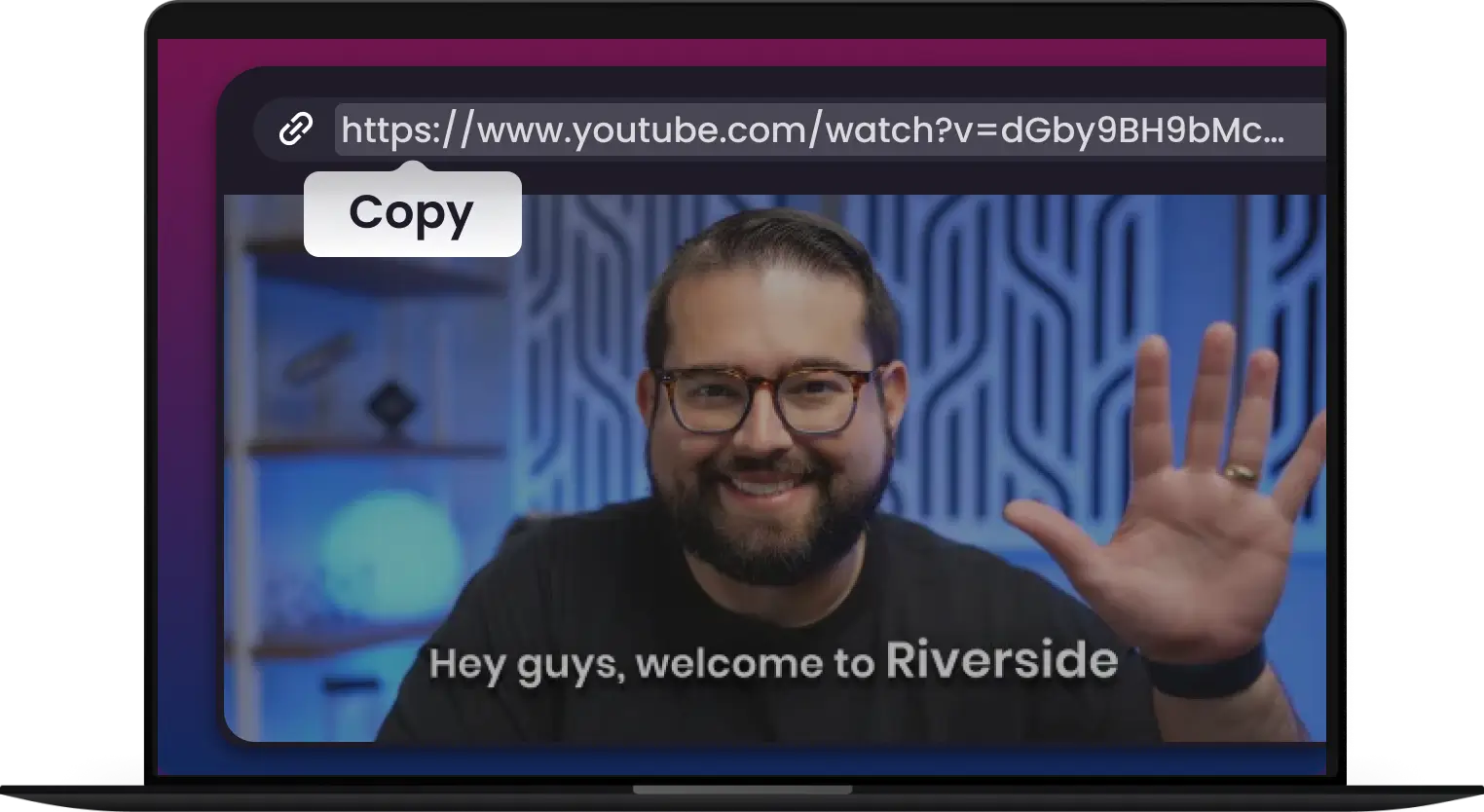
    • Copy the Video Link
    • Paste the Link
    • Transcribe & Save
    Features

    Extract Smarter. Save Time. Work Faster.

    Master Every YouTube Video - From Watching to Understanding Instantly with Multi-Downloader
    Icon: Instant Extraction

    Instant Extraction

    Convert YouTube video to text instantly. Fast, Accurate, and Downloadable. Get full transcripts in seconds — no waiting.

    Icon: Supports All Public Videos

    Supports All Public Videos

    Extract subtitles, captions & transcripts from any public video. Get the data, insights, or content you need - all channels, all topics.

    Icon: Editable Text

    Editable Text

    Instantly turn the video transcript into editable text. Copy, search, or refine your content the way you need.

    Icon: Click, Copy, Done.

    Click, Copy, Done.

    One click is all it takes to get your transcript instantly. Then, you can save, share, or reuse it however you need.

    Icon: Summarzied by AI

    Summarzied by AI

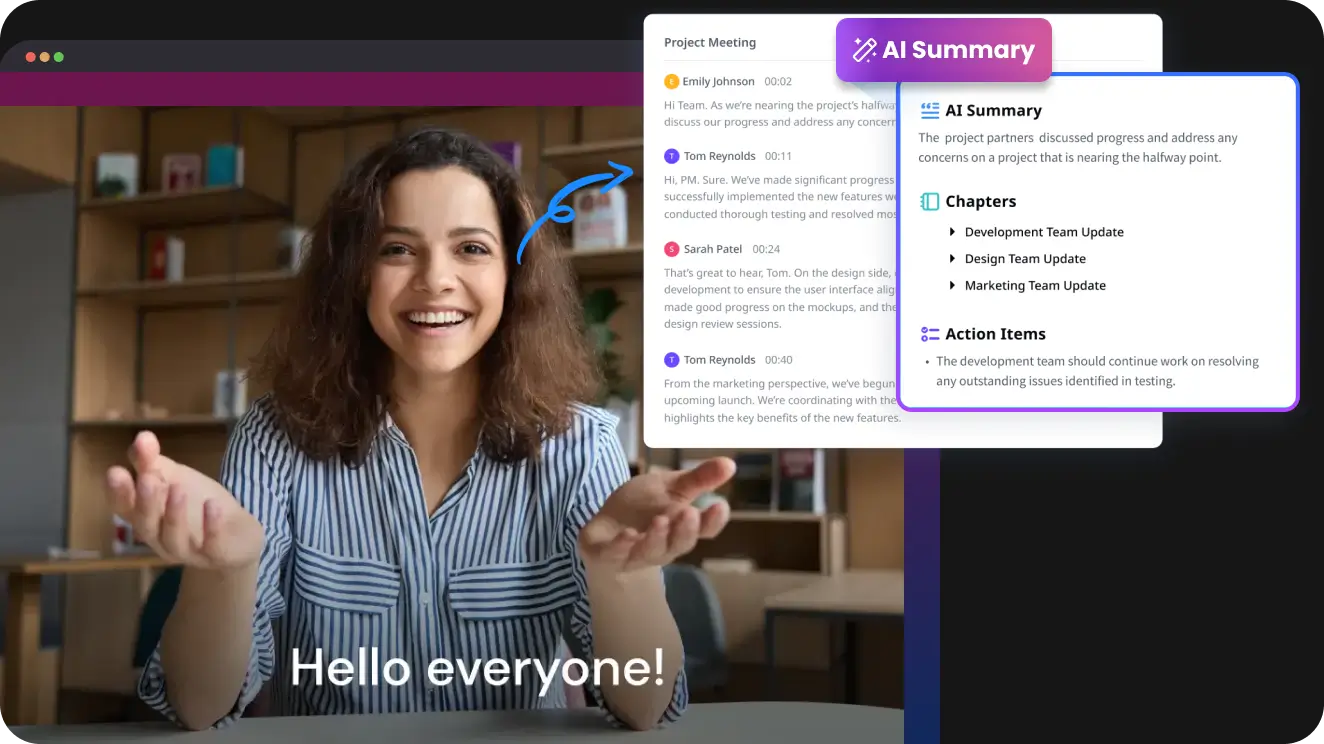
    Turn long transcripts into concise, clear summaries. Perfect for creating quick notes, blog posts, or social media content.

    Icon: No Installation Needed

    No Installation Needed

    Use directly from your browser without downloading or installing anything. Works perfectly on Chrome, Safari, Edge, and Firefox.

    Icon: Instant Extraction

    Instant Extraction

    Icon: Editable Text

    Editable Text

    Icon: Summarzied by AI

    Summarzied by AI

    Convert YouTube video to text instantly. Fast, Accurate, and Downloadable. Get full transcripts in seconds — no waiting.

    Instantly turn the video transcript into editable text. Copy, search, or refine your content the way you need.

    Turn long transcripts into concise, clear summaries. Perfect for creating quick notes, blog posts, or social media content.

    Icon: Supports All Public Videos

    Supports All Public Videos

    Icon: Click, Copy, Done.

    Click, Copy, Done.

    Icon: No Installation Needed

    No Installation Needed

    Extract subtitles, captions & transcripts from any public video. Get the data, insights, or content you need - all channels, all topics.

    One click is all it takes to get your transcript instantly. Then, you can save, share, or reuse it however you need.

    Use directly from your browser without downloading or installing anything. Works perfectly on Chrome, Safari, Edge, and Firefox.

    • Convert transcript to srt

      YouTube to Text: Get Instant Transcripts

      Ever needed the text from a YouTube video? Multi-Downloader YouTube Transcript online makes it easy. Simply paste a YouTube link and get an instant, accurate transcript.

      Transcribe for YouTube
    • Save time and unlock insights

      Unlock Key Insights to Simplify Your Workflow

      Stop wasting time with long videos. Multi-Downloader helps you get straight to the point by turning any YouTube video into a searchable transcript. Quickly find the information you need, save key moments, and get the full context of a video in seconds.

      Unlock Key Insights
    • Timestamped breakdowns

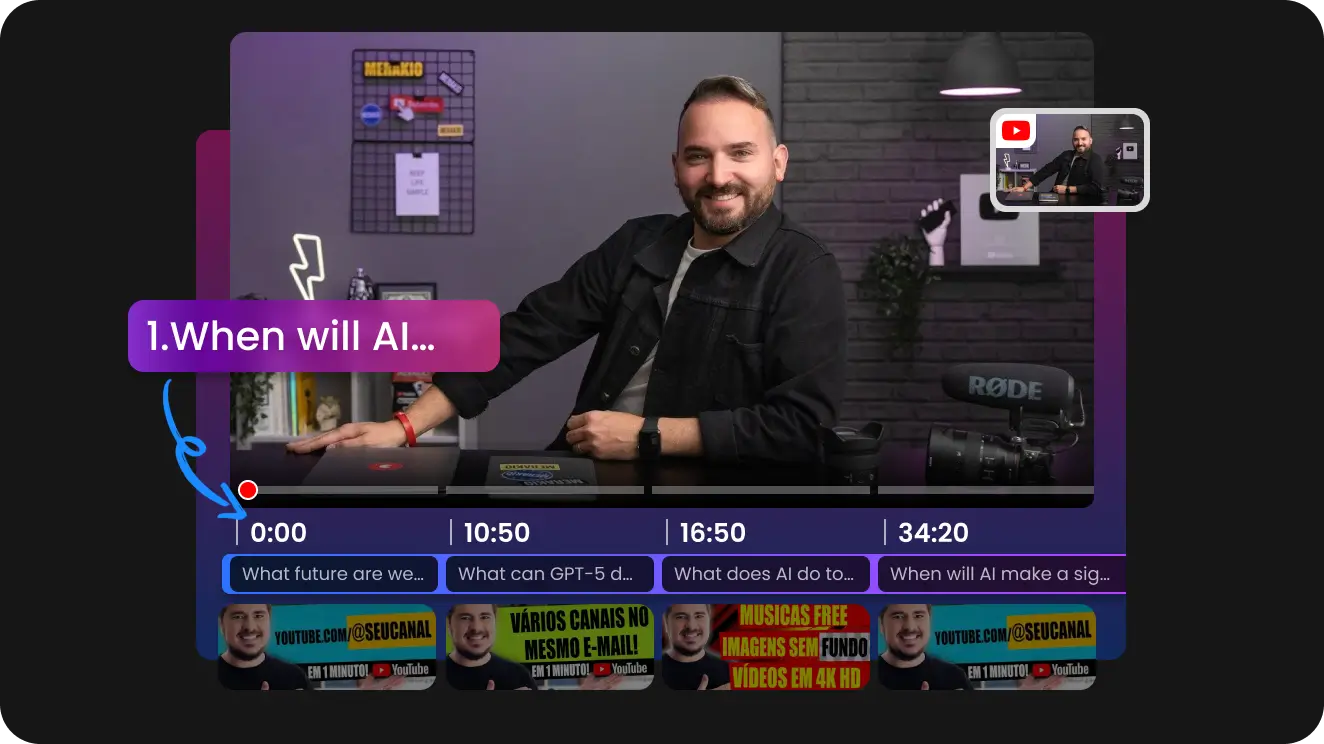
      Navigate Videos with Timestamped Breakdowns

      Skip to the exact moment you need. Our tool provides a timestamped transcript, turning any video into a navigable document. Click on a specific line of text to instantly jump to that point in the video.

      Transcribe for YouTube
    • Get video summaries by AI

      The Easiest Way to Get Video Summaries

      Don't have time to watch a long video? Our tool gives you a concise, AI-powered summary of any YouTube video in seconds. Get the key takeaways, main points, and essential information without the time commitment.

      Start Summarizing
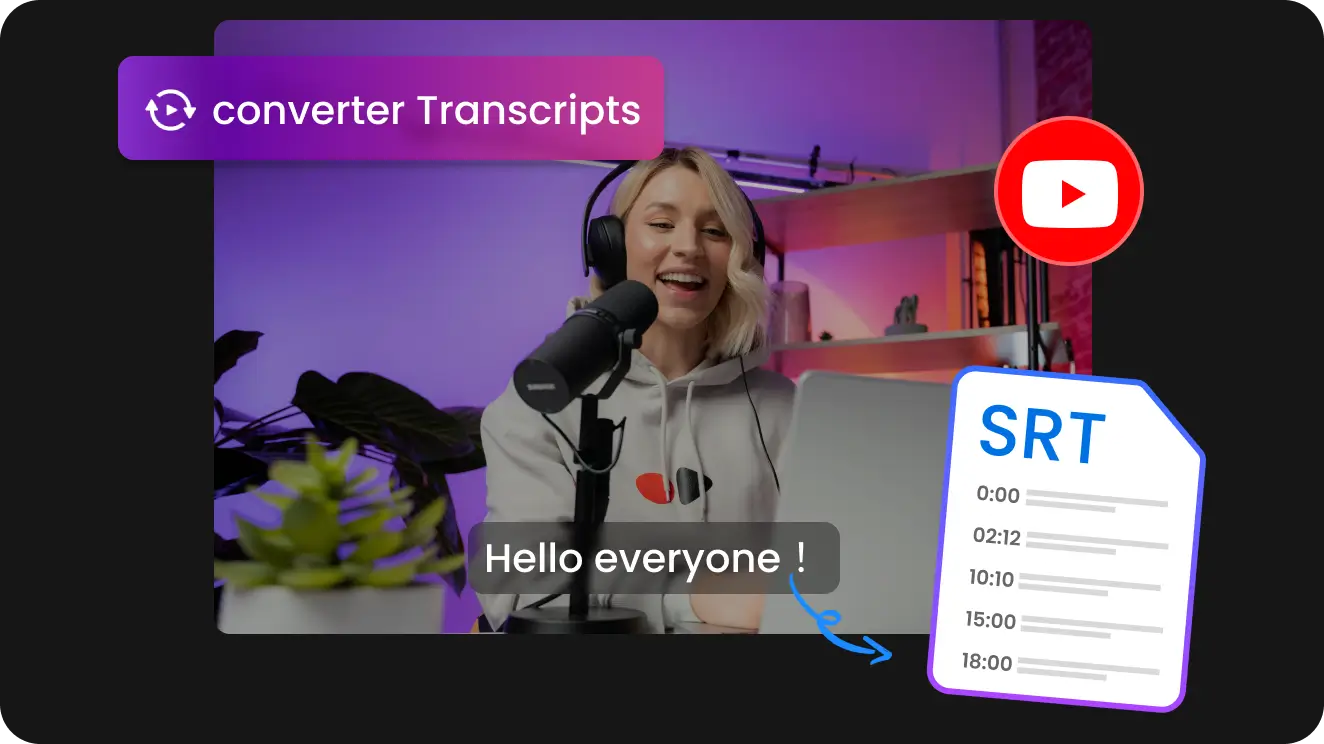
    Any Vide to Text - Powered by AI

    • Turn any YouTube video into text in seconds to Save time and enhance your workflow

    • Perfect for summaries, notes, and content repurposing

    • Easily analyze, edit, read and search, etc.

    YouTube Transcript Extractor
    Video to text, powered by AI

    From Transcript to Impact: The Many Uses of a YouTube Transcript

    • Students or Professors
      Smart Learning Starts Here

      Students or Professors

      Summarize lengthy YouTube lectures, tutorials, or documentaries. Create easy-to-review notes, fact-check topics, and share transcripts to make learning smarter.

    • Youtubers
      AI Voice Dubbing to recreate Videos

      Youtubers

      Use AI voices to localize your YouTube content, creating multilingual videos. Share your message worldwide, break language barriers, and multiply your viewers with ease.

    • Marketers
      Transcripts: More Than Just Words

      Marketers

      Accurate transcripts give your videos a powerful SEO boost. By pairing keywords to your video content, transcripts help you rank higher in search results.

    • Content Creators
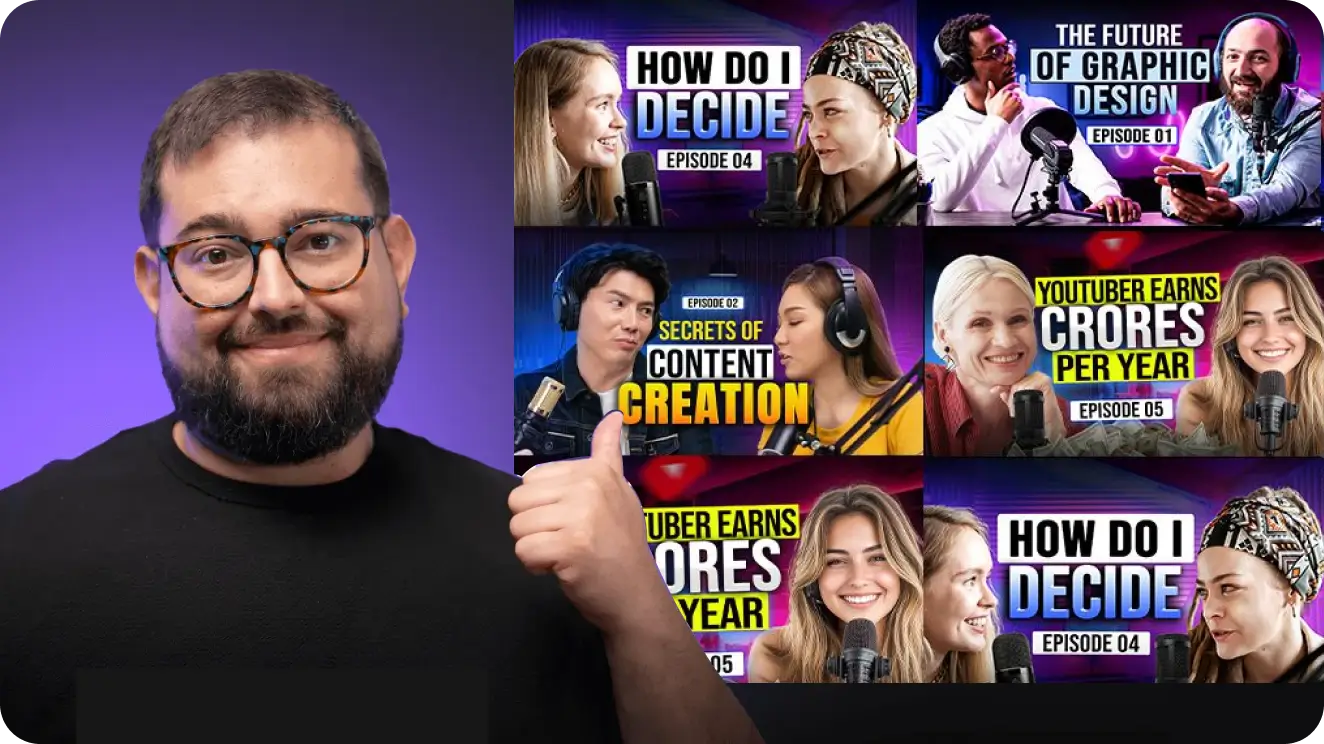
      Repurpose and Expand Your Content

      Content Creators

      Don't let your YouTube videos stay on just one platform. Let Multi-Downloader help you repurpose YouTube videos effortlessly across multiple platforms with accurate subtitles.

    RECOMMENDED BY

      Profile pic: Marketing Analyst
      Mike S.
      Marketing Analyst
      Multi-Downloader has completely changed my workflow. I used to spend so much time manually taking notes from long videos. Now, I just drop in a YouTube link and get a perfect, searchable transcript in seconds. It's a total game-changer for competitive analysis and tracking market trends. Absolutely essential.
      Profile pic: University Student
      Sarah L.
      University Student
      This tool is a lifesaver for my online classes. I can quickly turn any lecture video into a full transcript, which makes it super easy to study and find key points without re-watching the whole thing. It’s so user-friendly and helps me ace my classes.
      Profile pic: Digital Creator
      James R.
      Digital Creator
      As a creator, transcribing my own videos for SEO and repurposing content used to be a huge pain. Multi-Downloader makes it effortless. The transcripts are incredibly accurate, and I can grab them in a click. It frees up my time to focus on creating, and it's made my content more accessible.
      Profile pic: Podcast Host
      Brian H.
      Podcast Host
      I was looking for a way to easily repurpose my podcast episodes from YouTube. With Multi-Downloader, I just upload the link and get a perfect transcript to turn into show notes and blog posts. It's ridiculously fast and a huge part of my workflow now.
      Profile pic: IT Consultant
      Michael B.
      IT Consultant
      I use Multi-Downloader to transcribe tech tutorials and conference talks from YouTube. It’s the easiest way to get all the key commands and code snippets in a readable format. No more pausing and rewinding to catch what the speaker said. This tool has made my professional development so much more efficient.

    Frequently Asked Questions

    How to get transcript of YouTube video?

    To get a transcript from a video, you can utilize the built-in transcript feature on platforms like YouTube or use Multi-Downloader, an online transcription tool. Just paste the YouTube video link, and it will generate the transcript for you, with additional features like editing, downloading in different formats (like .txt or .srt), and AI summarization.

    How long does it take to transcribe a YouTube video?

    Typically, transcription takes between a few minutes to an hour depending on the length of the video.

    Can I transcribe videos in different languages?

    Yes, we support 100+ multiple languages for transcription, making it a versatile tool for international users.

    What file formats can I download my transcript in?

    You can download your transcript in multiple formats, including TXT, DOCX, PDF, VTT and SRT. This makes it easy to use your transcript for reading, editing, or adding subtitles to videos.

    Why does my YouTube video not have a transcript?

    This is a very common issue. YouTube videos don't always have transcripts for a few reasons. The creator disabled captions. The creator has not provided one. The video is private or restricted, so transcripts can’t be generated.

    Is there an easy way to get a youtube video transcript?

    Yes, there is a very easy way to get a YouTube video transcript. In fact, you have two primary options: one is built directly into YouTube, and the other is to use a free online tool. Simply paste the YouTube link into the tool, and it will create a full, searchable transcript in seconds—no manual note-taking required.

    How to remove timestamps from any transcript - YouTube?

    To remove timestamps from a YouTube transcript, first open the transcript by clicking the three dots below the video and selecting "Open transcript". Then, you can either manually disable timestamps in the interface if available, use a third-party tool to process the copied text, or paste the transcript into a text editor and use its "Find and Replace" function with a regular expression to remove the timestamps.

    How do I label speakers in my transcript?

    To label speakers in a transcript, listen to the audio and identify who is speaking, then insert their name or role (e.g., "Interviewer:") before each line of dialogue. For automatic labeling, use a transcription service with built-in speaker diarization or a software program like Multi-Downloader that offers AI-powered speaker detection, which you can then verify and correct.

    Are YouTube's built-in transcripts always accurate?

    No. YouTube's auto-generated transcripts are created by AI and can contain errors, especially with poor audio quality, background noise, or complex jargon. For professional use or for videos with multiple speakers, while Multi-Downloader can provide a much higher level of accuracy and also help with speaker identification.

    Turn YouTube Videos into Transcripts Instantly

    Empower your workflow with AI to write, summarize, translate and more
    Get Started for Free
    5025 Boardwalk Dr Ste 100, Colorado Springs, CO, 80919 Copyright © 2025 ANGELO NETWORK TECHNOLOGY LTD
    back to top