 Multi-Downloader


FLAC Converter Online. Instantly
Batch convert FLAC to MP3, WAV, or AAC in seconds. Perfect for Windows users, music lovers and effortless playback on any device
- FLAC
- Auto
-
 7Digital
- Amazon Music
- Apple Music
- Artlist
- Audio
- Audiomack
-
 Bandcamp
-
 Beatport
-
 BeatStars
-
 Boomplay
-
 Bugs
Bugs
- Deezer
-
 DI.FM
DI.FM
-
 DJ Bill Bass
- Epidemic Sound
- Internet Archive
-
 KKBOX
KKBOX
-
 LINE Music
-
 ccMixter
-
 Jamendo
-
 MakeBestMusic
-
 Melon
Melon
-
 Mixcloud
- Mureka
-
 Musopen
-
 Myinstants
-
 NetEase
-
 Pandora
-
 Pixabay
-
 Qobuz
Qobuz
-
 PrayerSong
-
 RaveDJ
-
 Smule
Smule
-
 Songer
-
 Soniva
- SoundCloud
-
 Splice
- Spotify
-
 StreetVoice
- Suno
-
 Tidal
Tidal
- Tumblr
-
 Udio
Udio
- YouTube
- YouTube Music
- Bilibili
-
 Instagram
- TikTok
-
 抖音
抖音
- 歌曲宝


- FLAC
- Auto
-
7Digital
- Amazon Music
- Apple Music
- Artlist
- Audio
- Audiomack
-
Bandcamp
-
Beatport
-
BeatStars
-
Boomplay
-
Bugs
- Deezer
-
DI.FM
-
DJ Bill Bass
- Epidemic Sound
- Internet Archive
-
KKBOX
-
LINE Music
-
ccMixter
-
Jamendo
-
MakeBestMusic
-
Melon
-
Mixcloud
- Mureka
-
Musopen
-
Myinstants
-
NetEase
-
Pandora
-
Pixabay
-
Qobuz
-
PrayerSong
-
RaveDJ
-
Smule
-
Songer
-
Soniva
- SoundCloud
-
Splice
- Spotify
-
StreetVoice
- Suno
-
Tidal
- Tumblr
-
Udio
- YouTube
- YouTube Music
- Bilibili
-
Instagram
- TikTok
-
抖音
- 歌曲宝

All-in-One FLAC Converter for Apple Devices and Pro-Level Audio Quality
-
Optimize FLAC files for Apple Music, iTunes, and high-end Car Audio
-
Turn 'unsupported' FLAC tracks into universal, high-quality MP3 or AAC
-
Effortlessly convert FLAC, ALAC, WAV, MP3, OGG and 400+ audio formats
-
Preserve Metadata — Keep your library organized with bit-perfect accuracy
-
Optimized for Audio Workflows & Beyond — Perfect for Hi-Fi enthusiasts, DJs, podcasters, music collectors, and sound engineers
Convert FLAC to 400+ Audio Formats — Seamless Playback on Any Device
From massive Hi-Res libraries to bulky FLAC files, transcode any audio to high-efficiency MP3 or ALAC — The ultimate space-saving solution for music collectors
400+ Audio Files
Supports 400+ Audio Formats
 M4A Converter
M4B Converter
M4R Converter
MIDI Converter
MKA Converter
MOD Converter
MP3 Converter
OGA Converter
OGG Converter
Opus Converter
PCM Converter
RA / RAM
VOC Converter
WAV Converter
WEBA Converter
WMA Converter
M4A Converter
M4B Converter
M4R Converter
MIDI Converter
MKA Converter
MOD Converter
MP3 Converter
OGA Converter
OGG Converter
Opus Converter
PCM Converter
RA / RAM
VOC Converter
WAV Converter
WEBA Converter
WMA Converter
500+ Video Files
Supports 500+ Video Formats
DV Converter
DVR Converter
FLV Converter
GIF Converter
M2TS Converter
M4V Converter
MKV Converter
MOD Converter
MOV Converter
MP4 Converter
MPEG Converter
MPG Converter
MTS Converter
MXF Converter
RM Converter
RMVB Converter
SWF Converter
TS Converter
VOB Converter
WEBM Converter
WMV Converter
WTV Converter
How to Convert FLAC in 3 Simple Steps
-
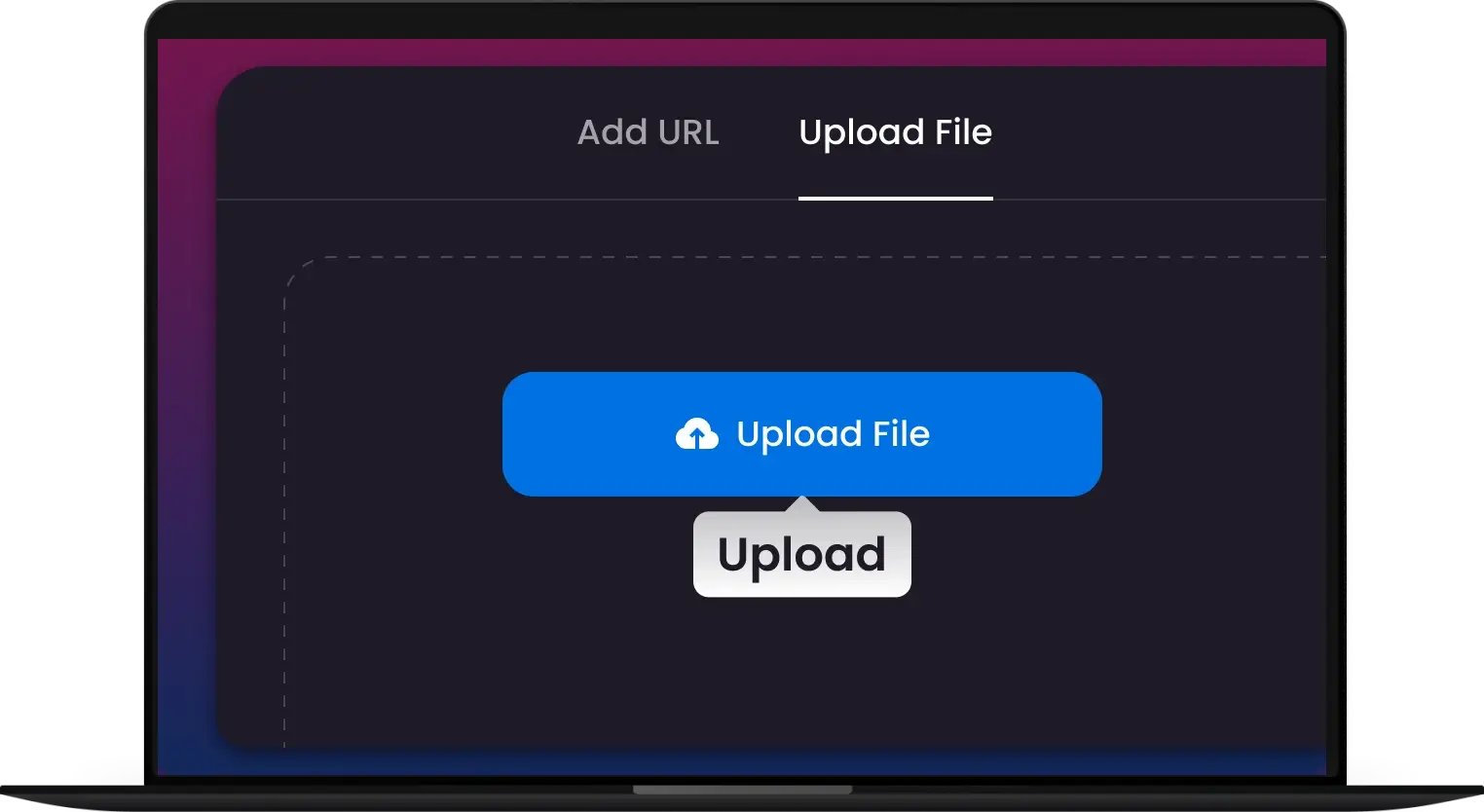
1. Upload FLAC
Drag and drop your FLAC files or entire music folders.
-
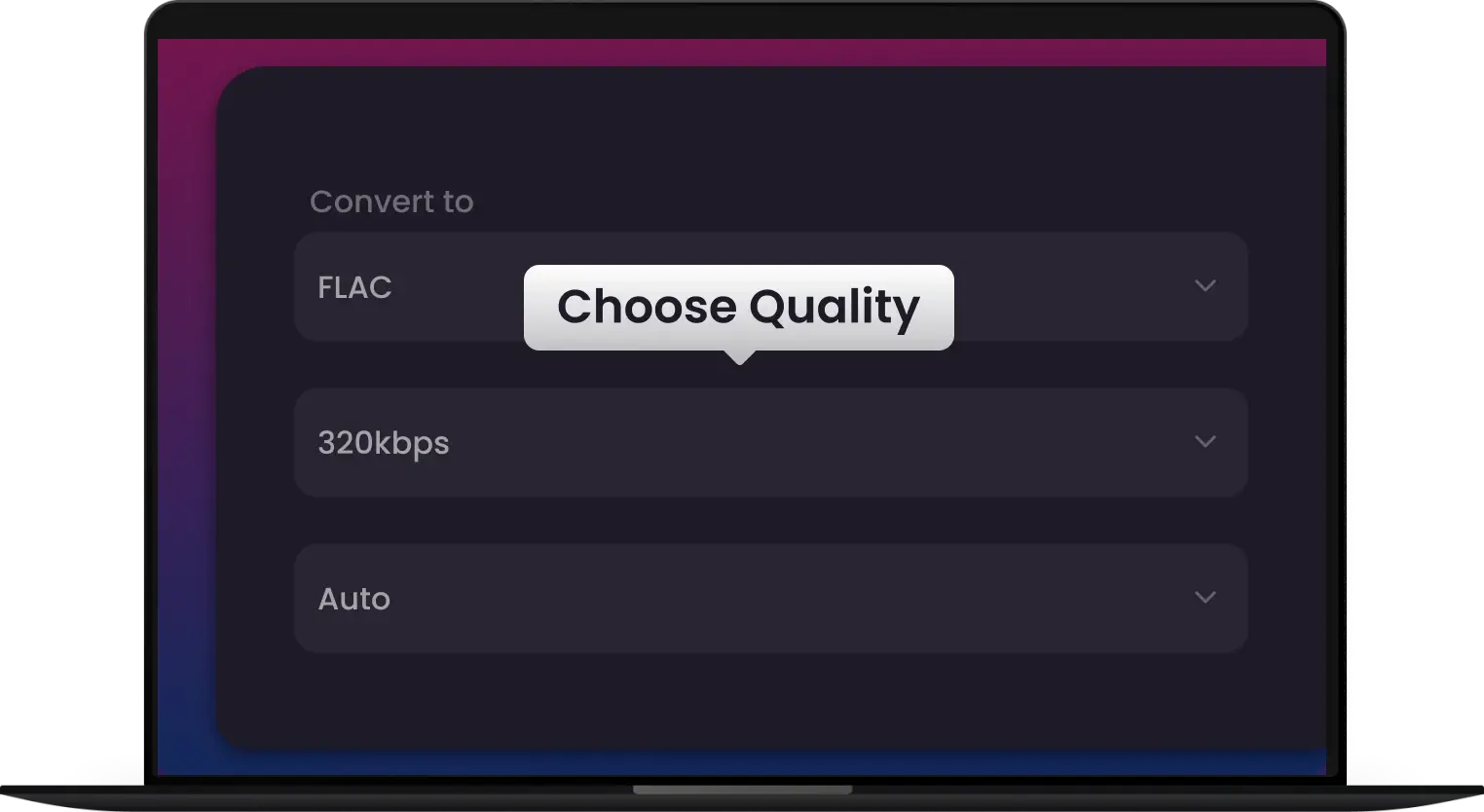
2. Pick Format
Choose your preferred bitrate and output format like MP3, WAV, or Apple-Ready ALAC.
-
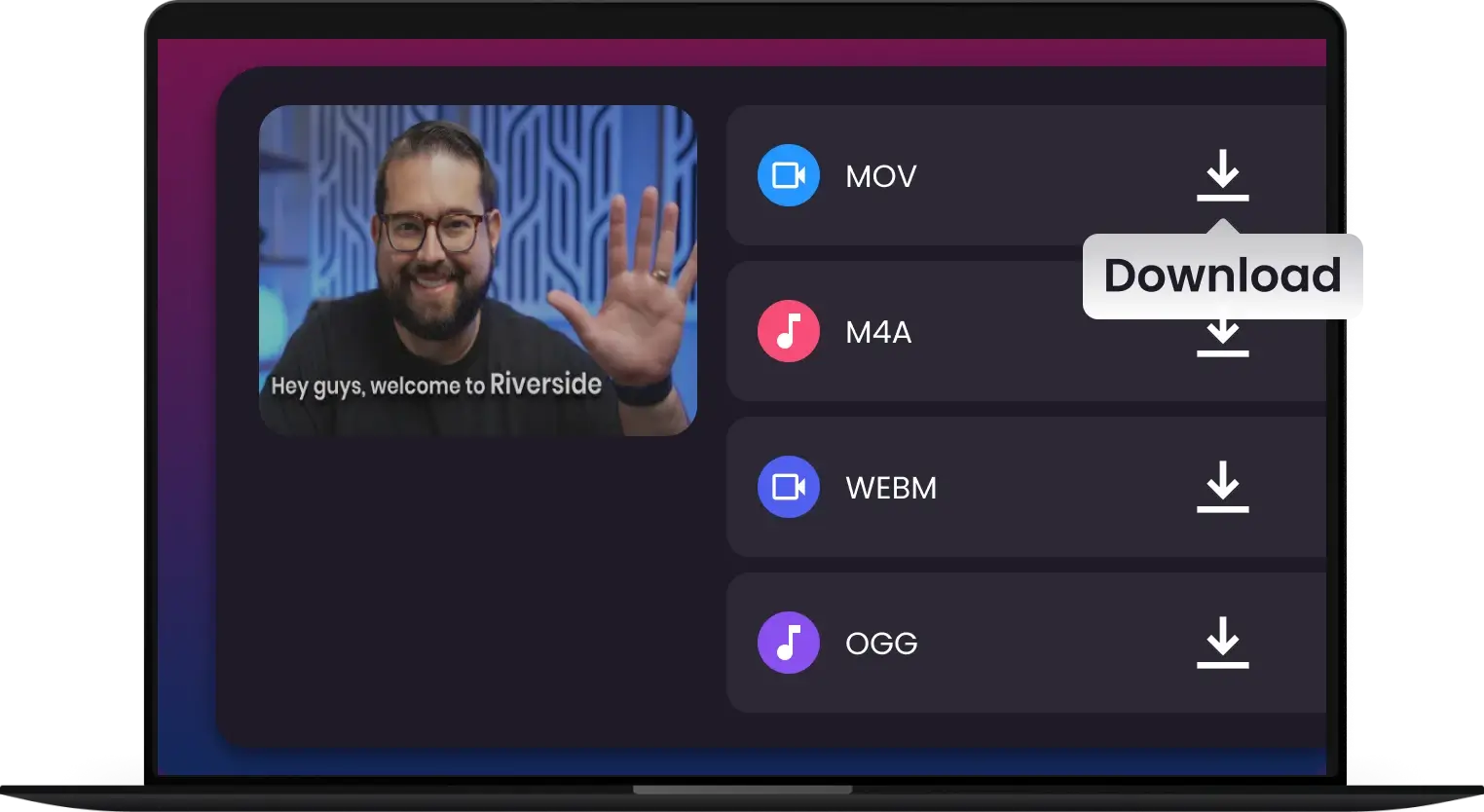
3. Convert & Go
Click 'Convert' and Get your compatible, space-saving MP3 files instantly.
-
![Bit-Perfect Transcoding — Zero Quality Loss, Every Time]()
Bit-Perfect Transcoding — Zero Quality Loss, Every Time
Don't let your high-end audio suffer from compression artifacts. Our pro-grade engine ensures a 1:1 bit-perfect conversion from FLAC to WAV or AIFF, preserving the crystal-clear studio sound your ears deserve
Convert with Zero Loss -
![Shrink Your Audio Library Without Sacrificing Detail]()
Shrink Your Audio Library Without Sacrificing Detail
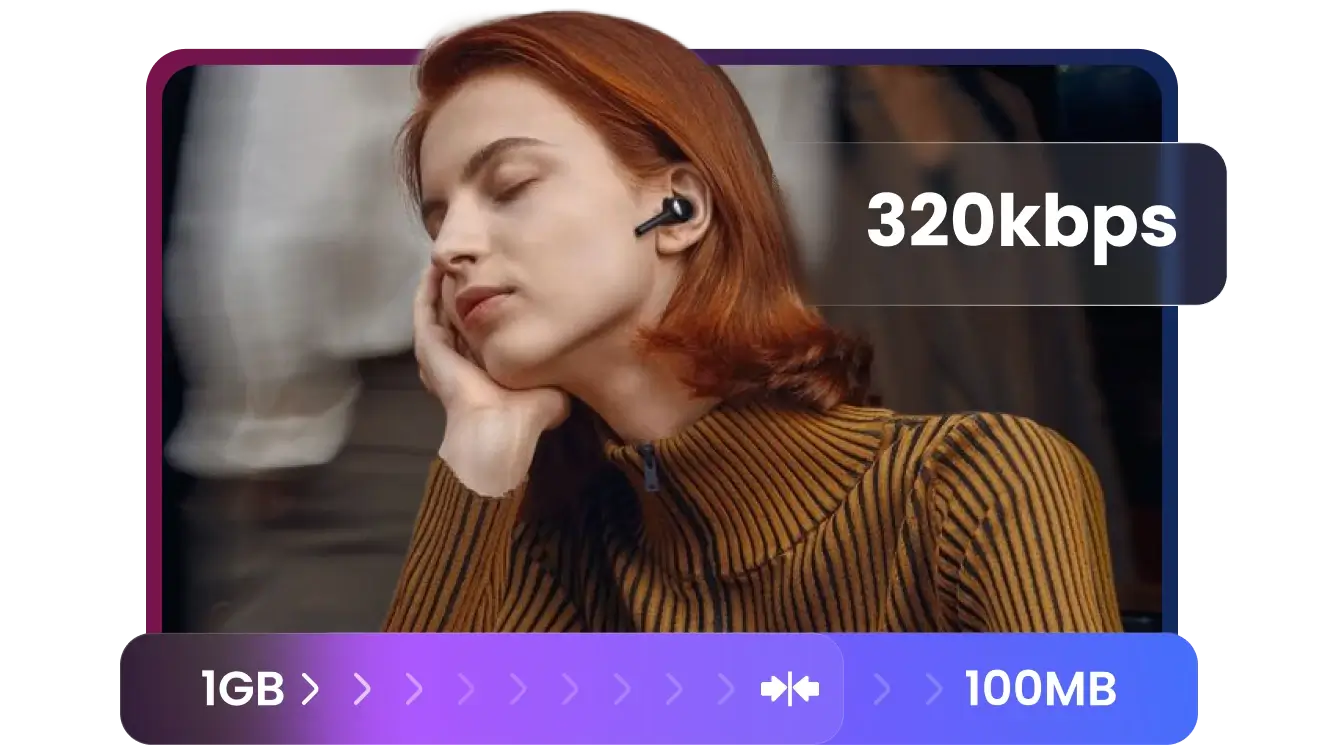
High-res FLAC files eating up your SSD or phone storage? Convert massive tracks into high-efficiency, 320kbps MP3s. Reclaim gigabytes of space while maintaining an elite listening experience on the go
Optimize My Storage -
![Batch Process Entire Albums in a Single Click]()
Batch Process Entire Albums in a Single Click
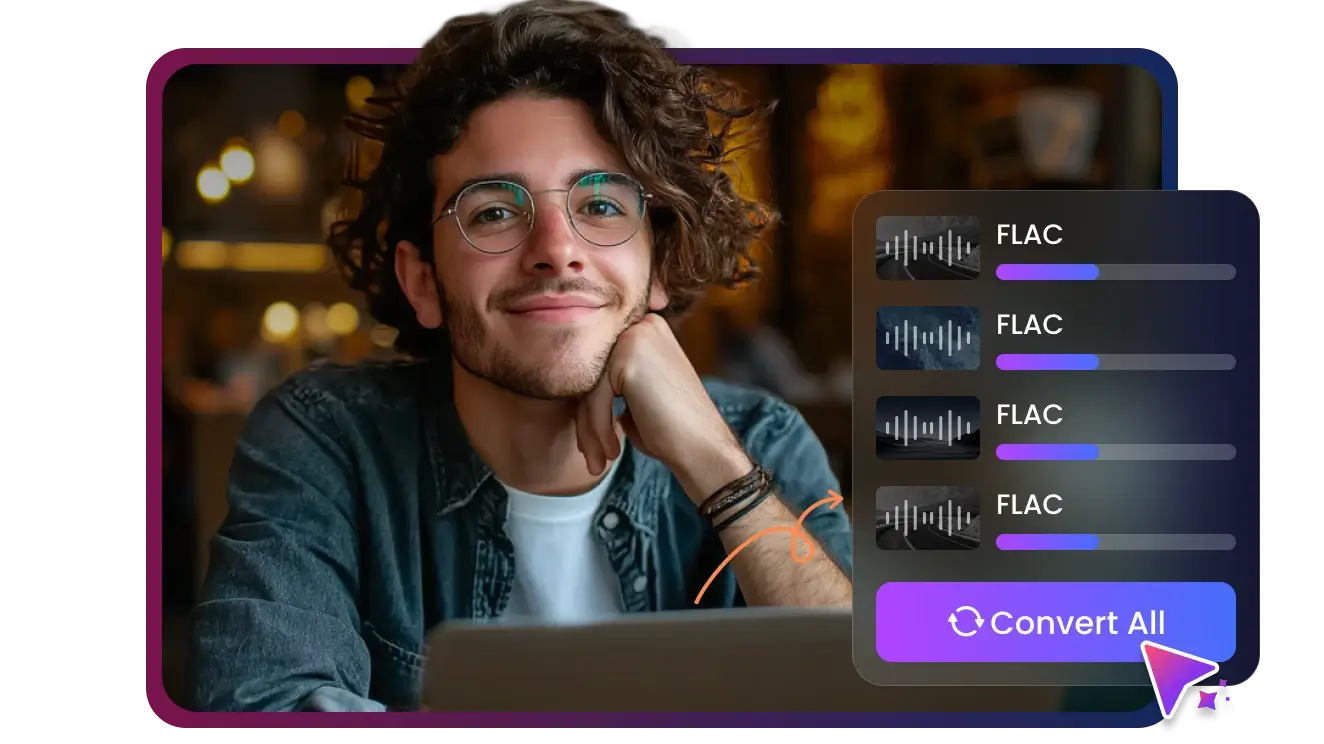
Stop converting tracks one by one. Drag and drop your entire discography and let our lightning-fast batch engine do the heavy lifting. Fast, stable, and built for massive music collections
Batch Conversion -
![FLAC to Apple-Ready M4A, ALAC, or MP3]()
FLAC to Apple-Ready M4A, ALAC, or MP3
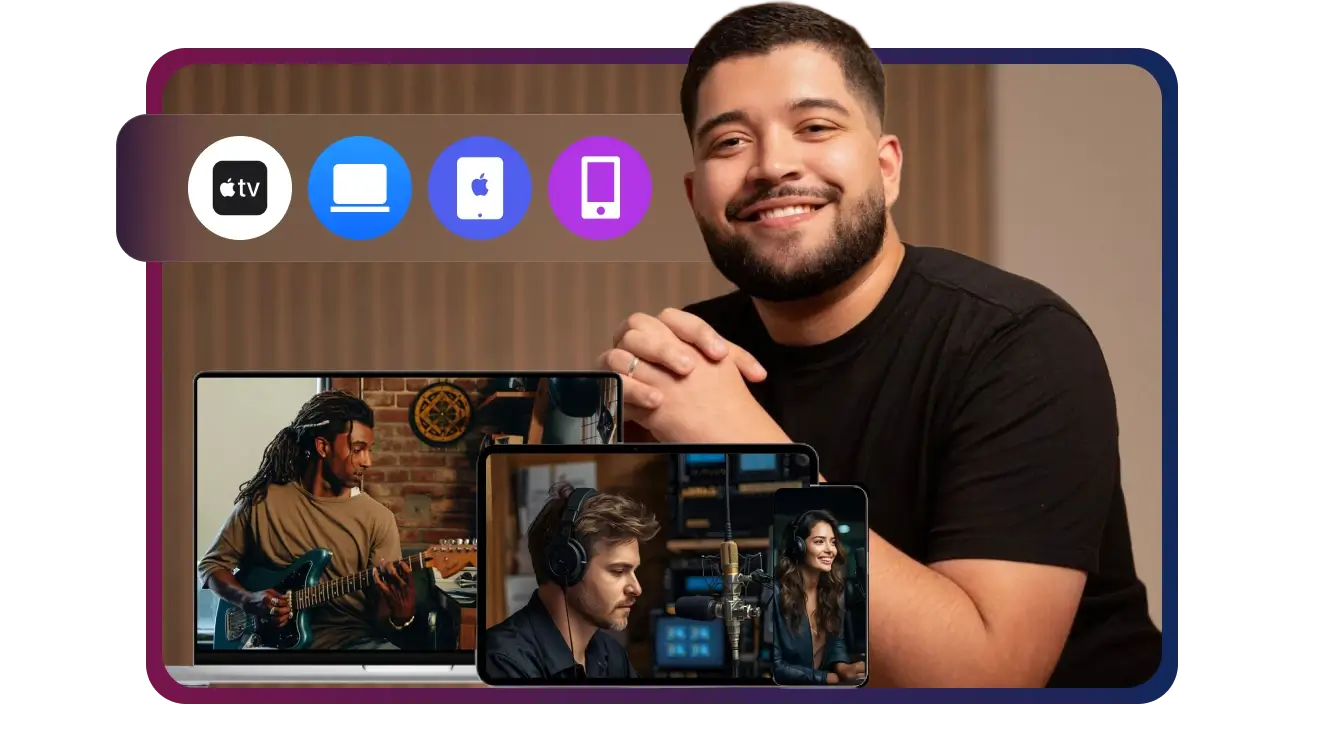
Apple Music, iTunes, and iOS don't natively support FLAC, forcing users to re-download or give up lossless files. Optimized presets for iPhone, iPad, Mac, and CarPlay ensure smooth playback with perfect audio balance.
Convert for Apple Devices -
![Convert Unplayable FLAC Files to Apple-Ready Audio]()
Convert Unplayable FLAC Files to Apple-Ready Audio
Tired of "Format Not Supported" errors on your iPhone or iTunes? Instantly transform your lossless FLAC library into Apple-Ready ALAC or high-quality MP3 for seamless playback across all your devices and CarPlay
Make My Music Playable
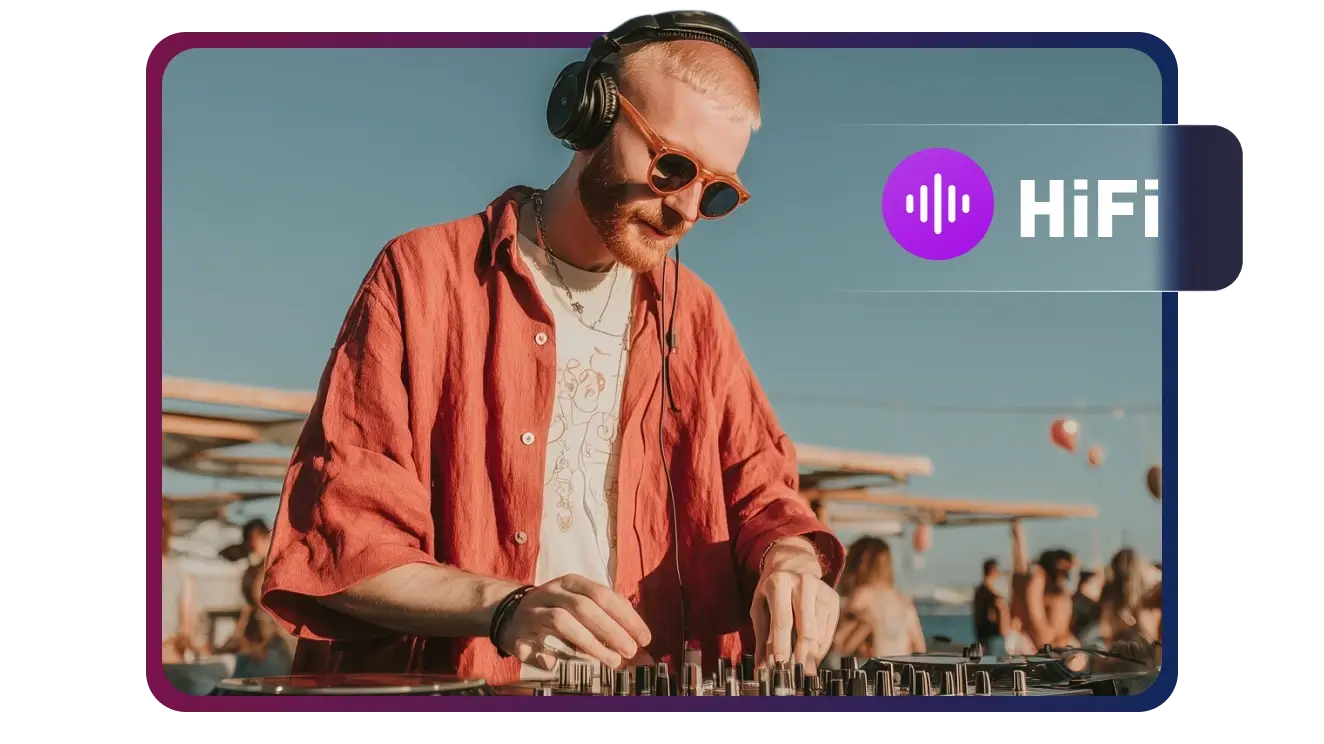

Convert Any FLAC, No Exceptions
From 24-bit studio masters to corrupted high-res files, Multi-Downloader handles every FLAC track with ease. If it’s audio, we can convert it—guaranteed


Seamless Playback for iPhone, Mac, and Apple Music
Hi-Fi Audiophile
Apple Device Users
Music Collectors
DJs & Producers
Car Audio Fans


Fast, Lossless & Effortless — The Pro-Grade Transcoder That Keeps Your Music Workflow in Flow


Frequently Asked Questions
Will converting my FLAC files reduce the audio quality?
Can I play the converted files on my iPhone or Apple Music?
Does the converter preserve album art and ID3 tags?
How many files can I convert at once?
What is the difference between FLAC and ALAC?
Can I convert FLAC files for my car’s USB stereo?
Does Multi-Downloader support high-res audio (24-bit/192kHz)?
Can I try it before I buy it?
Which output formats are supported?
Who is this FLAC converter best for?
One Tool for Your Audio, A Whole Suite for Your Workflow


