 Multi-Downloader


MKV Converter Online. Instantly
Batch convert MKV to MP4, MOV, or AVI in seconds. Perfect for Windows users, movie lovers, and effortless playback on any device
- MP4
- Auto
-
 231Worship
-
 67Movies
-
 ABEMA
ABEMA
-
 Amazon
-
 AMC
AMC
- Apple Music
- Bilibili
-
 Boosty
- BuzzFeed
-
 Cineby
-
 Coloso
-
 Crunchyroll
- Dailymotion
- Disney Plus
- Dramabox
- DramaSQ
-
 E! News
-
 Equibase
- ESPN
-
 FlixBaba
-
 Giants
- Gogoanime
- Gogoanimez
- Google Drive
- HiAnime
-
 HomeWiseDocs
-
 HPA
HPA
-
 HStorage
-
 Internet Archive
-
 LINE
LINE
- Loom
-
 Microsoft Azure
-
 Minicuddles
- MMOV
-
 Motion Array
- Movie Lair
-
 MyFlixerto
- MyVideo
-
 News 12
-
 news.com.au
-
 NHK
NHK
-
 OK.ru
OK.ru
-
 Osaka Kyoiku University
-
 OUK
OUK
- Patreon
-
 PCSchool
- Pikbest
-
 Pre-Script
-
 Reddit
- Rumble
- Skool
- Snapchat
-
 SOOP
SOOP
-
 SPWN
SPWN
-
 Threads
-
 Tidal
Tidal
- TikTok
- TokyVideo
- Tumblr
- TVer
- Twitch
- U Lifestyle
- U-NEXT
-
 Veo
Veo
- Vimeo
- VK Video
- WKYC
- X
- YouTube
- YouTube Music
-
 1069Tube
- 123AV
-
 9933TV
-
 Archivebate
-
 AShemaleTube
-
 AsiaBroSex
-
 AV01
AV01
-
 BaddiesOnly
-
 BoyfriendTV
-
 CamStreams
-
 Candfans
-
 Darkero
-
 Eporner
-
 ERo Me
-
 FapHouse
-
 HelloPorn
-
 Hentai4K
-
 HornyLeak
-
 Jable.TV
-
 LiveCamRips
-
 MissAV
-
 MyFans
-
 NJAV
NJAV
-
 PimpBunny
-
 Pornhub
- PornZog
-
 RedGIFs
-
 Redtube
-
 SpankBang
-
 ThisVid
-
 TNAFlix
- TOKYO Motion
-
 xHamster
-
 XNXX
XNXX
-
 XVideos
- 抖音
- 台視全球資訊網
- 小鸭看看


- MP4
- Auto
-
231Worship
-
67Movies
-
ABEMA
-
Amazon
-
AMC
- Apple Music
- Bilibili
-
Boosty
- BuzzFeed
-
Cineby
-
Coloso
-
Crunchyroll
- Dailymotion
- Disney Plus
- Dramabox
- DramaSQ
-
E! News
-
Equibase
- ESPN
-
FlixBaba
-
Giants
- Gogoanime
- Gogoanimez
- Google Drive
- HiAnime
-
HomeWiseDocs
-
HPA
-
HStorage
-
Internet Archive
-
LINE
- Loom
-
Microsoft Azure
-
Minicuddles
- MMOV
-
Motion Array
- Movie Lair
-
MyFlixerto
- MyVideo
-
News 12
-
news.com.au
-
NHK
-
OK.ru
-
Osaka Kyoiku University
-
OUK
- Patreon
-
PCSchool
- Pikbest
-
Pre-Script
-
Reddit
- Rumble
- Skool
- Snapchat
-
SOOP
-
SPWN
-
Threads
-
Tidal
- TikTok
- TokyVideo
- Tumblr
- TVer
- Twitch
- U Lifestyle
- U-NEXT
-
Veo
- Vimeo
- VK Video
- WKYC
- X
- YouTube
- YouTube Music
-
1069Tube
- 123AV
-
9933TV
-
Archivebate
-
AShemaleTube
-
AsiaBroSex
-
AV01
-
BaddiesOnly
-
BoyfriendTV
-
CamStreams
-
Candfans
-
Darkero
-
Eporner
-
ERo Me
-
FapHouse
-
HelloPorn
-
Hentai4K
-
HornyLeak
-
Jable.TV
-
LiveCamRips
-
MissAV
-
MyFans
-
NJAV
-
PimpBunny
-
Pornhub
- PornZog
-
RedGIFs
-
Redtube
-
SpankBang
-
ThisVid
-
TNAFlix
- TOKYO Motion
-
xHamster
-
XNXX
-
XVideos
- 抖音
- 台視全球資訊網
- 小鸭看看

High-Speed MKV to MP4 Converter: Lossless Quality and AWS Cloud Acceleration
-
Effortlessly convert MKV, HEVC, AVI, WMV and 500+ video formats
-
Optimize MKV files for Apple TV, iPhone, and high-end Home Theater systems
-
Turn 'unsupported' MKV files into universal, high-quality MP4 or ProRes in seconds
-
Preserve Subtitles & Multi-Tracks — Keep every audio channel and subtitle track intact
-
Optimized for Video Workflows & Beyond — Perfect for movie collectors, content creators, Plex users, and home cinema enthusiasts
Pro-Grade MKV Conversion — Seamless Integration with Premiere, DaVinci, and Media Servers
From massive 4K libraries to bulky MKV files, transcode any video to high-efficiency MP4 or HEVC – The ultimate space-saving solution for movie collectors
400+ Audio Files
Supports 400+ Audio Formats
 M4A Converter
M4B Converter
M4R Converter
MIDI Converter
MKA Converter
MOD Converter
MP3 Converter
OGA Converter
OGG Converter
Opus Converter
PCM Converter
RA / RAM
VOC Converter
WAV Converter
WEBA Converter
WMA Converter
M4A Converter
M4B Converter
M4R Converter
MIDI Converter
MKA Converter
MOD Converter
MP3 Converter
OGA Converter
OGG Converter
Opus Converter
PCM Converter
RA / RAM
VOC Converter
WAV Converter
WEBA Converter
WMA Converter
500+ Video Files
Supports 500+ Video Formats
DV Converter
DVR Converter
FLV Converter
GIF Converter
M2TS Converter
M4V Converter
MKV Converter
MOD Converter
MOV Converter
MP4 Converter
MPEG Converter
MPG Converter
MTS Converter
MXF Converter
RM Converter
RMVB Converter
SWF Converter
TS Converter
VOB Converter
WEBM Converter
WMV Converter
WTV Converter
Convert MKV to MP4 in 3 Fast Steps
-
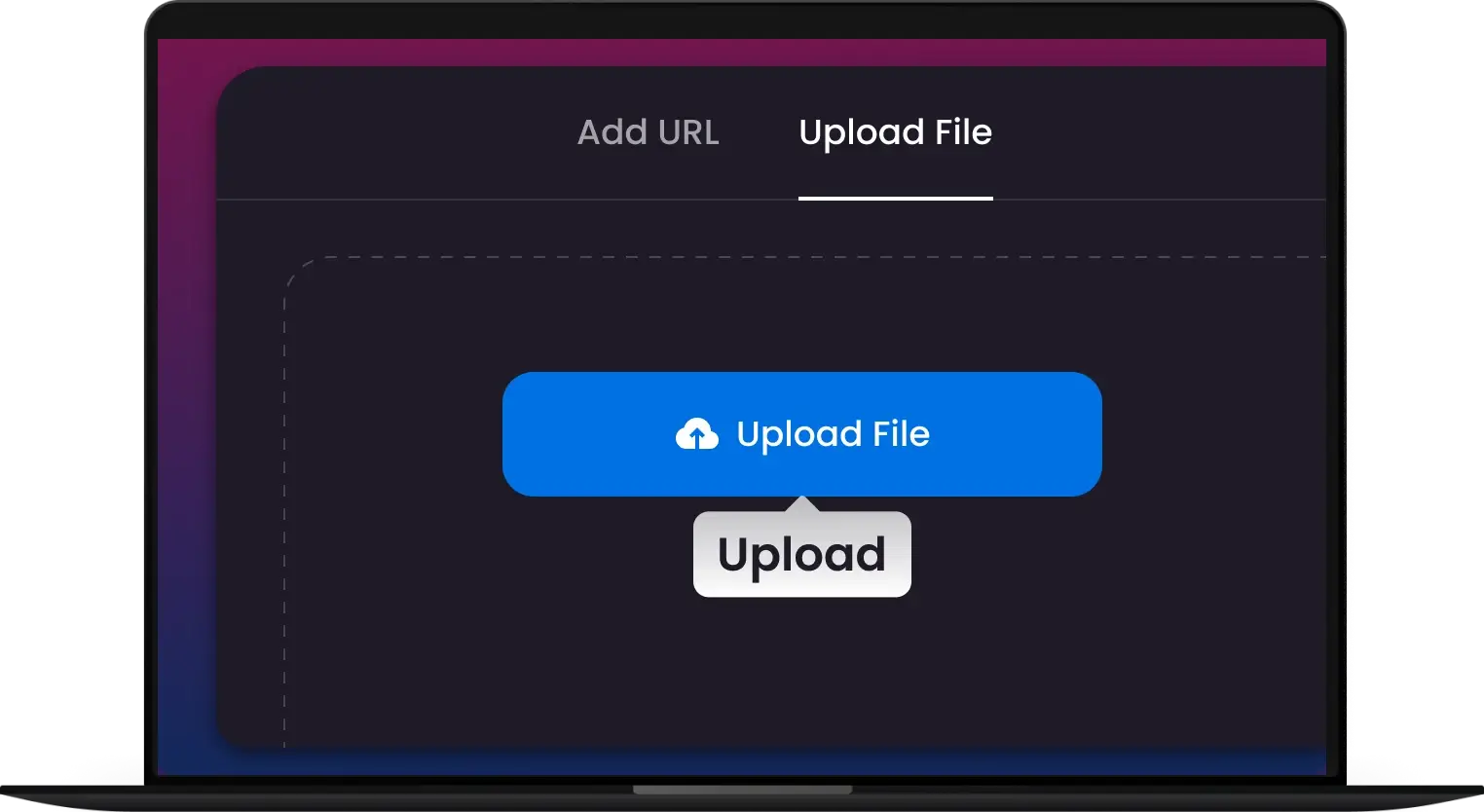
1. Upload MKV
Import your bulky MKV files or entire folders into the converter. Our software instantly recognizes all subtitle tracks and multi-channel audio for a seamless start
-
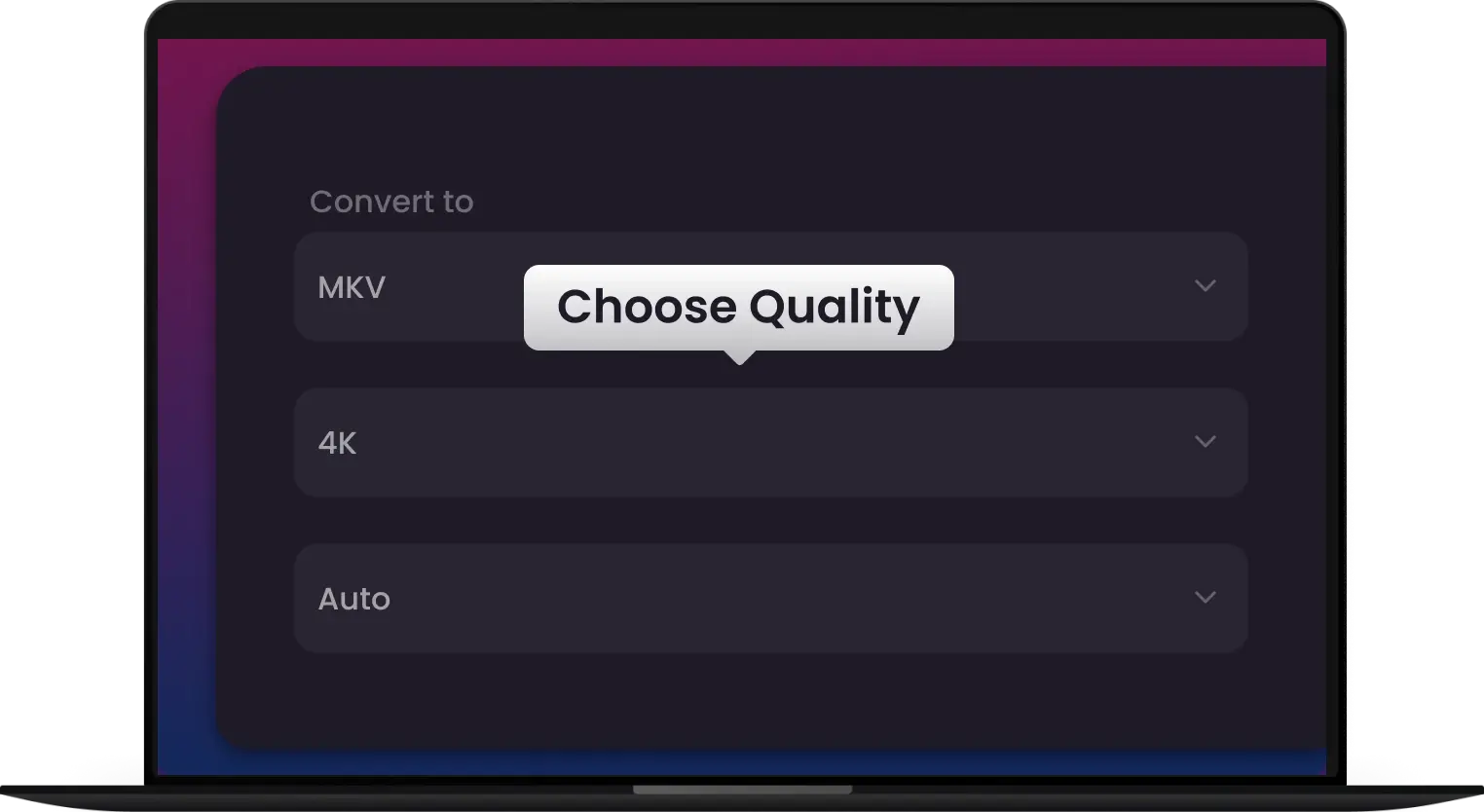
2. Pick Format
Choose from 500+ optimized presets, including iPhone, Apple TV, or ProRes. For advanced users, customize your resolution, bitrate, and GPU acceleration settings for maximum speed
-
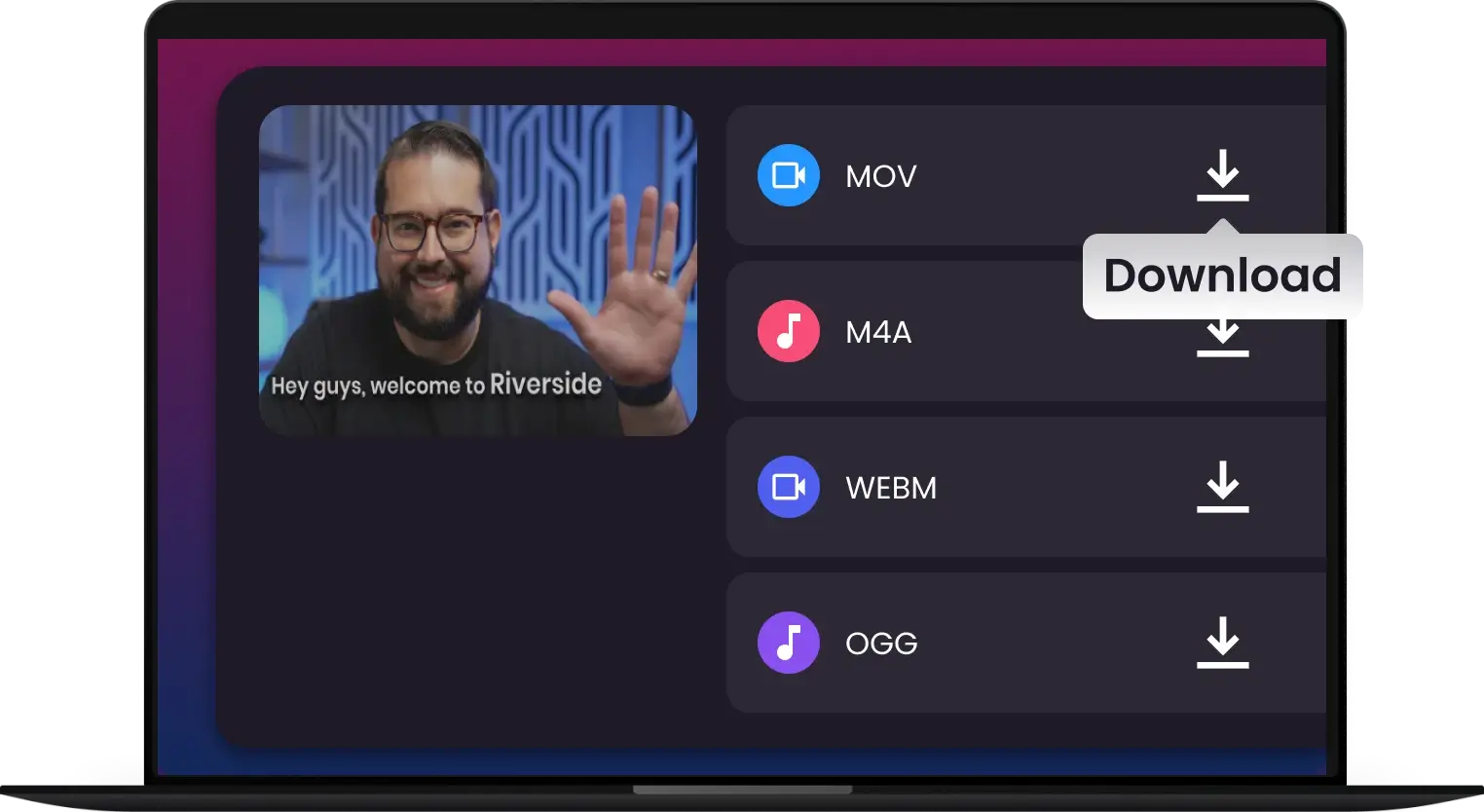
3. Convert & Go
Click 'Convert' and watch our high-speed engine work its magic. Get high-quality, edit-ready files in seconds, ready to play on any device or upload to your media server
-
![Lightning-Fast H.265 Conversion]()
Lightning-Fast H.265 Conversion
Transform MKV with GPU acceleration, maintaining multi-track audio & subtitles. Zero compromise on speed or quality
Download & Convert MKV -
![Original 4K/8K Quality, Every Time]()
Original 4K/8K Quality, Every Time
Convert bulky MKV to H.265/HEVC with visually lossless results. Get cinema-grade video in significantly smaller files
Get Started with H.265 -
![Master Your Media Library]()
Master Your Media Library
Experience pixel-perfect MKV to MP4/HEVC conversion that preserves every detail. Optimized for your home theater and editing workflow
MKV to MP4 -
![Universal Playback, Uncompromised Quality]()
Universal Playback, Uncompromised Quality
Turn any MKV into a perfect MP4/HEVC for Apple, Android, and Smart TVs. Seamlessly enjoy your films anywhere
Make MKV Playable -
![Smart MKV to HEVC Encoding]()
Smart MKV to HEVC Encoding
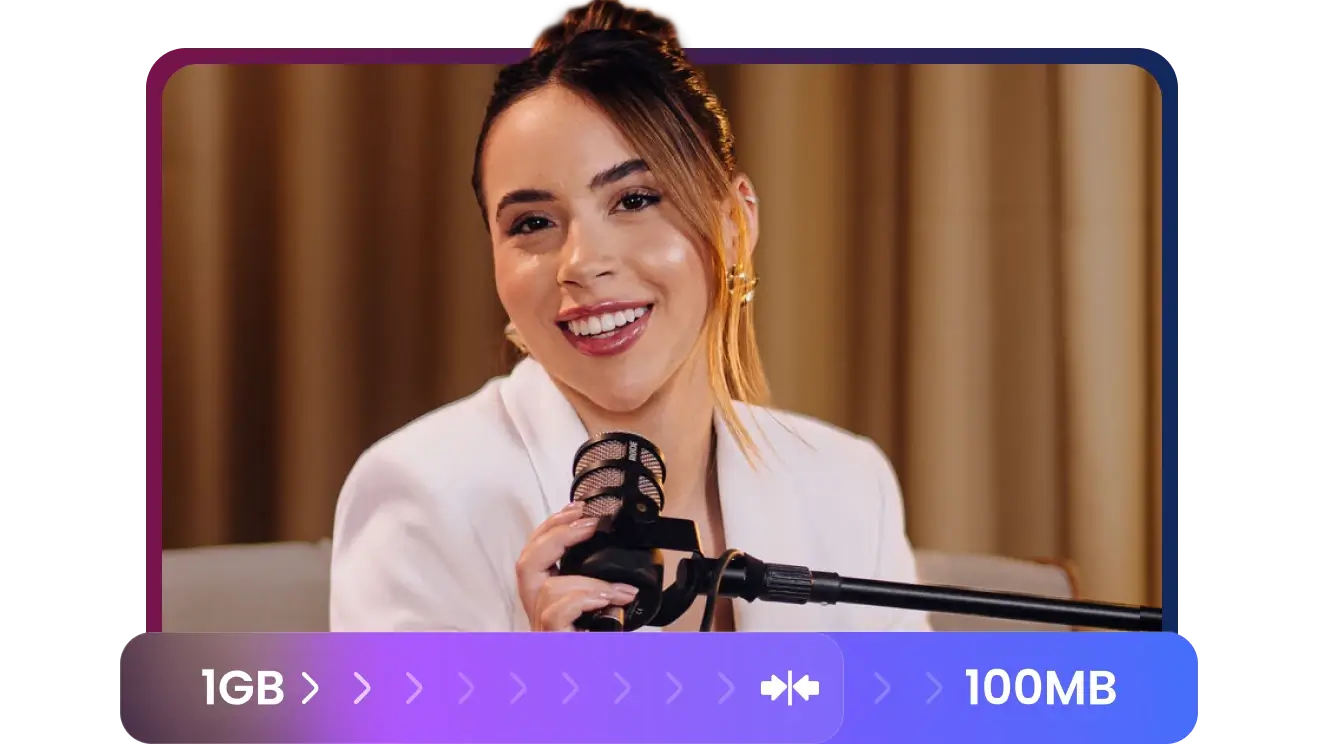
Reduce file sizes by up to 60% without visible quality loss. The ultimate solution for storage-saving and streaming efficiency
Optimize Your Videos

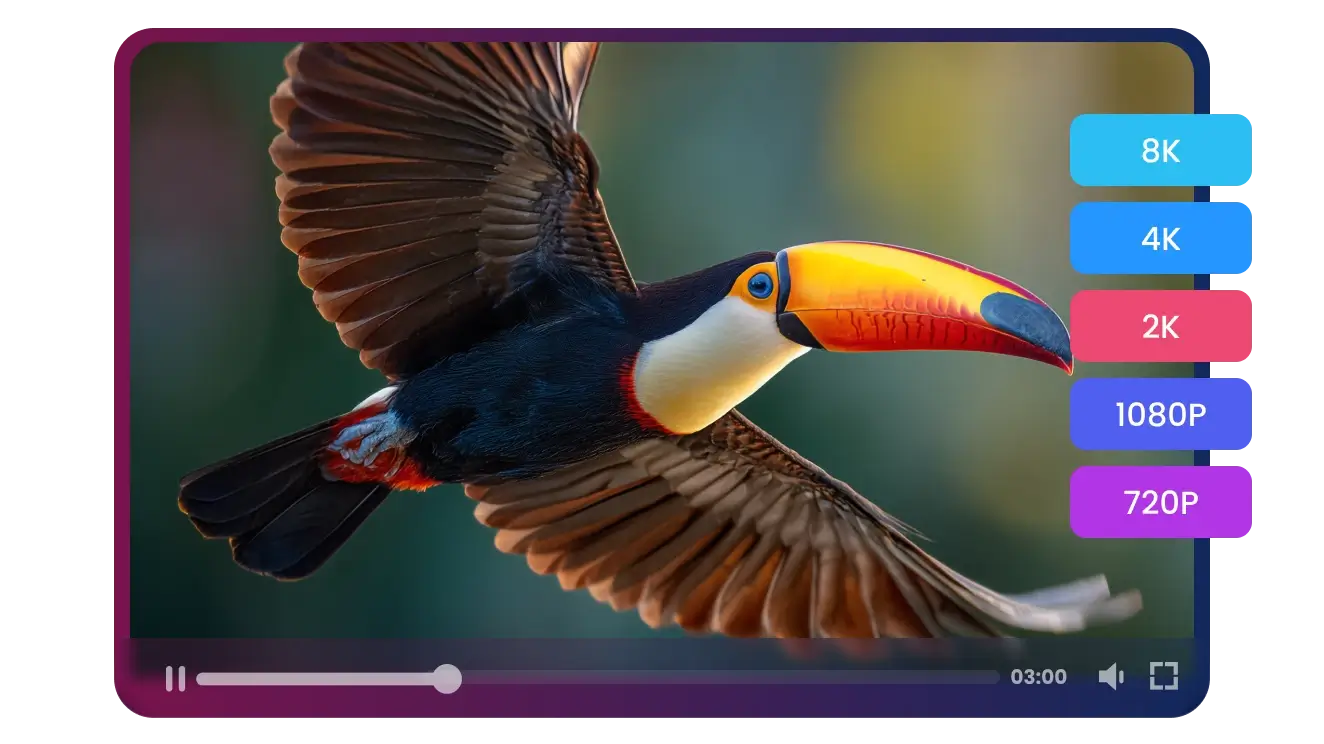

Convert Any MKV, No Exceptions
From massive 4K Blu-ray rips to corrupted video files, Multi-Downloader handles every MKV with ease. If it’s a video, we can convert it—guaranteed


Play MKV on Any Apple Device - No More "Format Not Supported" Errors
Home Theater Enthusiasts
Plex & NAS Power Users
Apple Ecosystem Users
Content Creators & Editors
Offline Travelers & Commuters


Fast, Lossless & Effortless — High-Speed MKV Transcoding That Keeps Your Production Workflow in Sync


Frequently Asked Questions
Why should I use Multi-Downloader instead of a free online converter?
Will I lose video quality during the conversion?
Does it support 4K UHD and HDR10+ videos?
Can I keep multiple audio tracks and subtitles?
How fast is the conversion process?
Can I convert MKV files for my iPhone and Apple TV?
What is your refund policy?
Why should I convert MKV to MP4?
What formats can I convert MKV to?
Can I extract audio from an MKV file?
One Tool for Your Audio, A Whole Suite for Your Workflow


