 Multi-Downloader


Convert PDF to Word
Convert PDFs, including scanned images, to editable Word (DOCX) in seconds. Our built-in OCR guarantees 100% accuracy, preserving all formatting and tables


PDF to Word

Word to PDF

JPG to PDF

PDF to JPG

OCR PDF


-
![]() Beyond DOCX: Versatile PDF Conversion Mastery
Beyond DOCX: Versatile PDF Conversion MasteryBeyond DOCX: Versatile PDF Conversion Mastery
-
Convert PDFs to Word, Excel, PNG, JPG, and more — or back to PDF with ease
-
Process multiple files at once to save time and boost your productivity
-
Preserve layouts, fonts, and formatting for clean, accurate, high-quality conversions every time
Convert PDF Now -
-
![]() Integrated OCR for Scanned PDFs
Integrated OCR for Scanned PDFsIntegrated OCR for Scanned PDFs
-
Effortless Text Extraction - Accurately capture text from scanned PDFs and images
-
Multi-Language OCR Support - Convert PDFs into Word or searchable/editable PDF files in 26 languages
-
Batch OCR Processing - Turn multiple scanned documents or images into editable text in just seconds, all in one go
OCR PDF Now -
-
![]() Batch, Accurate & Editable Word Output
Batch, Accurate & Editable Word OutputBatch, Accurate & Editable Word Output
-
Batch PDF Conversion - Convert multiple files at once to save time and streamline your workflow
-
Precise Text Recognition - Keep formatting and layout intact while extracting text from PDFs
-
Editable & Searchable Output - Generate Word or PDF files that are fully editable and easy to search
Batch PDF -
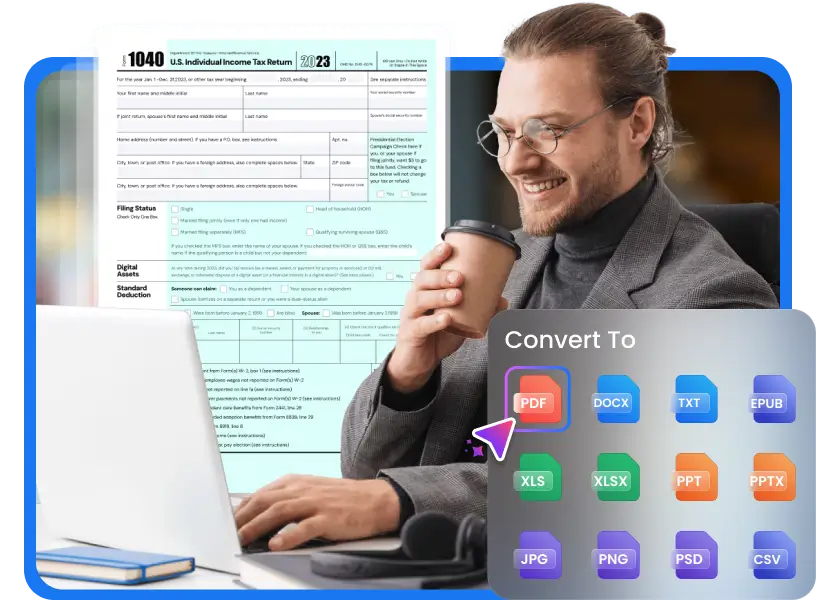
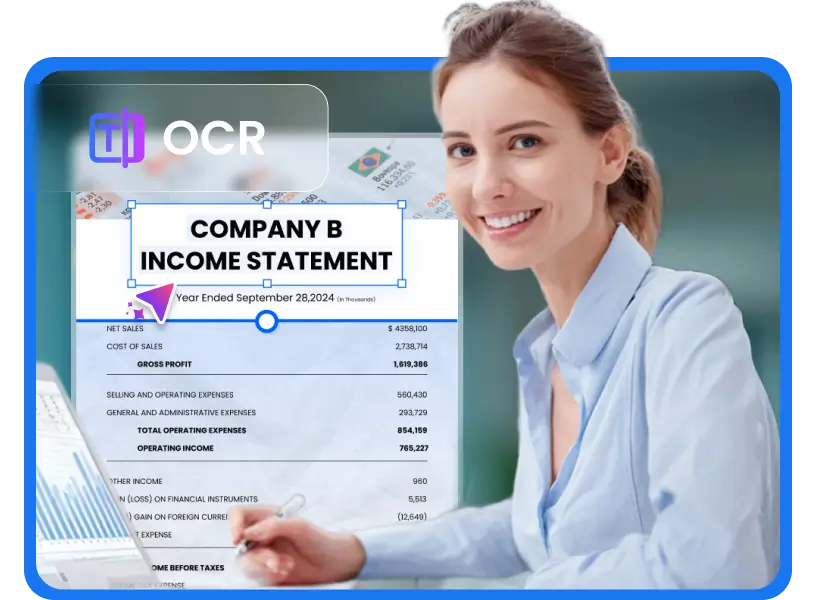

Essential PDF to Word Solution for Professionals and Students
Instantly convert fixed PDFs into fully editable Word (DOCX) files. Our solution drastically speeds up research, report editing, and administrative workflows for legal and corporate teams
-
![Convert Academic PDFs]() Convert Academic PDFs
Convert Academic PDFsStudents & Researchers
Easily convert lecture notes, research papers, and downloaded study materials into fully editable Word files. Perfect for rewriting, citing, and completing assignments faster.
-
![Reworking Worksheets & Handouts]() Reworking Worksheets & Handouts
Reworking Worksheets & HandoutsTeachers & Educators
Quickly turn PDFs into Word files to update lesson plans, create assignments, or personalize teaching materials for your students.
-
![Reviewing Agreements & Statements]() Reviewing Agreements & Statements
Reviewing Agreements & StatementsLegal & Finance Professionals
Convert multi-page PDFs into editable Word files for contract review, redlining, or preparing financial summaries with full formatting preserved.
-
![Extracting from PDFs for Repurposing]() Extracting from PDFs for Repurposing
Extracting from PDFs for RepurposingContent Creators & Writers
Convert long-form PDFs into editable text so you can repurpose content for blogs, guides, social posts, or new documents in minutes — effortlessly.




How to Convert PDF to Word?
-
1.
Upload PDF
Click 'Upload' or Drag & Drop any PDF file into the converter box
-
2.
Convert Instantly
Instantly convert scanned PDFs to fully editable DOCX or DOC using built-in OCR
-
3.
Download Word
Download the editable DOCX and start making changes right away


Why People Love Our PDF to Word Converter





Frequently Asked Questions

Simplified PDF Conversion


