 Multi-Downloader


M4R Converter Online. Instantly
Stop struggling with iTunes or complex settings. Transform MP3s, YouTube audio, or video clips into perfectly-trimmed M4R files
- M4R
- Auto
-
 7Digital
- Amazon Music
- Apple Music
- Artlist
- Audio
- Audiomack
-
 Bandcamp
-
 Beatport
-
 BeatStars
-
 Boomplay
-
 Bugs
Bugs
- Deezer
-
 DI.FM
DI.FM
-
 DJ Bill Bass
- Epidemic Sound
- Internet Archive
-
 KKBOX
KKBOX
-
 LINE Music
-
 ccMixter
-
 Jamendo
-
 MakeBestMusic
-
 Melon
Melon
-
 Mixcloud
- Mureka
-
 Musopen
-
 Myinstants
-
 NetEase
-
 Pandora
-
 Pixabay
-
 Qobuz
Qobuz
-
 PrayerSong
-
 RaveDJ
-
 Smule
Smule
-
 Songer
-
 Soniva
- SoundCloud
-
 Splice
- Spotify
-
 StreetVoice
- Suno
-
 Tidal
Tidal
- Tumblr
-
 Udio
Udio
- YouTube
- YouTube Music
- Bilibili
-
 Instagram
- TikTok
-
 抖音
抖音
- 歌曲宝


- M4R
- Auto
-
7Digital
- Amazon Music
- Apple Music
- Artlist
- Audio
- Audiomack
-
Bandcamp
-
Beatport
-
BeatStars
-
Boomplay
-
Bugs
- Deezer
-
DI.FM
-
DJ Bill Bass
- Epidemic Sound
- Internet Archive
-
KKBOX
-
LINE Music
-
ccMixter
-
Jamendo
-
MakeBestMusic
-
Melon
-
Mixcloud
- Mureka
-
Musopen
-
Myinstants
-
NetEase
-
Pandora
-
Pixabay
-
Qobuz
-
PrayerSong
-
RaveDJ
-
Smule
-
Songer
-
Soniva
- SoundCloud
-
Splice
- Spotify
-
StreetVoice
- Suno
-
Tidal
- Tumblr
-
Udio
- YouTube
- YouTube Music
- Bilibili
-
Instagram
- TikTok
-
抖音
- 歌曲宝

Pro-Grade M4R Ringtone Creator: Precision Trimming & Instant iPhone Sync
-
Tailor-made for iPhone 17, iPad, and the entire Apple Ecosystem
-
Effortlessly create M4R ringtones from MP3, AAC, WAV, and 500+ audio sources
-
Fix 'Sync Failed' errors—Convert any sound to Apple-native, 40-second M4R files
-
Bit-Perfect Audio — Preserve crystal-clear quality and precise fade-in/out effects
-
The Go-To Solution for Custom Ringtone Creators, TikTok Fans, and iPhone Power Users
One-Click M4R Workflow — Instant Creation of Custom Ringtones for iPhone and iPad
From TikTok clips to YouTube hits—transform any audio source into a standard-compliant M4R instantly
400+ Audio Files
Supports 400+ Audio Formats
 M4A Converter
M4B Converter
M4R Converter
MIDI Converter
MKA Converter
MOD Converter
MP3 Converter
OGA Converter
OGG Converter
Opus Converter
PCM Converter
RA / RAM
VOC Converter
WAV Converter
WEBA Converter
WMA Converter
M4A Converter
M4B Converter
M4R Converter
MIDI Converter
MKA Converter
MOD Converter
MP3 Converter
OGA Converter
OGG Converter
Opus Converter
PCM Converter
RA / RAM
VOC Converter
WAV Converter
WEBA Converter
WMA Converter
500+ Video Files
Supports 500+ Video Formats
DV Converter
DVR Converter
FLV Converter
GIF Converter
M2TS Converter
M4V Converter
MKV Converter
MOD Converter
MOV Converter
MP4 Converter
MPEG Converter
MPG Converter
MTS Converter
MXF Converter
RM Converter
RMVB Converter
SWF Converter
TS Converter
VOB Converter
WEBM Converter
WMV Converter
WTV Converter
Convert Audio to M4R in 3 Simple Steps
-
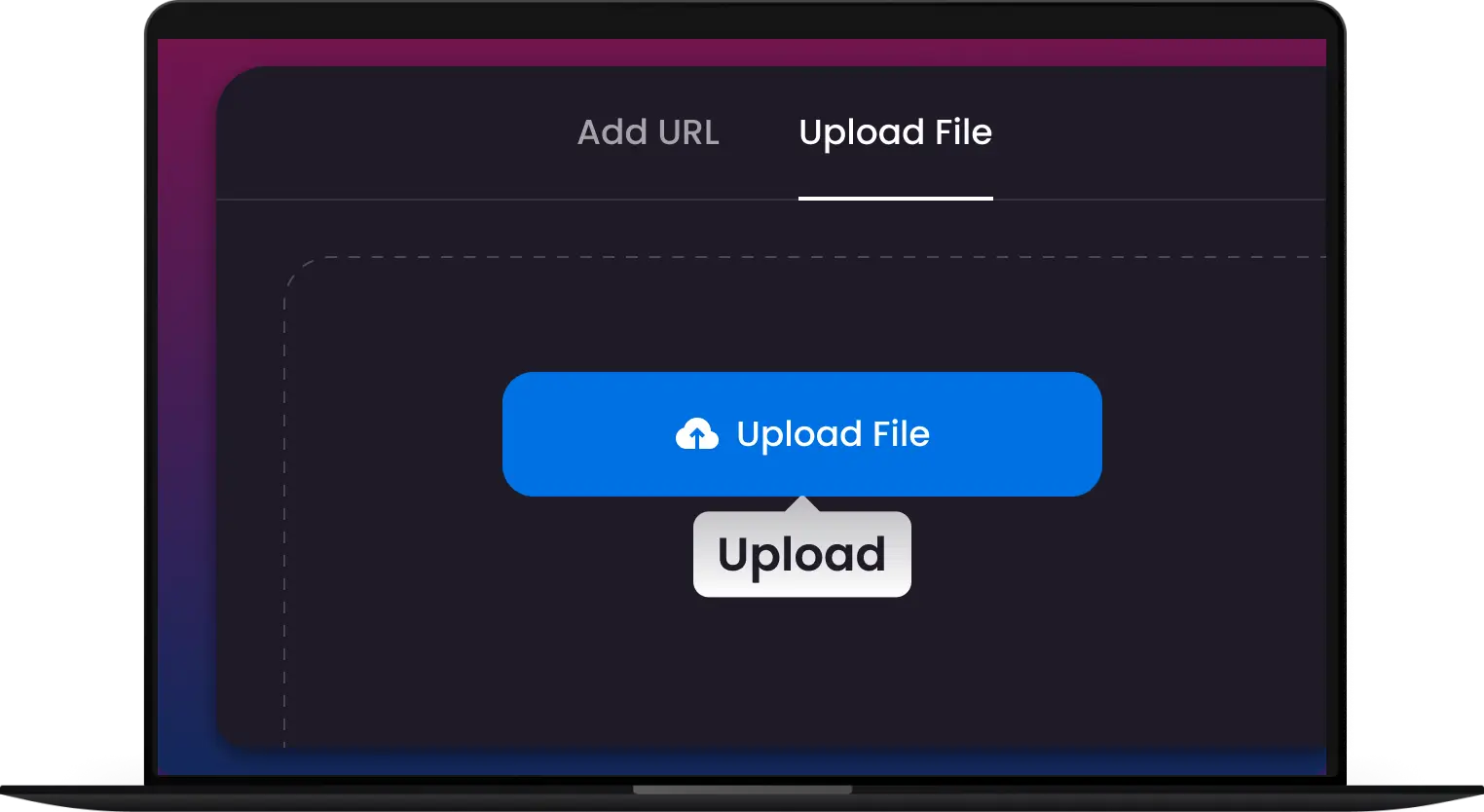
Step 1: Upload Your Audio
Upload MP3, AAC, WAV, or M4A files—perfect for music clips, alerts, or custom ringtones.
-
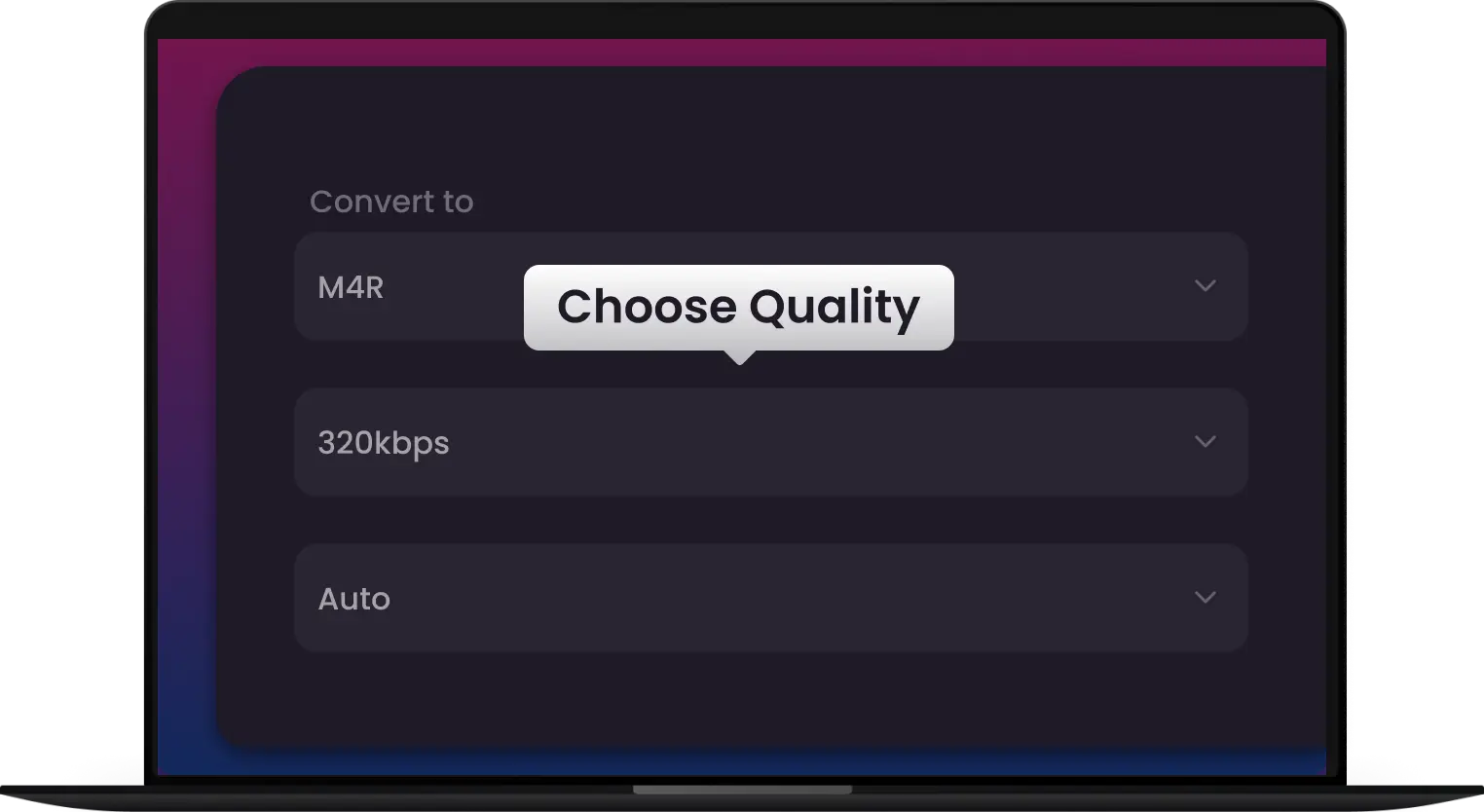
Step 2: Convert to M4R
Our Apple-optimized engine converts your audio to M4R instantly with clean, lossless sound.
-
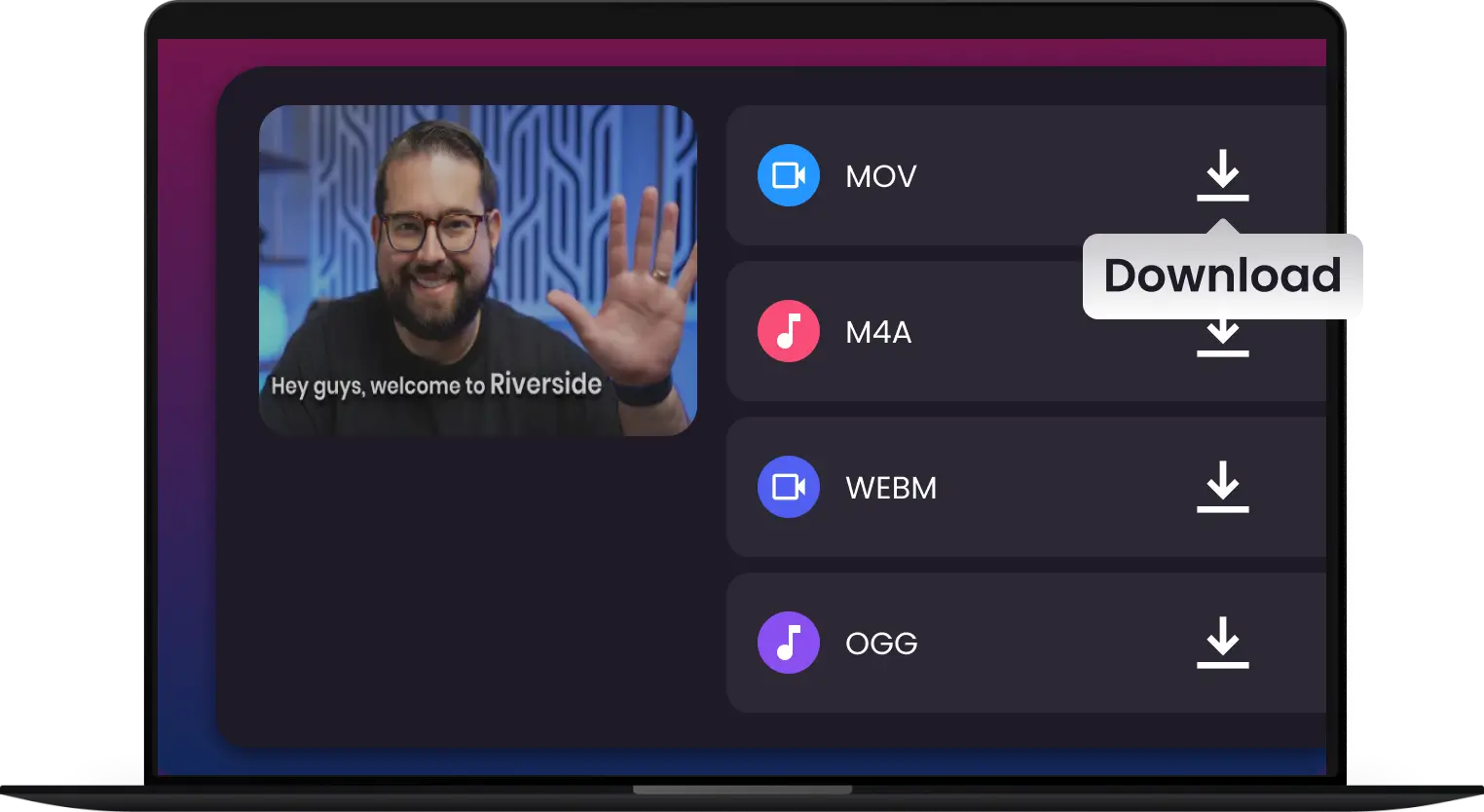
Step 3: Sync & Ring Away
Export your high-fidelity M4R file and follow our 1-click guide to sync it directly to your iPhone. No iTunes headache, no sync errors
-
![Instant M4R Encoding - From Song to Ringtone in Seconds]()
Instant M4R Encoding – From Song to Ringtone in Seconds
Don't let complex software slow you down. Our hyper-speed engine processes audio instantly, delivering Apple-ready M4R files faster than any online tool.
Convert to M4R -
![Precision Trimming with Studio-Grade Fade Effects]()
Precision Trimming with Studio-Grade Fade Effects
Capture the perfect hook with our visual waveform editor. Automatically apply smooth fade-ins and fade-outs to ensure your ringtone sounds professional every time it rings.
Clip and Sync -
![Skip the iTunes Headache - Seamless iPhone Syncing]()
Skip the iTunes Headache – Seamless iPhone Syncing
Tired of sync errors? Our tool ensures 100% compliance with iOS standards. Create, export, and set your new tone without the frustration of traditional Apple software.
Perfectly-Timed M4R -
![Extract Ringtones from Any Video or Social Clip]()
Extract Ringtones from Any Video or Social Clip
Loved a sound on TikTok or YouTube? Drag the video in, and we’ll extract the high-fidelity audio directly into an M4R format for your next custom alert.
Extract M4R -
![Supports 400+ Popular Audio Formats]()
Supports 400+ Popular Audio Formats
Upload MP3, AAC, WAV, M4A, FLAC, and more. One converter for all your ringtone needs.
Upload Audio File


Convert Any Audio to M4R. No Exceptions.
Locked out of your favorite sounds? Whether it’s an obscure FLAC, a high-res WAV, or even audio hidden inside an MP4 video, Multi-Downloader transforms any source into a perfect iPhone ringtone
Convert from M4R


Pixel-Perfect Audio to M4R Conversion — Native iPhone Ringtones Guaranteed
Music Fanatic
Social Media Native
Hardcore Gamer
Anti-iTunes User
Content Creators


Join 500,000+ iPhone Users Creating Perfect M4R Ringtones—Fast, Clean, Apple-Ready


Frequently Asked Questions
Why do I need to convert my audio to M4R?
Does the converter handle the 40-second limit automatically?
Can I create ringtones from YouTube or TikTok videos?
Do I still need to use iTunes to sync my tones?
Will the ringtone quality sound clear on my iPhone speakers?
Can I add 'Fade-In' and 'Fade-Out' effects?
Can I make 'Text Tones' and 'Alarm Sounds' too?
Can I batch-convert multiple songs at once?
Which audio formats can I convert to M4R?
Who is this M4R converter best for?


