 Multi-Downloader


WMA Converter Online. Instantly
Transform MP3s, WAV files, videos, or legacy audio into clean, high-quality WMA files—fast, simple, and fully Windows-compatible
- WMA
- Auto
-
 7Digital
- Amazon Music
- Apple Music
- Artlist
- Audio
- Audiomack
-
 Bandcamp
-
 Beatport
-
 BeatStars
-
 Boomplay
-
 Bugs
Bugs
- Deezer
-
 DI.FM
DI.FM
-
 DJ Bill Bass
- Epidemic Sound
- Internet Archive
-
 KKBOX
KKBOX
-
 LINE Music
-
 ccMixter
-
 Jamendo
-
 MakeBestMusic
-
 Melon
Melon
-
 Mixcloud
- Mureka
-
 Musopen
-
 Myinstants
-
 NetEase
-
 Pandora
-
 Pixabay
-
 Qobuz
Qobuz
-
 PrayerSong
-
 RaveDJ
-
 Smule
Smule
-
 Songer
-
 Soniva
- SoundCloud
-
 Splice
- Spotify
-
 StreetVoice
- Suno
-
 Tidal
Tidal
- Tumblr
-
 Udio
Udio
- YouTube
- YouTube Music
- Bilibili
-
 Instagram
- TikTok
-
 抖音
抖音
- 歌曲宝


- WMA
- Auto
-
7Digital
- Amazon Music
- Apple Music
- Artlist
- Audio
- Audiomack
-
Bandcamp
-
Beatport
-
BeatStars
-
Boomplay
-
Bugs
- Deezer
-
DI.FM
-
DJ Bill Bass
- Epidemic Sound
- Internet Archive
-
KKBOX
-
LINE Music
-
ccMixter
-
Jamendo
-
MakeBestMusic
-
Melon
-
Mixcloud
- Mureka
-
Musopen
-
Myinstants
-
NetEase
-
Pandora
-
Pixabay
-
Qobuz
-
PrayerSong
-
RaveDJ
-
Smule
-
Songer
-
Soniva
- SoundCloud
-
Splice
- Spotify
-
StreetVoice
- Suno
-
Tidal
- Tumblr
-
Udio
- YouTube
- YouTube Music
- Bilibili
-
Instagram
- TikTok
-
抖音
- 歌曲宝

Pro-Grade WMA Converter: Lossless Transcoding & Instant Studio Integration
-
Eliminate Playback Errors — Stable WMA Encoding Every Time
-
Effortlessly Convert Audio to WMA from MP3, WAV, FLAC & 400+ Formats
-
Seamless Playback Across Windows, Media Players & Enterprise Systems
-
Bit-Perfect Signal Processing — High-Precision Bitrate & Sample Rate Control
-
The Go-To Solution for Sound Librarians, Post-Production Editors, and Studio Engineers
One-Click WMA Workflow — Instant High-Fidelity Conversion for Any Audio & Video
Convert scattered MP3s, WAV files, online audio recordings, or extracted video soundtracks into high-quality WMA files in seconds. Our intelligent engine supports 500+ formats with a single click—automatically optimizing bitrate, preserving metadata and album artwork, and ensuring seamless playback on Windows PCs, legacy media players, and car audio systems
400+ Audio Files
Supports 400+ Audio Formats
 M4A Converter
M4B Converter
M4R Converter
MIDI Converter
MKA Converter
MOD Converter
MP3 Converter
OGA Converter
OGG Converter
Opus Converter
PCM Converter
RA / RAM
VOC Converter
WAV Converter
WEBA Converter
WMA Converter
M4A Converter
M4B Converter
M4R Converter
MIDI Converter
MKA Converter
MOD Converter
MP3 Converter
OGA Converter
OGG Converter
Opus Converter
PCM Converter
RA / RAM
VOC Converter
WAV Converter
WEBA Converter
WMA Converter
500+ Video Files
Supports 500+ Video Formats
DV Converter
DVR Converter
FLV Converter
GIF Converter
M2TS Converter
M4V Converter
MKV Converter
MOD Converter
MOV Converter
MP4 Converter
MPEG Converter
MPG Converter
MTS Converter
MXF Converter
RM Converter
RMVB Converter
SWF Converter
TS Converter
VOB Converter
WEBM Converter
WMV Converter
WTV Converter
Convert WMA to Any Format in 3 Simple Steps
-
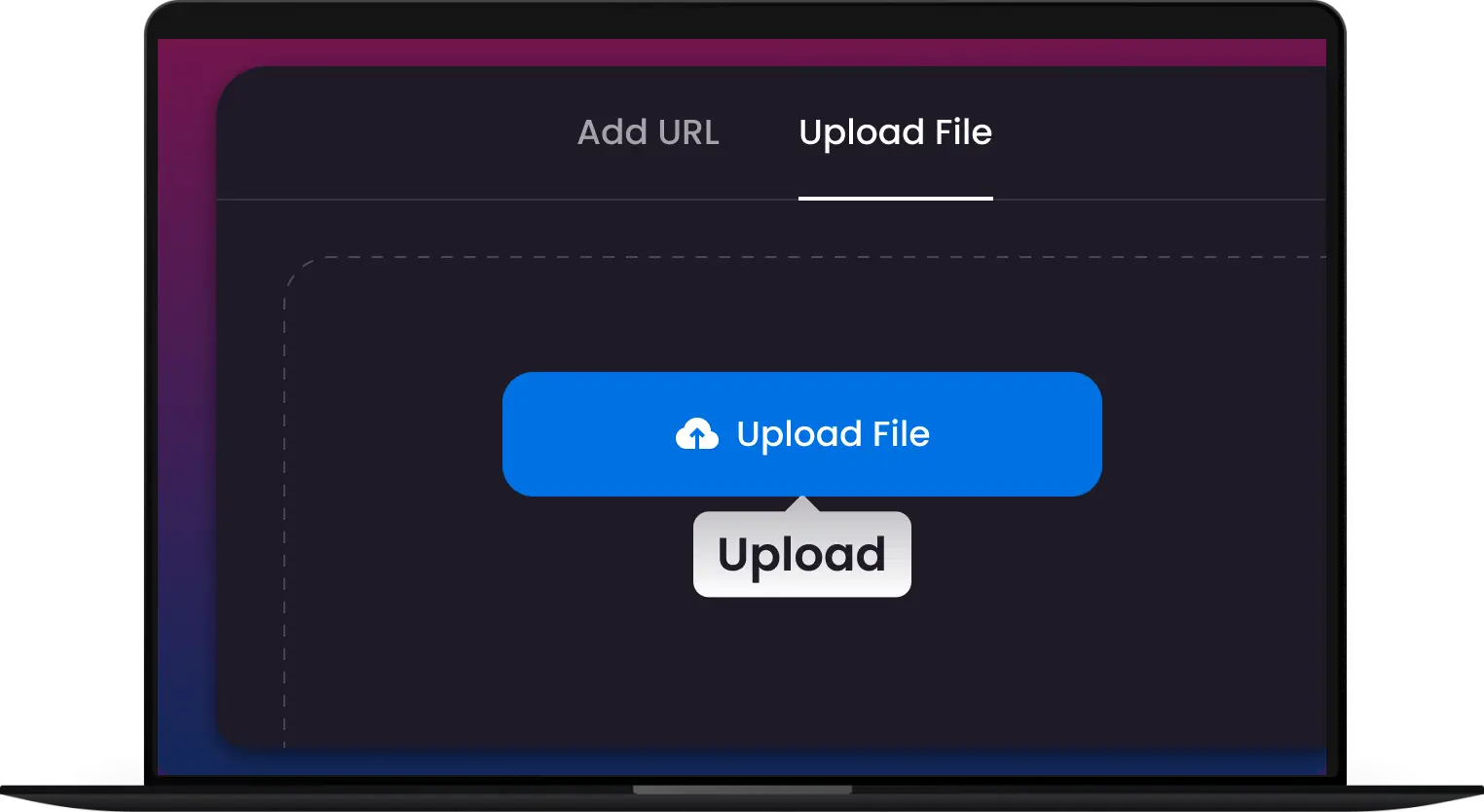
1. Upload Your File
Add MP3, WAV, FLAC, AAC, or video files. Drag and drop single tracks or entire folders for fast batch import.
-
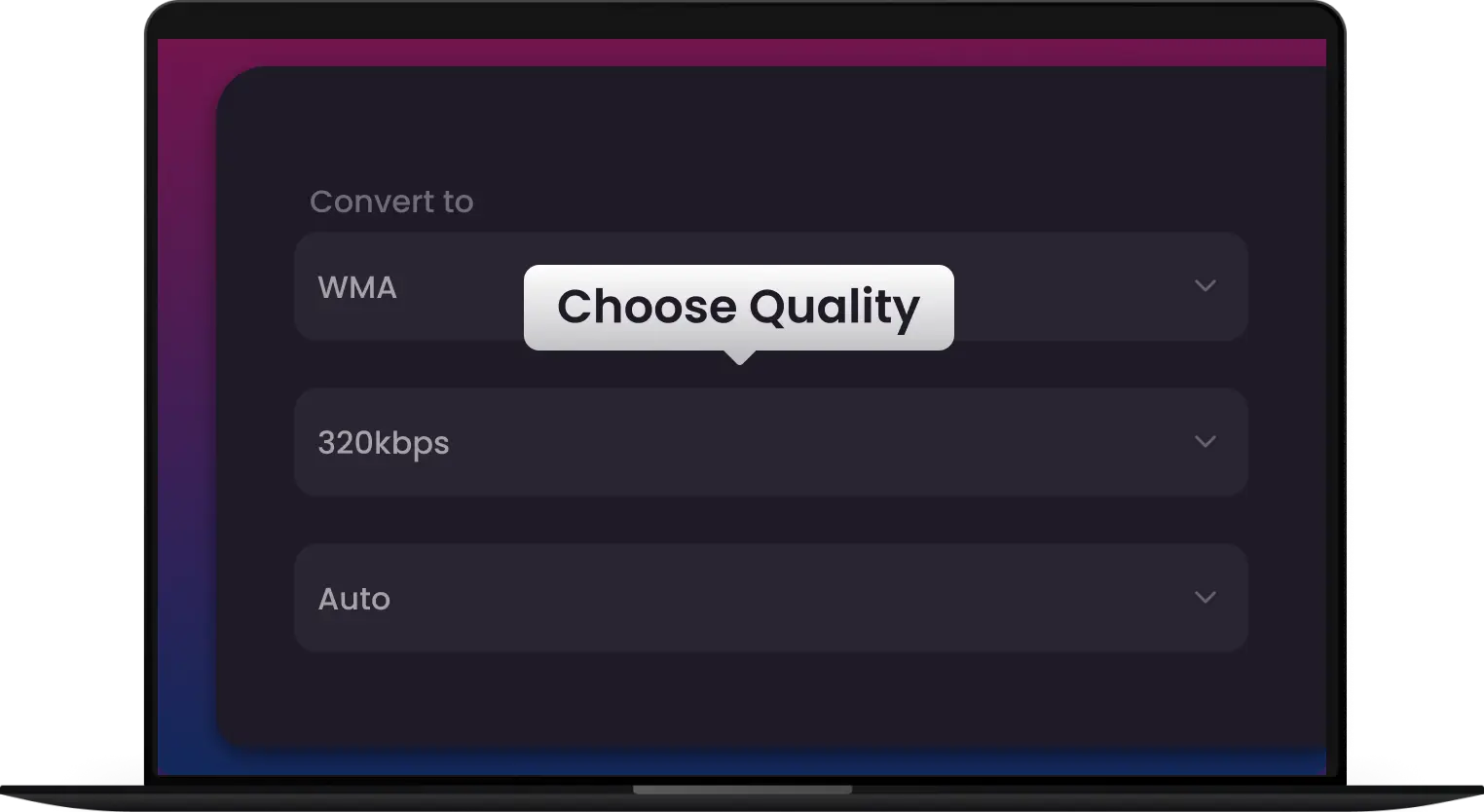
2. Select Ideal Format
Select bitrate, sample rate, or preset profiles optimized for Windows PCs, car audio, or legacy media players.
-
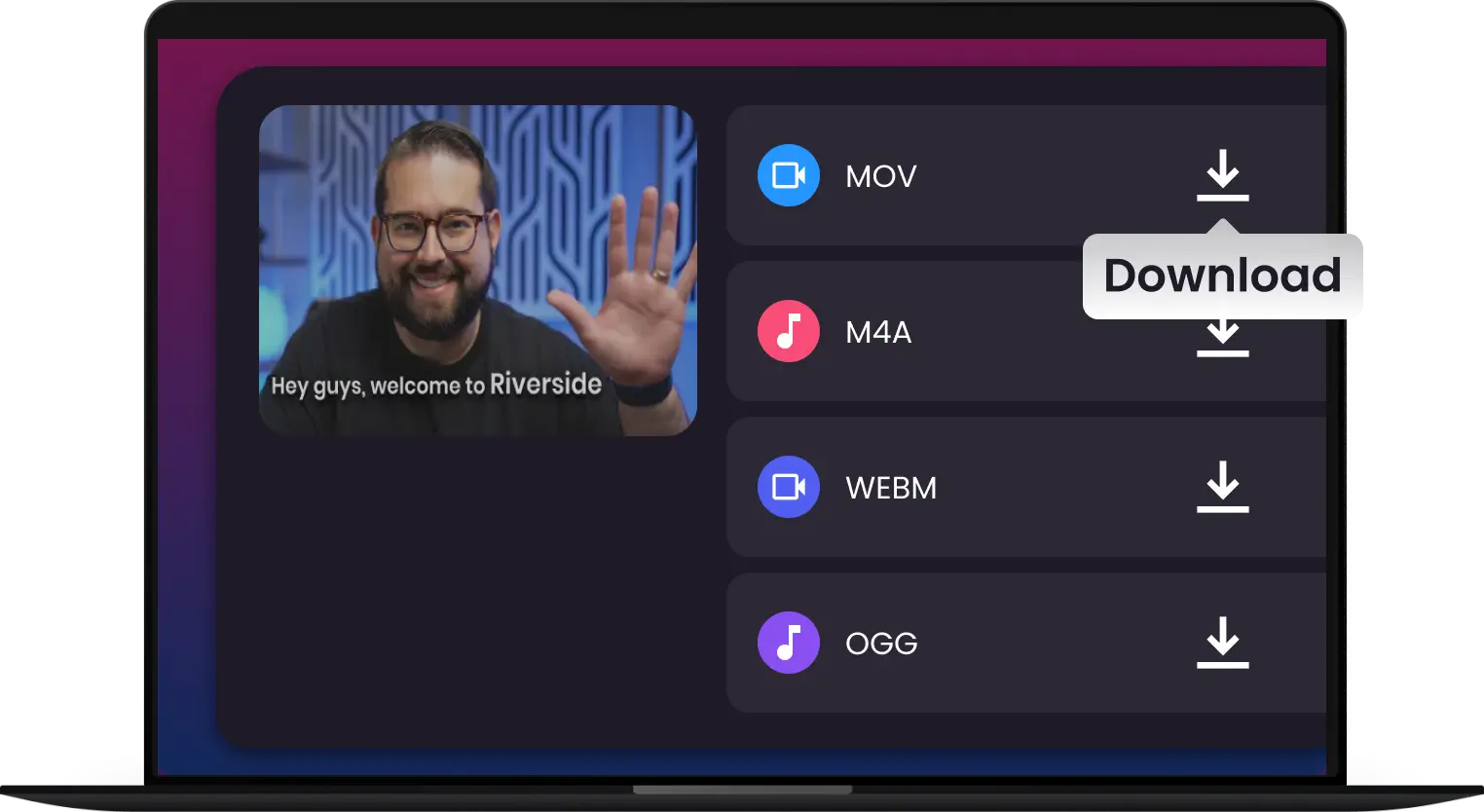
3. Convert & Go
Click Convert to create high-quality WMA files with preserved metadata and artwork—ready for seamless playback anywhere.
-
![Lightning-Fast AAC Batch Conversion]()
One-Click WMA Conversion — Fast, Reliable, Professional Results
Convert MP3, WAV, FLAC, AAC, and video audio into high-quality WMA files instantly. Our advanced engine ensures optimized bitrate, clean encoding, and full compatibility with Windows PCs and legacy media players.
Convert to WMA -
![Studio-Grade AAC: Zero Quality Loss]()
Batch WMA Converter — Transform Entire Libraries in Minutes
Upload folders and convert multiple files at once. Perfect for organizing large music collections, archiving recordings, or preparing audio for car stereo systems.
Batch Convert -
![Perfect AAC Sync for iPhone & iTunes]()
High-Quality WMA Encoding — Preserve Metadata & Artwork
Maintain song titles, artists, albums, and cover art automatically during conversion. Keep your Windows Media library structured and playback-ready without manual edits.
Convert WMA -
![High-Efficiency AAC Audio Transcoding]()
Optimized for Windows & Car Audio Playback
Create WMA files designed for seamless playback on Windows PCs, in-dash car systems, and older portable devices that require WMA format support.
Compatible WMA -
![Pro-Speed Transcoding: Entire Libraries in Minutes]()
Secure & Private WMA Conversion — No Quality Loss
Experience fast, stable conversion with local processing and zero data uploads. Maintain audio clarity while reducing file size for efficient storage.
Convert WMA





Convert Any WMA to Any Format. No Exceptions.
Whether it’s an archived WMA Lossless library, a complex MKV video, or a corrupted voice memo, we convert it into studio-grade MP3, WAV, or FLAC. Any source, any device—No Exceptions
Convert from WMA


From Home Music Fans to Enterprise Media Workflows — WMA Conversion Made Easy
Windows PC Users
Car Audio Owners
Music Library Organizers
Legacy Device Users
IT & Enterprise Media Teams


Join 500,000+ Professionals Converting WMA Tracks Instantly


Frequently Asked Questions
Will I lose audio quality when converting from WMA to MP3 or WAV?
Does Multi-Downloader support batch conversion for large libraries?
Will my artist names, album art, and tags be preserved?
Can I extract high-quality audio from video files like MP4 or AVI?
Can I use the converted files in DAWs like Logic Pro or Ableton Live?
Is there a limit on file size or duration?
What file formats can I convert to WMA?
Why should I use WMA instead of MP3 or AAC?
What is a WMA converter?


