 Multi-Downloader


M4V Converter Online. Instantly
Convert MP4, AVI, MOV, FLV, or raw video recordings into polished M4V files. Perfect for Apple devices, streaming, editing, or sharing
- MP4
- Auto
-
 231Worship
-
 67Movies
-
 ABEMA
ABEMA
-
 Amazon
-
 AMC
AMC
- Apple Music
- Bilibili
-
 Boosty
- BuzzFeed
-
 Cineby
-
 Coloso
-
 Crunchyroll
- Dailymotion
- Disney Plus
- Dramabox
- DramaSQ
-
 E! News
-
 Equibase
- ESPN
-
 FlixBaba
-
 Giants
- Gogoanime
- Gogoanimez
- Google Drive
- HiAnime
-
 HomeWiseDocs
-
 HPA
HPA
-
 HStorage
-
 Internet Archive
-
 LINE
LINE
- Loom
-
 Microsoft Azure
-
 Minicuddles
- MMOV
-
 Motion Array
- Movie Lair
-
 MyFlixerto
- MyVideo
-
 News 12
-
 news.com.au
-
 NHK
NHK
-
 OK.ru
OK.ru
-
 Osaka Kyoiku University
-
 OUK
OUK
- Patreon
-
 PCSchool
- Pikbest
-
 Pre-Script
-
 Reddit
- Rumble
- Skool
- Snapchat
-
 SOOP
SOOP
-
 SPWN
SPWN
-
 Threads
-
 Tidal
Tidal
- TikTok
- TokyVideo
- Tumblr
- TVer
- Twitch
- U Lifestyle
- U-NEXT
-
 Veo
Veo
- Vimeo
- VK Video
- WKYC
- X
- YouTube
- YouTube Music
-
 1069Tube
- 123AV
-
 9933TV
-
 Archivebate
-
 AShemaleTube
-
 AsiaBroSex
-
 AV01
AV01
-
 BaddiesOnly
-
 BoyfriendTV
-
 CamStreams
-
 Candfans
-
 Darkero
-
 Eporner
-
 ERo Me
-
 FapHouse
-
 HelloPorn
-
 Hentai4K
-
 HornyLeak
-
 Jable.TV
-
 LiveCamRips
-
 MissAV
-
 MyFans
-
 NJAV
NJAV
-
 PimpBunny
-
 Pornhub
- PornZog
-
 RedGIFs
-
 Redtube
-
 SpankBang
-
 ThisVid
-
 TNAFlix
- TOKYO Motion
-
 xHamster
-
 XNXX
XNXX
-
 XVideos
- 抖音
- 台視全球資訊網
- 小鸭看看


- MP4
- Auto
-
231Worship
-
67Movies
-
ABEMA
-
Amazon
-
AMC
- Apple Music
- Bilibili
-
Boosty
- BuzzFeed
-
Cineby
-
Coloso
-
Crunchyroll
- Dailymotion
- Disney Plus
- Dramabox
- DramaSQ
-
E! News
-
Equibase
- ESPN
-
FlixBaba
-
Giants
- Gogoanime
- Gogoanimez
- Google Drive
- HiAnime
-
HomeWiseDocs
-
HPA
-
HStorage
-
Internet Archive
-
LINE
- Loom
-
Microsoft Azure
-
Minicuddles
- MMOV
-
Motion Array
- Movie Lair
-
MyFlixerto
- MyVideo
-
News 12
-
news.com.au
-
NHK
-
OK.ru
-
Osaka Kyoiku University
-
OUK
- Patreon
-
PCSchool
- Pikbest
-
Pre-Script
-
Reddit
- Rumble
- Skool
- Snapchat
-
SOOP
-
SPWN
-
Threads
-
Tidal
- TikTok
- TokyVideo
- Tumblr
- TVer
- Twitch
- U Lifestyle
- U-NEXT
-
Veo
- Vimeo
- VK Video
- WKYC
- X
- YouTube
- YouTube Music
-
1069Tube
- 123AV
-
9933TV
-
Archivebate
-
AShemaleTube
-
AsiaBroSex
-
AV01
-
BaddiesOnly
-
BoyfriendTV
-
CamStreams
-
Candfans
-
Darkero
-
Eporner
-
ERo Me
-
FapHouse
-
HelloPorn
-
Hentai4K
-
HornyLeak
-
Jable.TV
-
LiveCamRips
-
MissAV
-
MyFans
-
NJAV
-
PimpBunny
-
Pornhub
- PornZog
-
RedGIFs
-
Redtube
-
SpankBang
-
ThisVid
-
TNAFlix
- TOKYO Motion
-
xHamster
-
XNXX
-
XVideos
- 抖音
- 台視全球資訊網
- 小鸭看看

Transform M4V, iTunes Renders & Apple Clips into Universal, High-Definition MP4s
-
Convert MP4, AVI, MOV, or raw recordings into HD M4V files instantly
-
Turn stuttering or unplayable videos into smooth, edit-ready M4V files
-
Perfect solution for content creators, media archivists, and social media managers
-
Fix 'Container Lag' Errors - Convert Stuttering M4V to Smooth, Edit-Ready MOV
-
Maintain original resolution, Hi-Fi audio, and embedded metadata while converting to M4V for Apple devices
One-Click M4V Workflow — Instant Conversion to MP4, MOV & Beyond
Transform MP4, AVI, MOV, or raw recordings into high-quality M4V files in seconds. Batch processing, full-resolution preservation, and optimized audio
400+ Audio Files
Supports 400+ Audio Formats
 M4A Converter
M4B Converter
M4R Converter
MIDI Converter
MKA Converter
MOD Converter
MP3 Converter
OGA Converter
OGG Converter
Opus Converter
PCM Converter
RA / RAM
VOC Converter
WAV Converter
WEBA Converter
WMA Converter
M4A Converter
M4B Converter
M4R Converter
MIDI Converter
MKA Converter
MOD Converter
MP3 Converter
OGA Converter
OGG Converter
Opus Converter
PCM Converter
RA / RAM
VOC Converter
WAV Converter
WEBA Converter
WMA Converter
500+ Video Files
Supports 500+ Video Formats
DV Converter
DVR Converter
FLV Converter
GIF Converter
M2TS Converter
M4V Converter
MKV Converter
MOD Converter
MOV Converter
MP4 Converter
MPEG Converter
MPG Converter
MTS Converter
MXF Converter
RM Converter
RMVB Converter
SWF Converter
TS Converter
VOB Converter
WEBM Converter
WMV Converter
WTV Converter
Convert M4V to MP4 in 3 Simple Steps
-
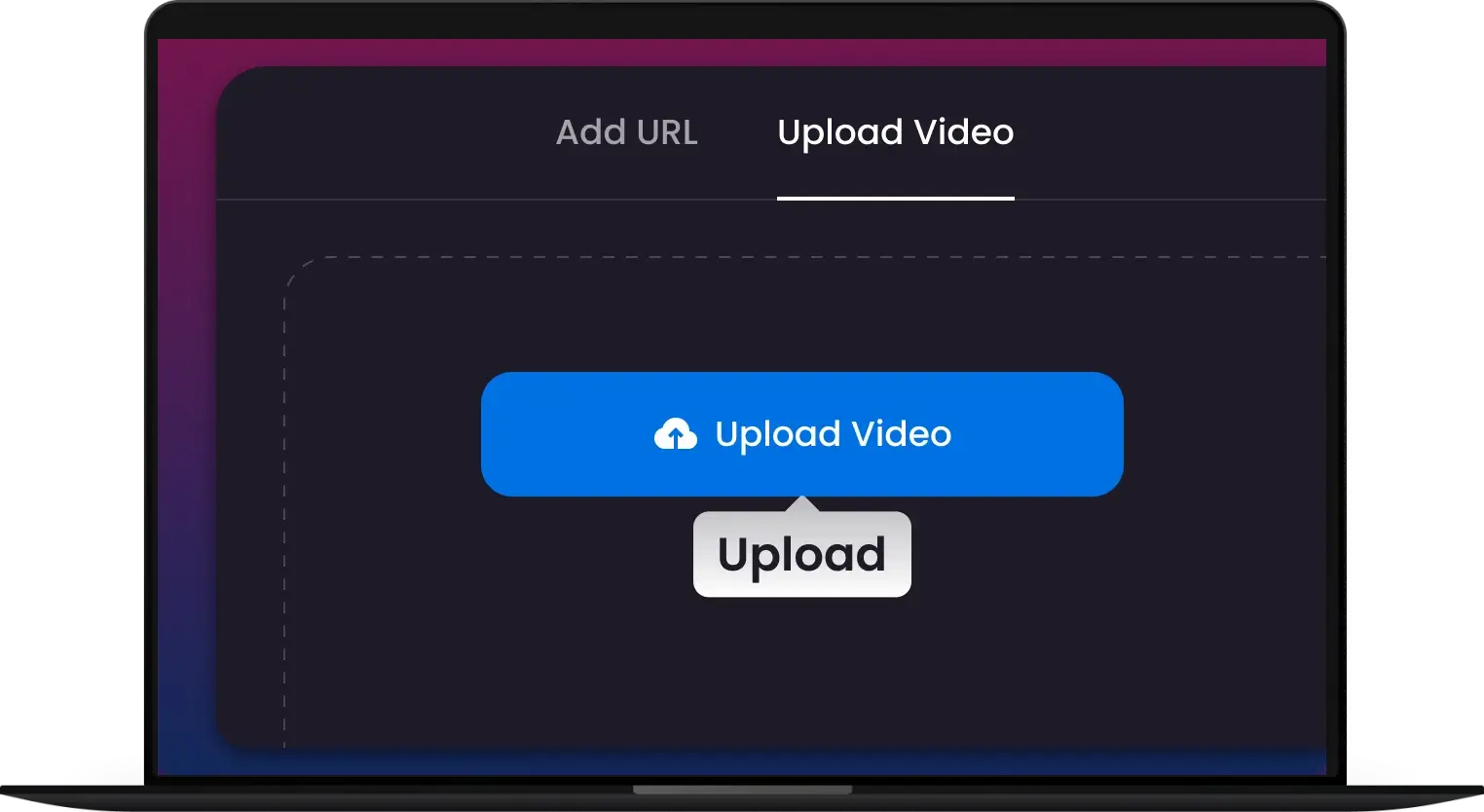
1. Upload Your Video
Drag & drop MP4, AVI, MOV, M4V or raw footage. Large files and batch uploads are supported.
-
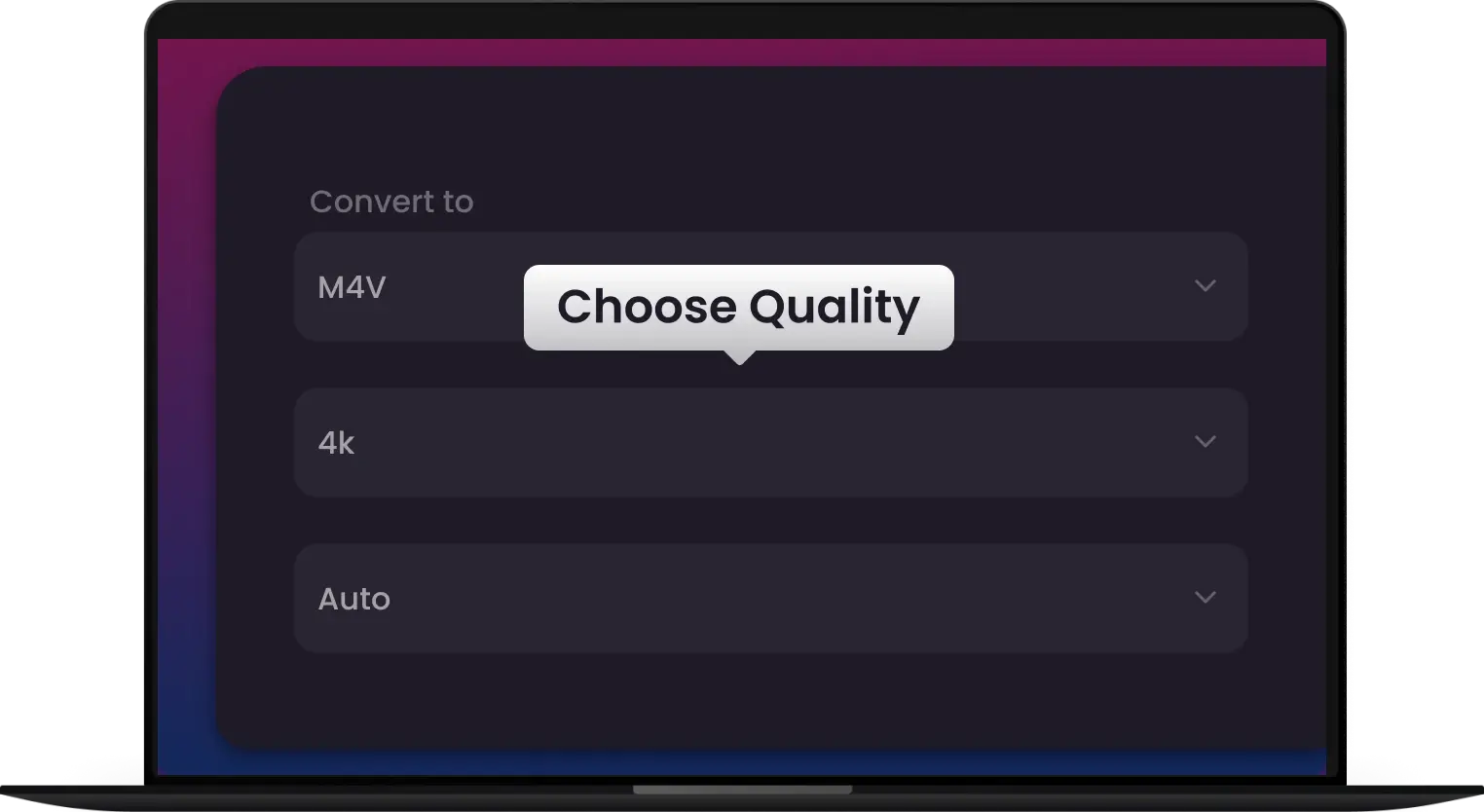
2. Select Output Format
Select MP4 format and adjust resolution, bitrate, or audio options for iPhone, iPad, Mac, or streaming.
-
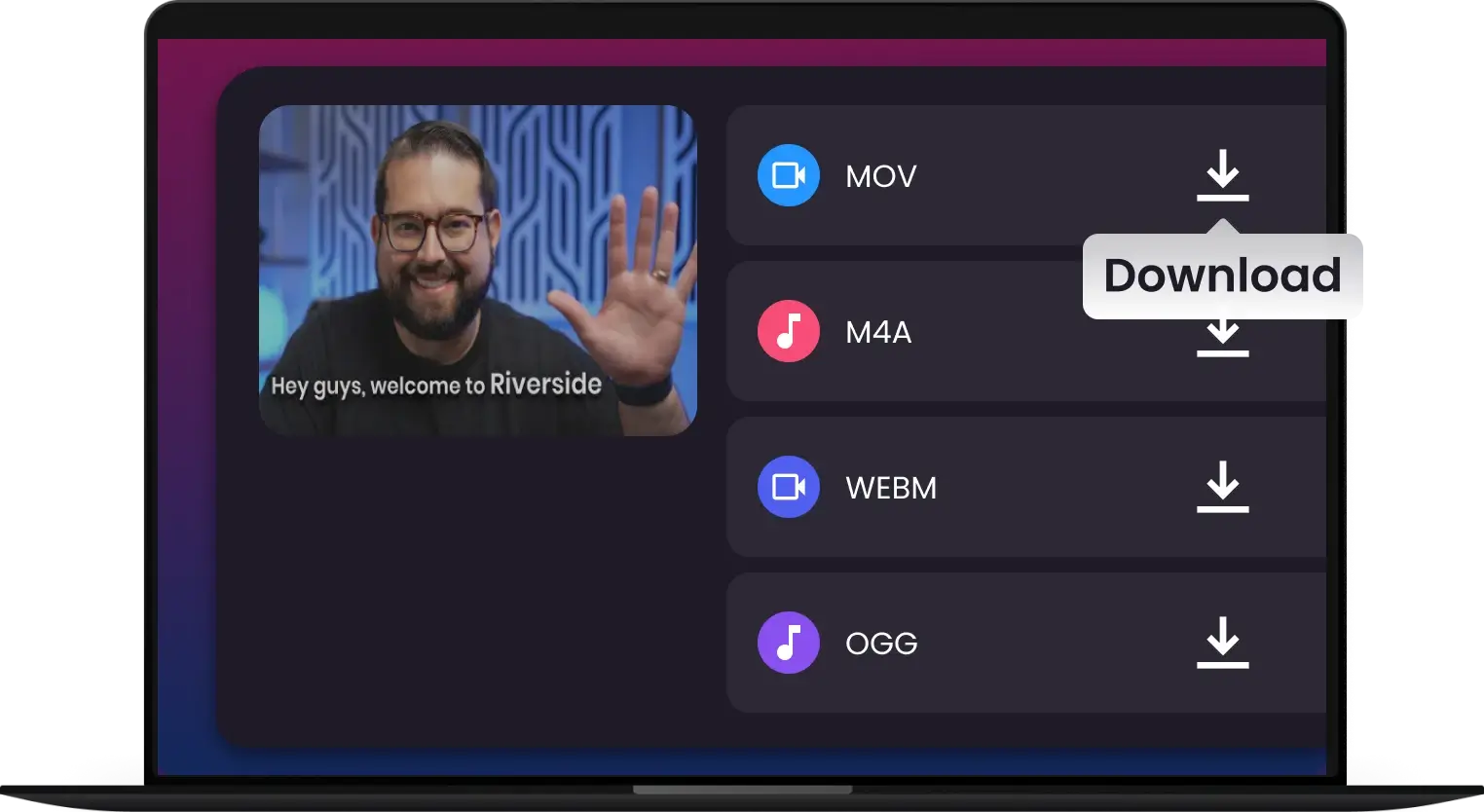
3. Convert & Download
Click 'Convert' and get your MP4 file instantly — ready for playback, editing, or sharing
-
![Edit-Ready Transcoding for Pro Workflows]()
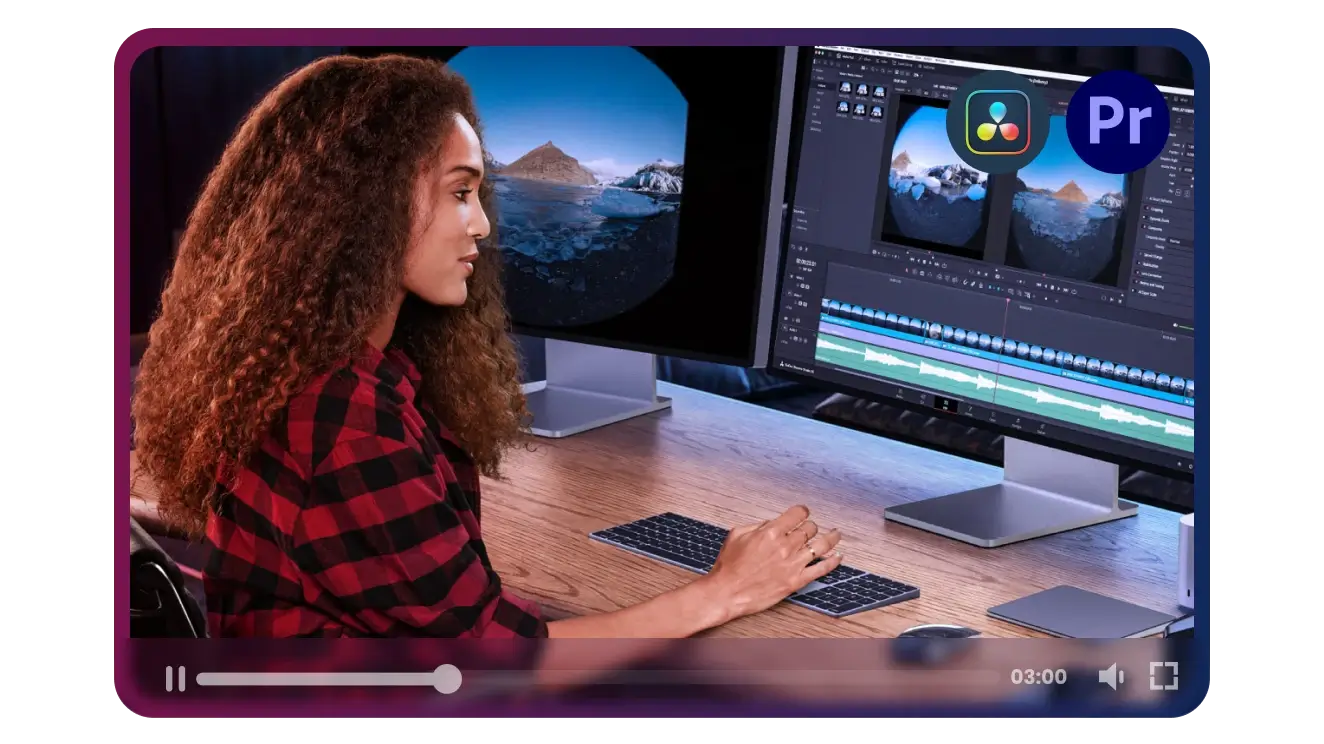
Edit-Ready Transcoding for Pro Workflows
Eliminate playback lag in Premiere Pro and DaVinci Resolve. Convert M4V to high-performance ProRes or MOV to ensure a smooth, crash-free editing experience every time
Optimize for Editing -
![Bit-Perfect Quality & 4K Preservation]()
Bit-Perfect Quality & 4K Preservation
Don't sacrifice a single pixel. Our lossless engine maintains your original 4K resolution, HDR metadata, and high-fidelity audio, giving you the perfect file without compromise
Convert Losslessly -
![Preserve Every Audio & Subtitle Track]()
Preserve Every Audio & Subtitle Track
Keep your 5.1 Surround Sound and multilingual subtitles intact. Our smart engine performs advanced passthrough, ensuring your converted files retain all their original depth and detail
Convert M4V -
![Batch & Large File Friendly]()
Batch & Large File Friendly
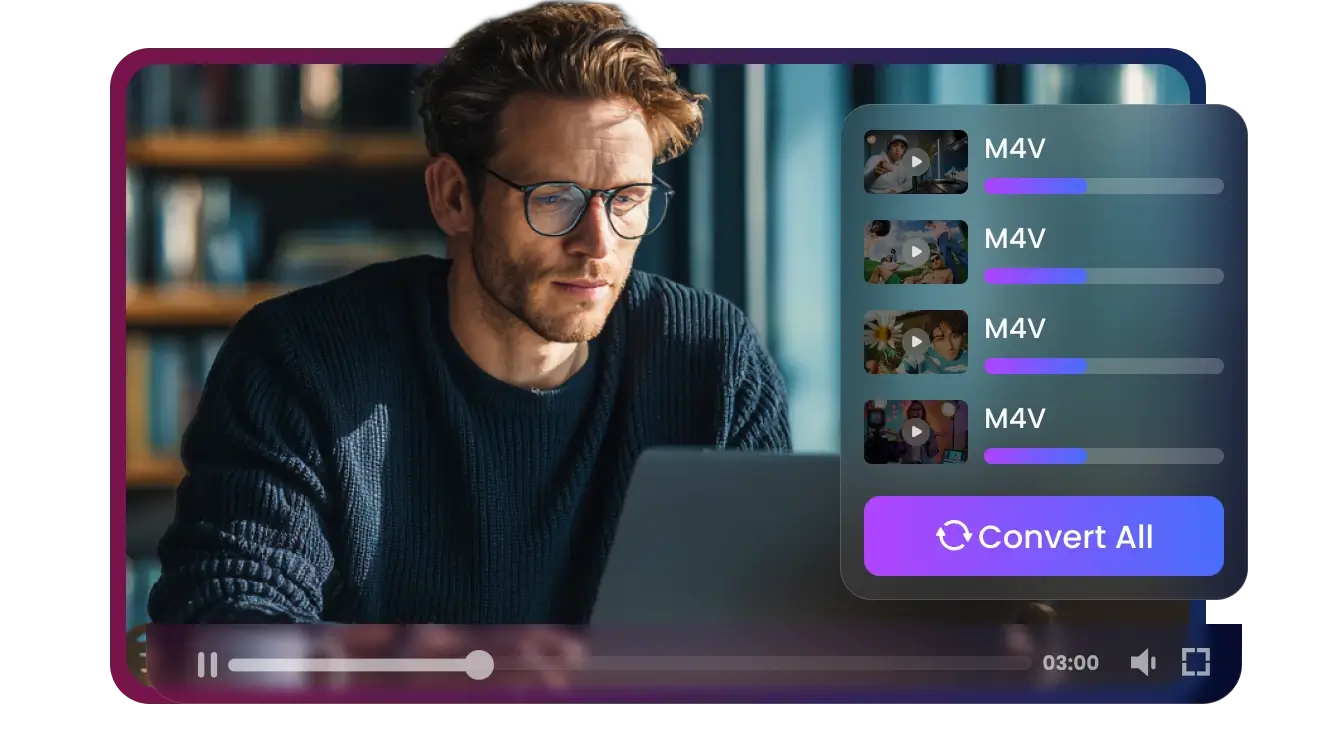
Convert single files or large video archives effortlessly. No crashes, no lag – perfect for professionals and creators.
Batch Conversion -
![Supports 500+ Video Formats]()
Supports 500+ Video Formats
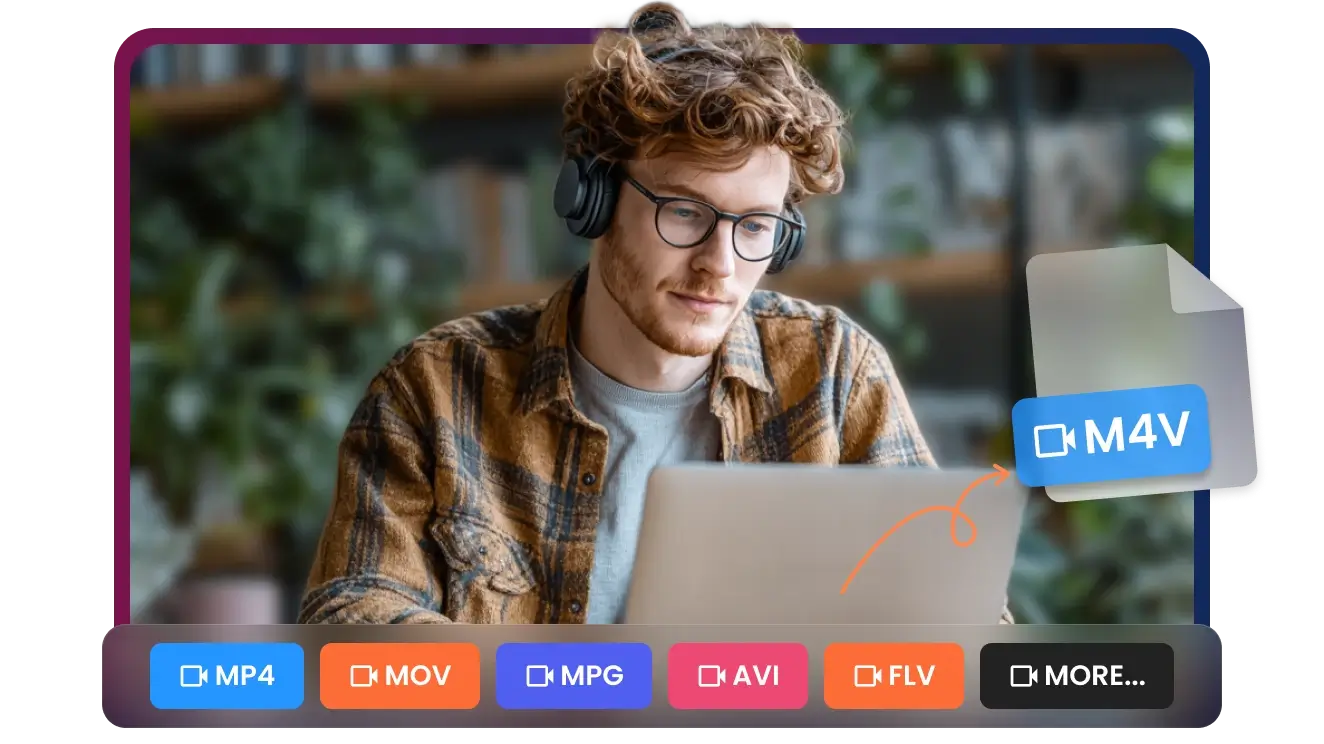
Our M4V converter handles over 500 formats including MP4, AVI, MOV, FLV, and more for seamless conversion.
Convert Now
Convert Any FLV to Modern HD. No Exceptions
Instantly convert FLV files to MP4, MP3, MOV, AVI, WAV, and 500+ formats. Works online, no installs, no sign-ups — truly hassle-free
Convert to M4V

Pixel-Perfect M4V Conversion — High-Quality Video & Audio, Every Time
Hybrid Creator
Social Media Pro
Professional Archivist
Video Editors
Educators & Trainers


Join 500,000+ Creators Rescuing Their Footage with Our Pro-Speed M4V Converter


Frequently Asked Questions
Why do I need an M4V converter for my Apple videos?
Will I lose video quality during the conversion?
Can I convert M4V files for use in Adobe Premiere Pro or DaVinci Resolve?
Does the converter preserve my multi-channel (5.1) audio and subtitles?
How fast is the conversion process?
Can I convert multiple M4V files at once?
Is there a file size limit for the conversion?
Will my metadata (date, location, tags) be saved?
Which video formats can I convert to M4V?
Can I adjust video and audio settings?
One Tool for Your Audio, A Whole Suite for Your Workflow


