 Multi-Downloader


WEBA Converter Online. Instantly
Batch convert WEBA to MP3, WAV or M4A in seconds. Optimized for Apple devices, Telegram voice messages and cross-platform compatibility
- WEBA
- Auto
-
 7Digital
- Amazon Music
- Apple Music
- Artlist
- Audio
- Audiomack
-
 Bandcamp
-
 Beatport
-
 BeatStars
-
 Boomplay
-
 Bugs
Bugs
- Deezer
-
 DI.FM
DI.FM
-
 DJ Bill Bass
- Epidemic Sound
- Internet Archive
-
 KKBOX
KKBOX
-
 LINE Music
-
 ccMixter
-
 Jamendo
-
 MakeBestMusic
-
 Melon
Melon
-
 Mixcloud
- Mureka
-
 Musopen
-
 Myinstants
-
 NetEase
-
 Pandora
-
 Pixabay
-
 Qobuz
Qobuz
-
 PrayerSong
-
 RaveDJ
-
 Smule
Smule
-
 Songer
-
 Soniva
- SoundCloud
-
 Splice
- Spotify
-
 StreetVoice
- Suno
-
 Tidal
Tidal
- Tumblr
-
 Udio
Udio
- YouTube
- YouTube Music
- Bilibili
-
 Instagram
- TikTok
-
 抖音
抖音
- 歌曲宝


- WEBA
- Auto
-
7Digital
- Amazon Music
- Apple Music
- Artlist
- Audio
- Audiomack
-
Bandcamp
-
Beatport
-
BeatStars
-
Boomplay
-
Bugs
- Deezer
-
DI.FM
-
DJ Bill Bass
- Epidemic Sound
- Internet Archive
-
KKBOX
-
LINE Music
-
ccMixter
-
Jamendo
-
MakeBestMusic
-
Melon
-
Mixcloud
- Mureka
-
Musopen
-
Myinstants
-
NetEase
-
Pandora
-
Pixabay
-
Qobuz
-
PrayerSong
-
RaveDJ
-
Smule
-
Songer
-
Soniva
- SoundCloud
-
Splice
- Spotify
-
StreetVoice
- Suno
-
Tidal
- Tumblr
-
Udio
- YouTube
- YouTube Music
- Bilibili
-
Instagram
- TikTok
-
抖音
- 歌曲宝

One Tool for All Your WEBA and Apple-Optimized Conversion Needs
-
Effortlessly convert OGG, Opus, WAV, FLAC, MP3, and 500+ audio formats
-
Studio-Grade Audio Quality — Supports high-bitrate MP3, lossless WAV & FLAC output
-
Instantly convert “unsupported” OGG files into iPhone- and Mac-ready MP3 or M4A
-
Paste link from YouTube, TikTok and 1000+ sites to save directly as OGG audio
-
Optimized for Audio Workflows & Beyond — Perfect for music producers, podcasters, app developers, content creators and game audio clips
Convert Audio or Video —
500+ Formats Supported for WEBA & Beyond
Whether it's MP4, FLAC, or MOV, convert any file to high-efficiency M4A with Multi-Downloader — The ultimate space-saving solution for your iPhone and Mac
400+ Audio Files
Supports 400+ Audio Formats
 M4A Converter
M4B Converter
M4R Converter
MIDI Converter
MKA Converter
MOD Converter
MP3 Converter
OGA Converter
OGG Converter
Opus Converter
PCM Converter
RA / RAM
VOC Converter
WAV Converter
WEBA Converter
WMA Converter
M4A Converter
M4B Converter
M4R Converter
MIDI Converter
MKA Converter
MOD Converter
MP3 Converter
OGA Converter
OGG Converter
Opus Converter
PCM Converter
RA / RAM
VOC Converter
WAV Converter
WEBA Converter
WMA Converter
500+ Video Files
Supports 500+ Video Formats
DV Converter
DVR Converter
FLV Converter
GIF Converter
M2TS Converter
M4V Converter
MKV Converter
MOD Converter
MOV Converter
MP4 Converter
MPEG Converter
MPG Converter
MTS Converter
MXF Converter
RM Converter
RMVB Converter
SWF Converter
TS Converter
VOB Converter
WEBM Converter
WMV Converter
WTV Converter
How to Convert WEBA to MP3 in 3 Simple Steps
-
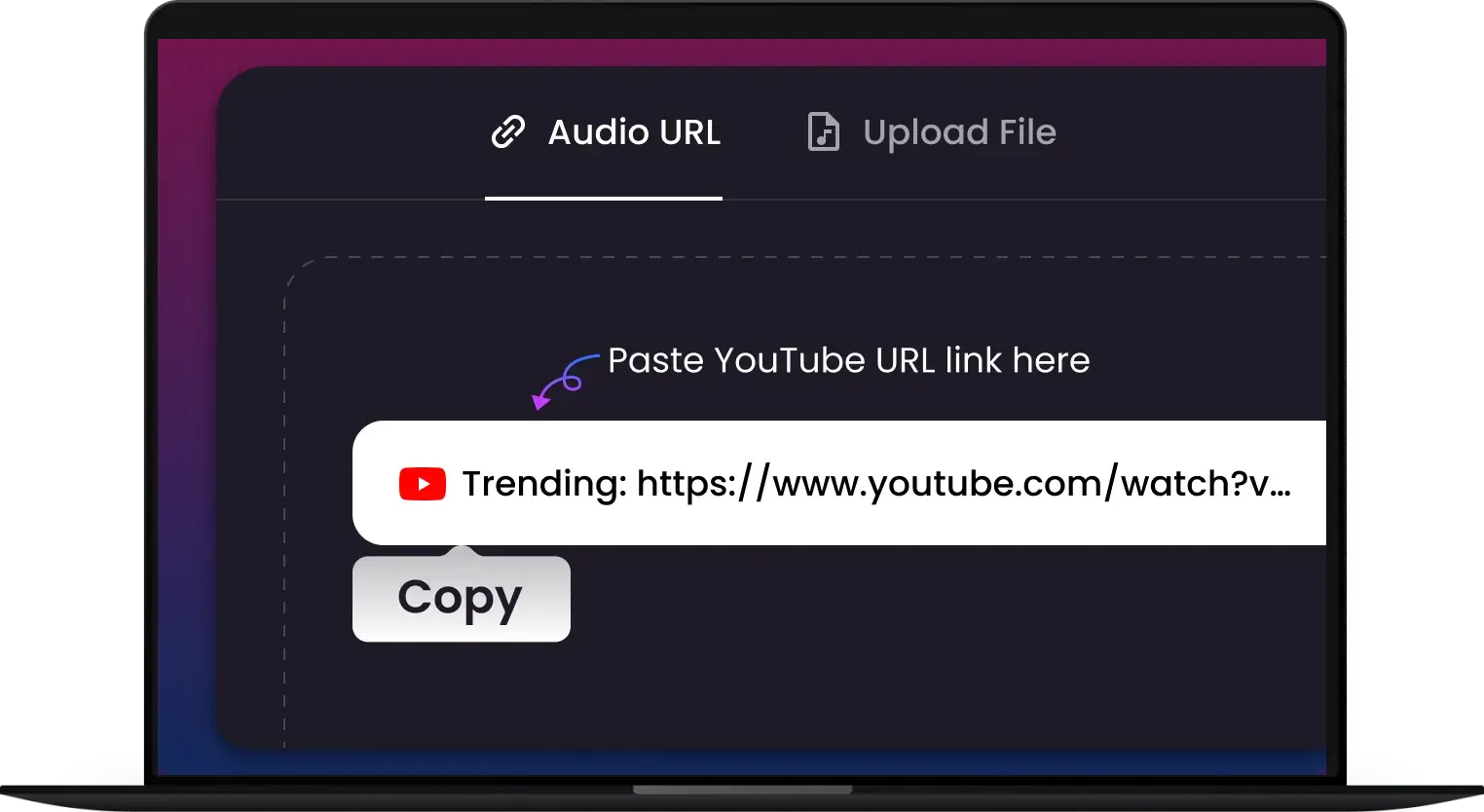
1. Upload or Paste Your WEBA Link
Drag your .weba files directly into the converter or simply paste a URL from your source.
-
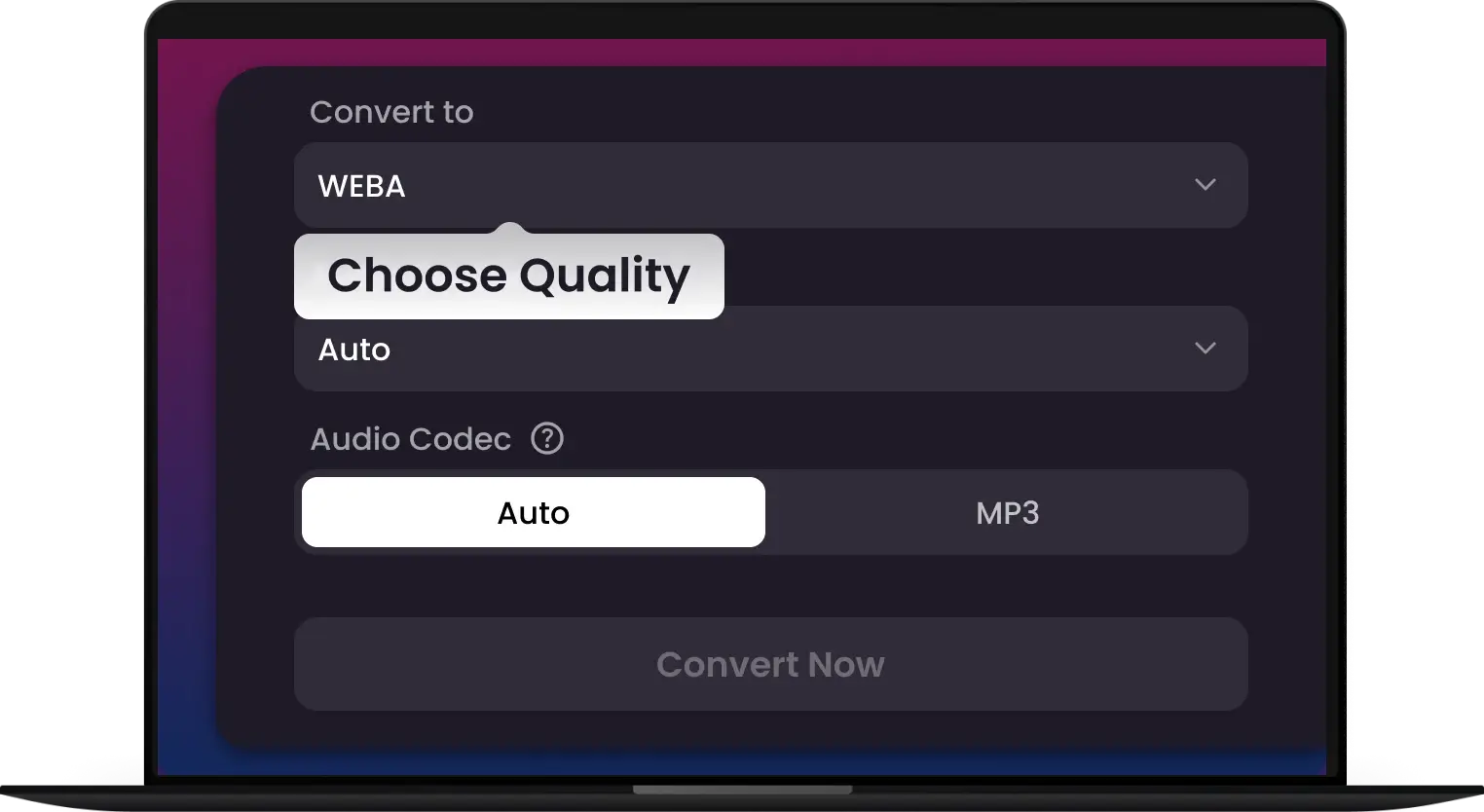
2. Select Your Apple-Ready Format
Choose the output that fits your workflow. Select MP3 or M4A for seamless playback on iPhone and Mac, or pick lossless WAV for professional editing in Final Cut Pro or Logic Pro.
-
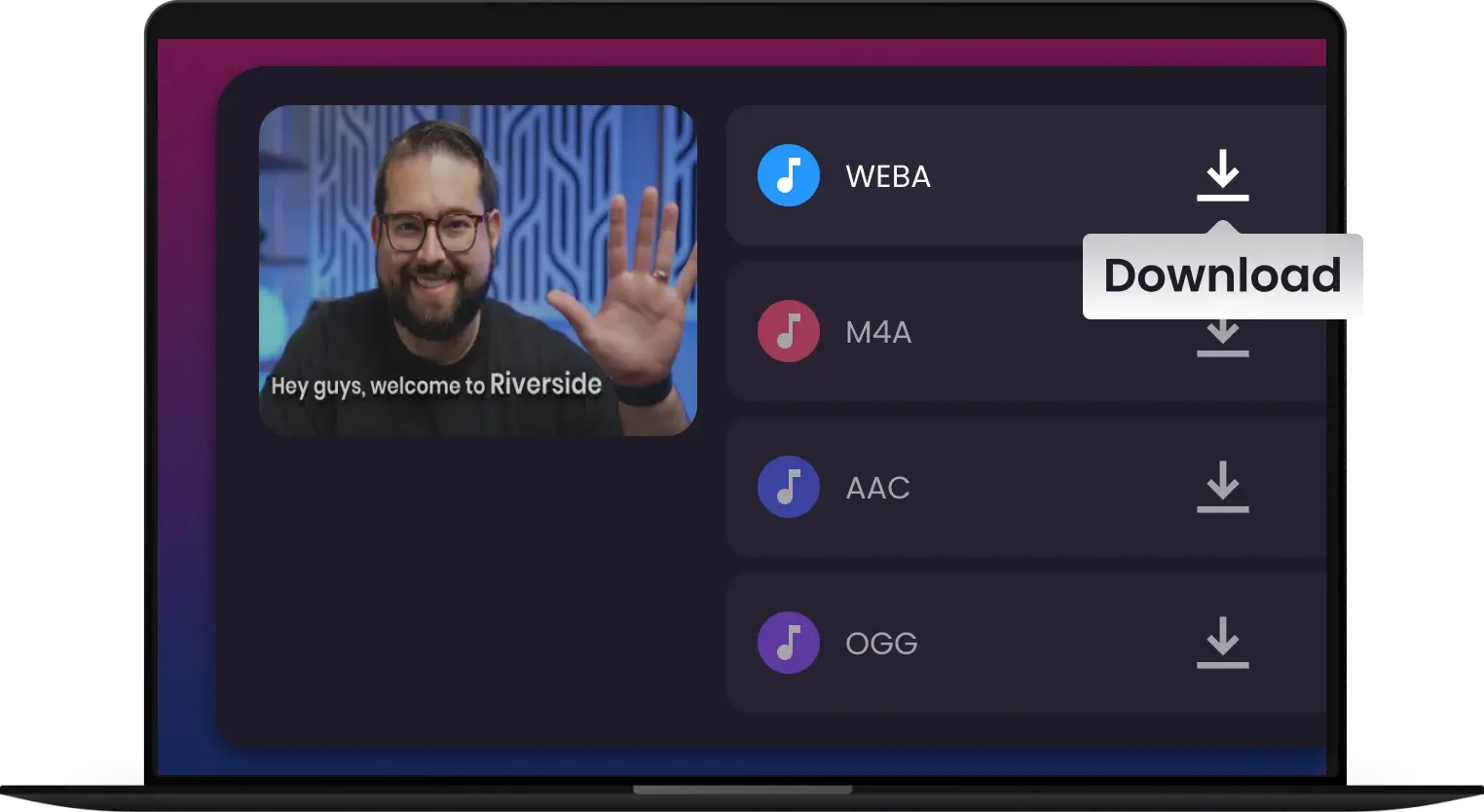
3. Convert & Download
Download your optimized audio instantly. Your files are now perfectly synced and ready to keep your creative momentum purring!
-
![Studio-Quality Output]()
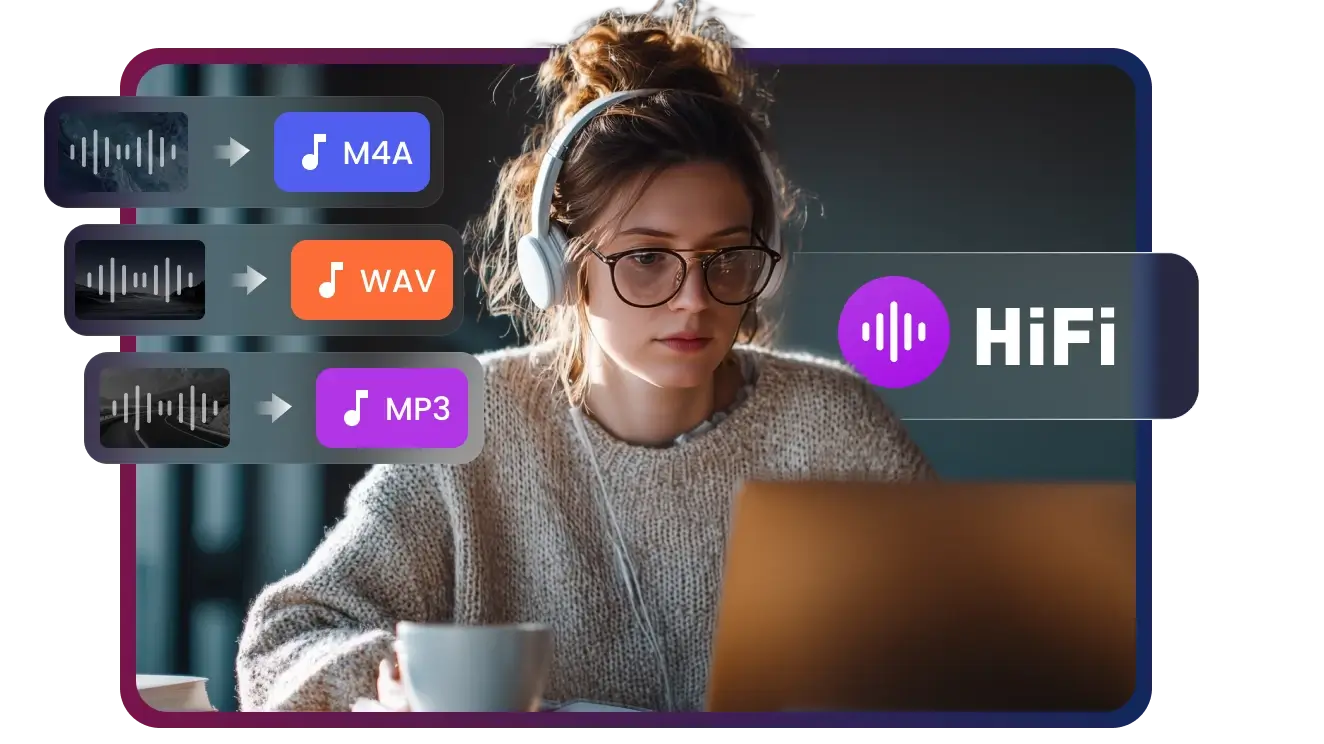
Studio-Quality 320kbps Output for Every Export
Get studio-quality 320kbps MP3s from any video. High-fidelity output, fast processing, and ready for any device or platform.
Convert to Hi-Fi MP3 -
![Batch Conversion]()
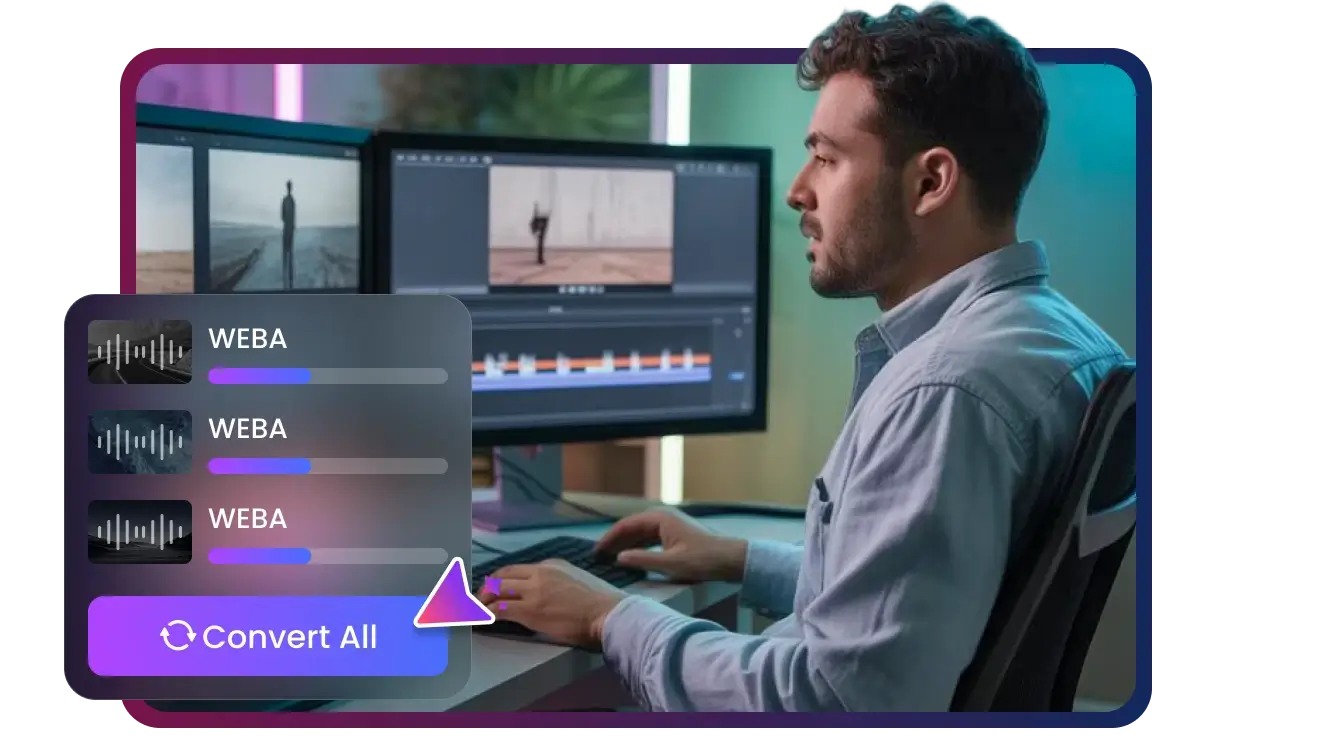
Batch Convert Up to 100 WEBA Files Simultaneously
Batch convert up to 100 WEBA files at once. Fast, automated, and secure processing for massive libraries. No individual uploads—just one click. Save time now!
Convert Batch -
![Lossless Conversion]()
Lossless Conversion to M4A, WAV, MP3 & More
Experience lossless conversion to M4A, WAV, MP3 & 400+ formats. Preserve 100% audio fidelity with pro-grade output. Fast, secure, and zero quality loss. Try it now!
Convert to MP3 -
![Optimized for Creators]()
Optimized for Social Media, Podcasts, and Editing
The all-in-one converter for creators. Optimized for YouTube, TikTok, Podcasts, and Pro Editing. Get high-speed, lossless exports in any format. Level up today!
Convert for Social & Podcasts -
![AWS Cloud Transcoding]()
180X Faster Cloud Transcoding via AWS
Experience 180X faster cloud transcoding powered by AWS. Convert massive files instantly with high-performance server-side processing. Secure & scalable. Try it now!
Convert at 180X Speed


Convert Any WEBA, No Exceptions
Master 500+ formats with our high-fidelity WEBA converter. From raw stems to Apple-optimized files, we provide the gold standard in transcoding for creators.


Who Is This WEBA Converter For
Apple Ecosystem User
Content Creators
Telegram & Messaging App Users
Web Developers
Students


Fast, Lossless & Effortless—The WEBA Converter That Keeps Your Creative Momentum Purring


Frequently Asked Questions
What is a WEBA file and how do I open it?
Can I convert WEBA to MP3 without losing quality?
How do I play Telegram WEBA files on my iPhone?
Is it possible to batch convert multiple WEBA files at once?
Why won't Final Cut Pro or Logic Pro import my WEBA file?
Is my data secure when converting WEBA files online?
How do I convert WebA files to MP3, WAV, or M4A?
One Tool for Your Audio, A Whole Suite for Your Workflow


