Converter

Convert PDF to Word

Convert PDFs, including scanned images, to editable Word (DOCX) in seconds. Our built-in OCR guarantees 100% accuracy, preserving all formatting and tables

PDF to Word
PDF to Word background
PDF to Word

PDF to Word

Convert PDF to Word (DOCX) in seconds. Our advanced engine preserves 100% of your original formatting, including tables, images, and font styles
Word to PDF

Word to PDF

Convert your Word document to a perfect, secure PDF instantly. We guarantee that your fonts, formatting, and images will look pixel-perfect and identical on every device
JPG to PDF

JPG to PDF

Turn JPEGs, PNGs, and other images into one seamless PDF document instantly. Perfect for receipts, portfolios, and reports. Consolidate your files now
PDF to JPG

PDF to JPG

Instantly convert every page of your PDF into high-quality, shareable JPG images. Perfect for social media, websites, and presentations
OCR PDF

OCR PDF

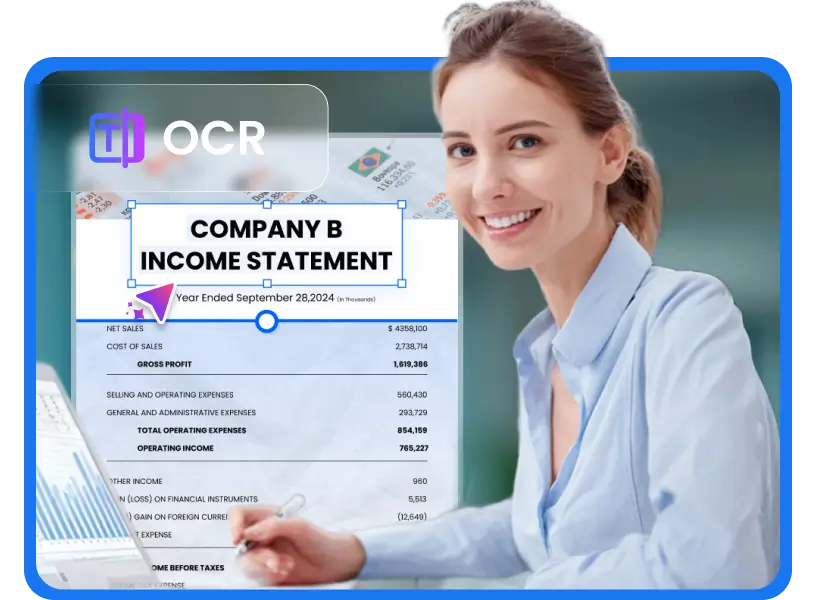
Convert image-only and non-searchable PDF files into fully selectable and searchable documents with industry-leading Optical Character Recognition (OCR)
PDF, DOC, DOCX, XLS, PPT, PNG, JPG and more
Up to 100 files, max 5GB each
Files to be converted
OCR OCR tip
Keep the same settings for all files
Remove All
Convert All
Convert More
Stop All
Download All
Remove All
Download All
  • Beyond DOCX: Versatile PDF Conversion Mastery

    Beyond DOCX: Versatile PDF Conversion Mastery

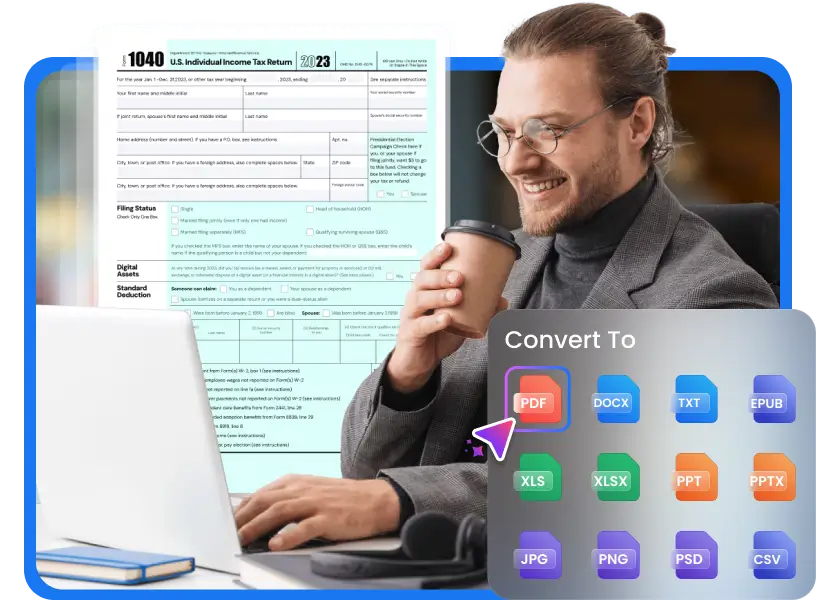
    • Convert PDFs to Word, Excel, PNG, JPG, and more — or back to PDF with ease
    • Process multiple files at once to save time and boost your productivity
    • Preserve layouts, fonts, and formatting for clean, accurate, high-quality conversions every time
    Convert PDF Now
  • Integrated OCR for Scanned PDFs

    Integrated OCR for Scanned PDFs

    • Effortless Text Extraction - Accurately capture text from scanned PDFs and images
    • Multi-Language OCR Support - Convert PDFs into Word or searchable/editable PDF files in 26 languages
    • Batch OCR Processing - Turn multiple scanned documents or images into editable text in just seconds, all in one go
    OCR PDF Now
  • Batch, Accurate & Editable Word Output

    Batch, Accurate & Editable Word Output

    • Batch PDF Conversion - Convert multiple files at once to save time and streamline your workflow
    • Precise Text Recognition - Keep formatting and layout intact while extracting text from PDFs
    • Editable & Searchable Output - Generate Word or PDF files that are fully editable and easy to search
    Batch PDF

Essential PDF to Word Solution for Professionals and Students

Instantly convert fixed PDFs into fully editable Word (DOCX) files. Our solution drastically speeds up research, report editing, and administrative workflows for legal and corporate teams

  • Convert Academic PDFs
    Convert Academic PDFs

    Students & Researchers

    Easily convert lecture notes, research papers, and downloaded study materials into fully editable Word files. Perfect for rewriting, citing, and completing assignments faster.

  • Reworking Worksheets & Handouts
    Reworking Worksheets & Handouts

    Teachers & Educators

    Quickly turn PDFs into Word files to update lesson plans, create assignments, or personalize teaching materials for your students.

  • Reviewing Agreements & Statements
    Reviewing Agreements & Statements

    Legal & Finance Professionals

    Convert multi-page PDFs into editable Word files for contract review, redlining, or preparing financial summaries with full formatting preserved.

  • Extracting from PDFs for Repurposing
    Extracting from PDFs for Repurposing

    Content Creators & Writers

    Convert long-form PDFs into editable text so you can repurpose content for blogs, guides, social posts, or new documents in minutes — effortlessly.


How to Convert PDF to Word?

  • 1. 

    Upload PDF

    Click 'Upload' or Drag & Drop any PDF file into the converter box

  • 2. 

    Convert Instantly

    Instantly convert scanned PDFs to fully editable DOCX or DOC using built-in OCR

  • 3. 

    Download Word

    Download the editable DOCX and start making changes right away

  • pload PDF
  • Convert Instantly
  • Download Word
Why People Love Our PDF to Word Converter From perfect formatting to lightning-fast conversion, see how Multi-Downloader is rated highly for speed, accuracy, and simplicity

Why People Love Our PDF to Word Converter

    Reviewer: Freelance Writer
    Chloe M.
    Freelance Writer
    I convert 20+ PDFs a week for client projects, and this tool handles them instantly. It's much faster than my expensive desktop suite, and the drag-and-drop workflow is exactly what I need for high-volume work
    Reviewer: University Researcher
    Dr. Alex P.
    University Researcher
    The ability to convert image-based and scanned PDFs into truly editable Word documents with high accuracy is remarkable. This service has cut the time I spend preparing research data in half. Highly recommend it to academics.
    Reviewer: Student
    Lisa W.
    Student
    I used to spend hours retyping PDF notes for assignments. Now, with this converter, I can just edit them directly in Word. Super convenient!
    Reviewer: Accountant
    Mark H.
    Accountant
    Converting invoices and financial reports from PDF to Word used to be a nightmare. This tool handles everything perfectly and keeps the formatting intact.
    Reviewer: Marketing Manager
    Ben D.
    Marketing Manager
    I rely on this service for all my file conversions—from PDF to JPG for social media to final Word to PDF reports. It's consistent, the quality is always high, and I never worry about the security of my data.

Frequently Asked Questions

How do I convert a PDF to Word online?
Simply upload your PDF file, click "Convert," and download your editable Word document within seconds. Our online PDF to Word converter works directly in your browser—no software installation required.
Can I convert a scanned PDF to DOCX?
Yes. Our advanced online converter utilizes integrated Optical Character Recognition (OCR) technology specifically designed to handle scanned and image-based PDF files.
How to convert PDF to Word on Mac?
Multi-Downloader online PDF to Word Converter uses powerful cloud-based OCR (Optical Character Recognition) for scanned PDFs: 1. Go to Multi-Downloader: Open your browser and navigate to a trusted online PDF converter 2. Upload: Click the "Upload" or "Select File" button and choose the PDF from your Mac. 3. Convert: Select the output format as DOCX and click the "Convert" button. 4. Download: Once the process is finished, download the newly created Word file directly to your Mac.
How to convert PDF to Word without Adobe?
You absolutely do not need Adobe Acrobat to convert your PDF files to editable Word documents (DOCX). Multi-Downloader: Our converter, for example, specializes in high-accuracy OCR conversion. Simply upload your PDF (even scanned ones), and our system automatically processes it, maintaining complex layouts, tables, and images before delivering a clean, editable DOCX file.
Can I convert an image-based PDF into an editable Word file?
Absolutely. Our tool features integrated OCR (Optical Character Recognition) technology. If you upload an image-based PDF, the OCR feature will intelligently recognize the text within the images and convert it into a fully editable, searchable Microsoft Word document.
Will the converted Word file keep the original formatting?
Excellent preservation is our priority. Our advanced conversion engine is designed to maintain the original layout, fonts, images, tables, and spacing as accurately as possible. While no conversion is 100% perfect due to the nature of different file formats, our technology delivers market-leading accuracy to minimize the need for manual cleanup.
Are there file size or page limits?
The maximum file size limit is 2 GB, and there are no page limits.

Simplified PDF Conversion

Convert your PDF to Word, JPG, Excel, or vice versa—instantly
Convert PDF to Word
5025 Boardwalk Dr Ste 100, Colorado Springs, CO, 80919 Copyright © 2025 ANGELO NETWORK TECHNOLOGY LTD
back to top