 Multi-Downloader


AIFF Converter Online. Instantly
Effortlessly convert MP3s, YouTube references, video clips, or raw field recordings into uncompressed, bit-perfect AIFF files
- AIFF
- Auto
-
 7Digital
- Amazon Music
- Apple Music
- Artlist
- Audio
- Audiomack
-
 Bandcamp
-
 Beatport
-
 BeatStars
-
 Boomplay
-
 Bugs
Bugs
- Deezer
-
 DI.FM
DI.FM
-
 DJ Bill Bass
- Epidemic Sound
- Internet Archive
-
 KKBOX
KKBOX
-
 LINE Music
-
 ccMixter
-
 Jamendo
-
 MakeBestMusic
-
 Melon
Melon
-
 Mixcloud
- Mureka
-
 Musopen
-
 Myinstants
-
 NetEase
-
 Pandora
-
 Pixabay
-
 Qobuz
Qobuz
-
 PrayerSong
-
 RaveDJ
-
 Smule
Smule
-
 Songer
-
 Soniva
- SoundCloud
-
 Splice
- Spotify
-
 StreetVoice
- Suno
-
 Tidal
Tidal
- Tumblr
-
 Udio
Udio
- YouTube
- YouTube Music
- Bilibili
-
 Instagram
- TikTok
-
 抖音
抖音
- 歌曲宝


- AIFF
- Auto
-
7Digital
- Amazon Music
- Apple Music
- Artlist
- Audio
- Audiomack
-
Bandcamp
-
Beatport
-
BeatStars
-
Boomplay
-
Bugs
- Deezer
-
DI.FM
-
DJ Bill Bass
- Epidemic Sound
- Internet Archive
-
KKBOX
-
LINE Music
-
ccMixter
-
Jamendo
-
MakeBestMusic
-
Melon
-
Mixcloud
- Mureka
-
Musopen
-
Myinstants
-
NetEase
-
Pandora
-
Pixabay
-
Qobuz
-
PrayerSong
-
RaveDJ
-
Smule
-
Songer
-
Soniva
- SoundCloud
-
Splice
- Spotify
-
StreetVoice
- Suno
-
Tidal
- Tumblr
-
Udio
- YouTube
- YouTube Music
- Bilibili
-
Instagram
- TikTok
-
抖音
- 歌曲宝

Pro-Grade AIFF Converter: Bit-Perfect Accuracy & Instant DAW Integration
-
Tailor-made for Logic Pro, Final Cut Pro, and the Professional Mac Ecosystem
-
Effortlessly Create Studio-Grade AIFF from MP3, WAV, FLAC, and 500+ Audio Sources
-
Fix 'Codec Lag' Errors—Convert Files to Zero-Latency, Production-Ready AIFF
-
Bit-Perfect Audio — Preserve High-End Nuances with 24-bit/96kHz Precision
-
The Go-To Solution for Sound Engineers, Video Producers, and Audiophile Power Users
One-Click AIFF Workflow — Instant Production-Ready Audio for Mac & DAWs
Transform compressed MP3s, YouTube references, or complex video audio into uncompressed, bit-perfect AIFF files in seconds. Multi-Downloader handles 500+ sources with a single click
400+ Audio Files
Supports 400+ Audio Formats
 M4A Converter
M4B Converter
M4R Converter
MIDI Converter
MKA Converter
MOD Converter
MP3 Converter
OGA Converter
OGG Converter
Opus Converter
PCM Converter
RA / RAM
VOC Converter
WAV Converter
WEBA Converter
WMA Converter
M4A Converter
M4B Converter
M4R Converter
MIDI Converter
MKA Converter
MOD Converter
MP3 Converter
OGA Converter
OGG Converter
Opus Converter
PCM Converter
RA / RAM
VOC Converter
WAV Converter
WEBA Converter
WMA Converter
500+ Video Files
Supports 500+ Video Formats
DV Converter
DVR Converter
FLV Converter
GIF Converter
M2TS Converter
M4V Converter
MKV Converter
MOD Converter
MOV Converter
MP4 Converter
MPEG Converter
MPG Converter
MTS Converter
MXF Converter
RM Converter
RMVB Converter
SWF Converter
TS Converter
VOB Converter
WEBM Converter
WMV Converter
WTV Converter
Convert Any Audio to Studio-Grade AIFF in 3 Simple Steps
-
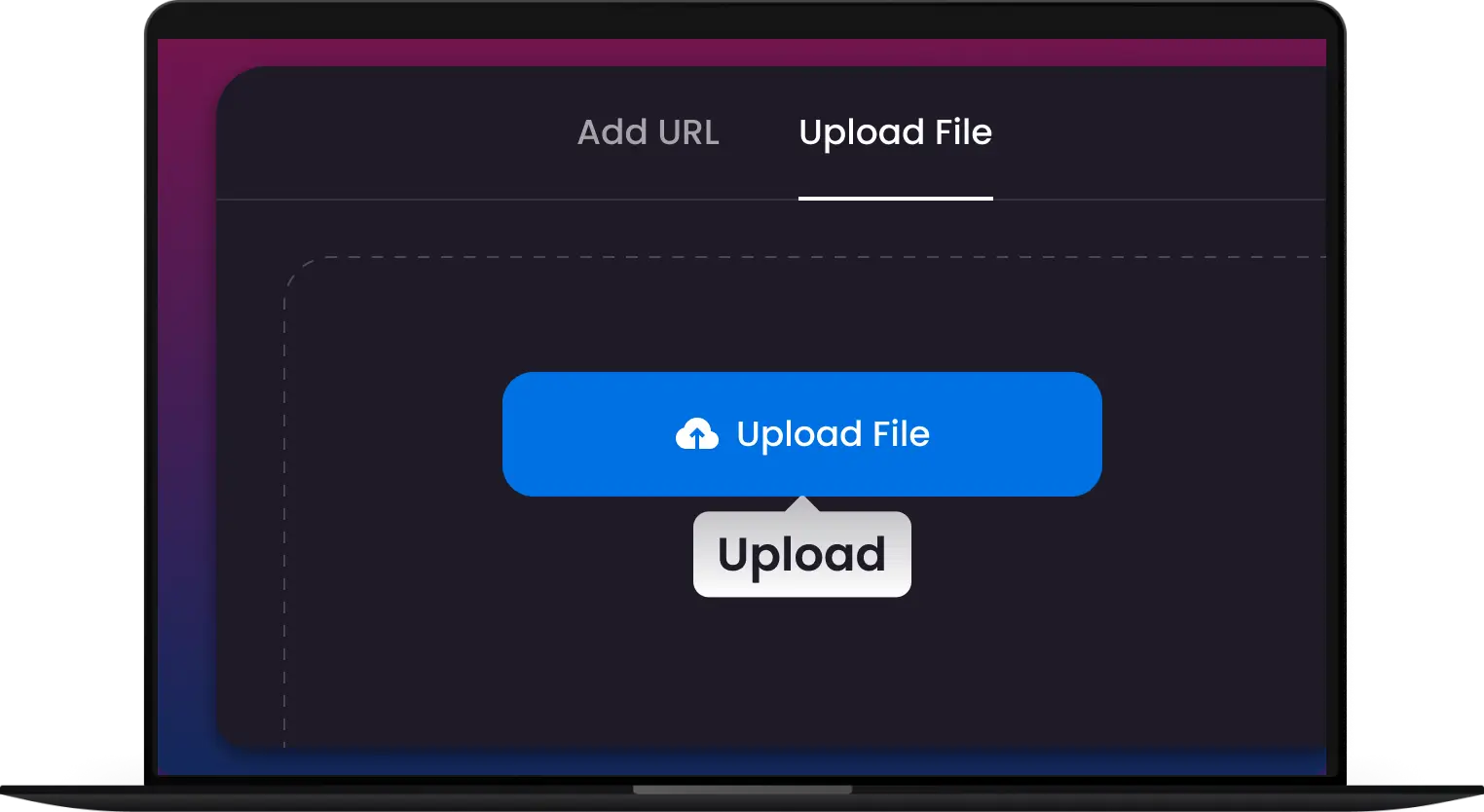
1. Upload Your AIFF
Drag and drop MP3, WAV, FLAC, AAC, or video files like MP4, AVI, MOV, MKV. No installation or sign-up required.
-
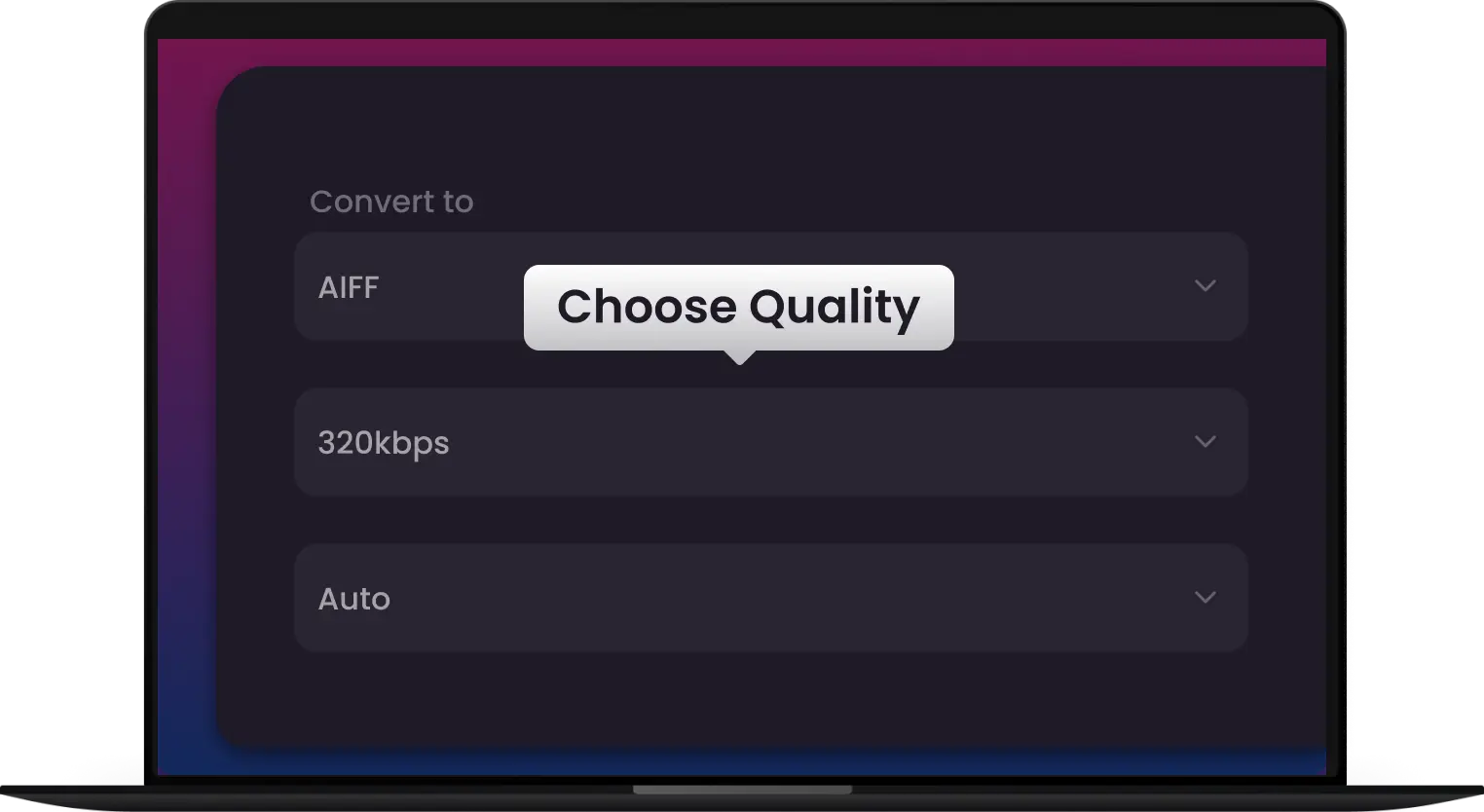
2. Bit-Depth & Sample Rates
Take control of your output. Select professional-grade settings up to 24-bit/96kHz to ensure your audio meets broadcast standard.
-
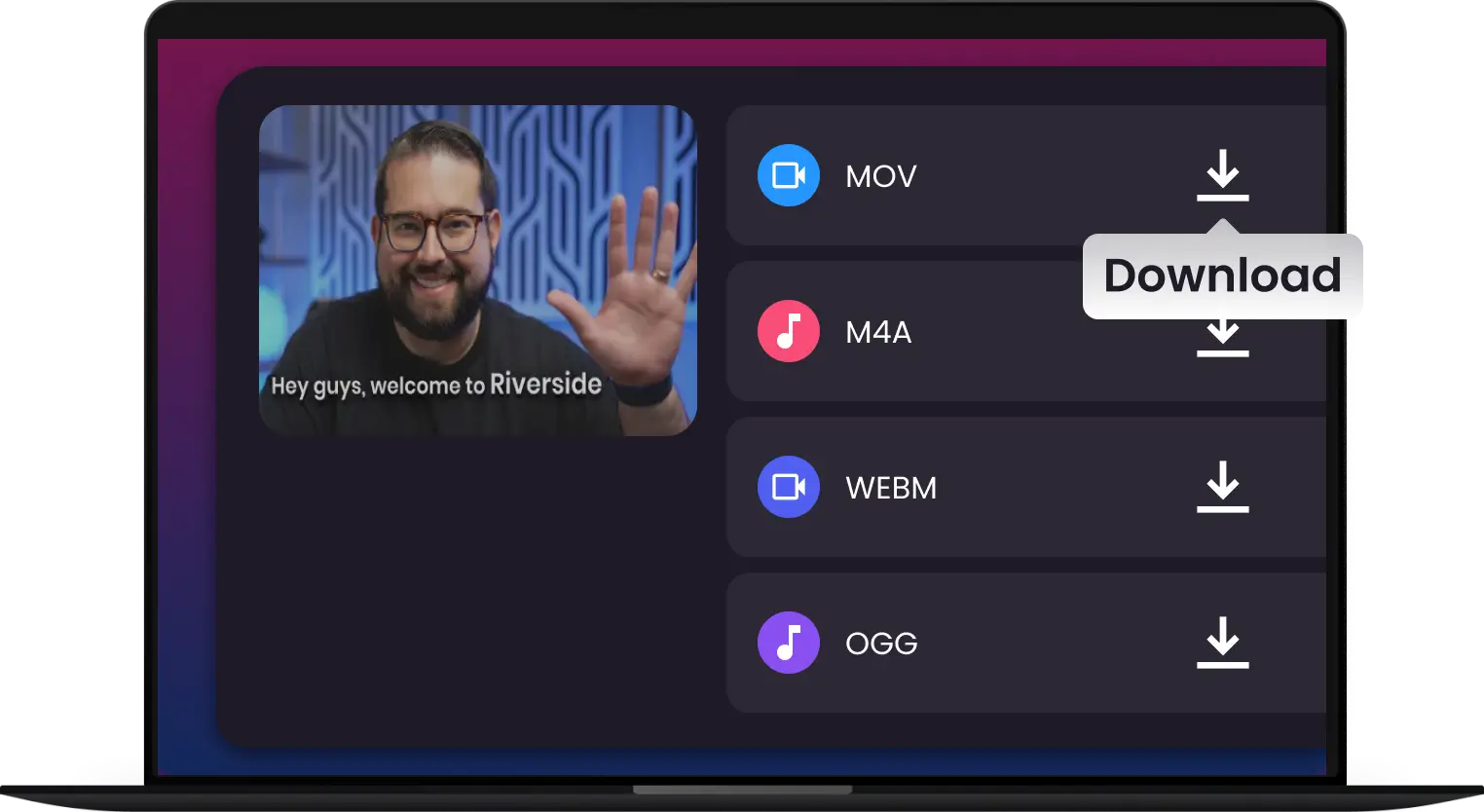
3. Convert & Download
Click 'Convert' to instantly create a lossless AIFF file. Ready for Logic Pro, Ableton, Pro Tools, podcasts, or high-fidelity playback.
-
![Bit-Perfect Lossless Transcoding]()
Bit-Perfect Lossless Transcoding
Stop sacrificing quality. Transform compressed MP3s or video audio into uncompressed, 24-bit AIFF files. Preserve every high-end frequency and transient with zero digital artifacts.
Convert to AIFF -
![Seamless DAW & NLE Integration]()
Seamless DAW & NLE Integration
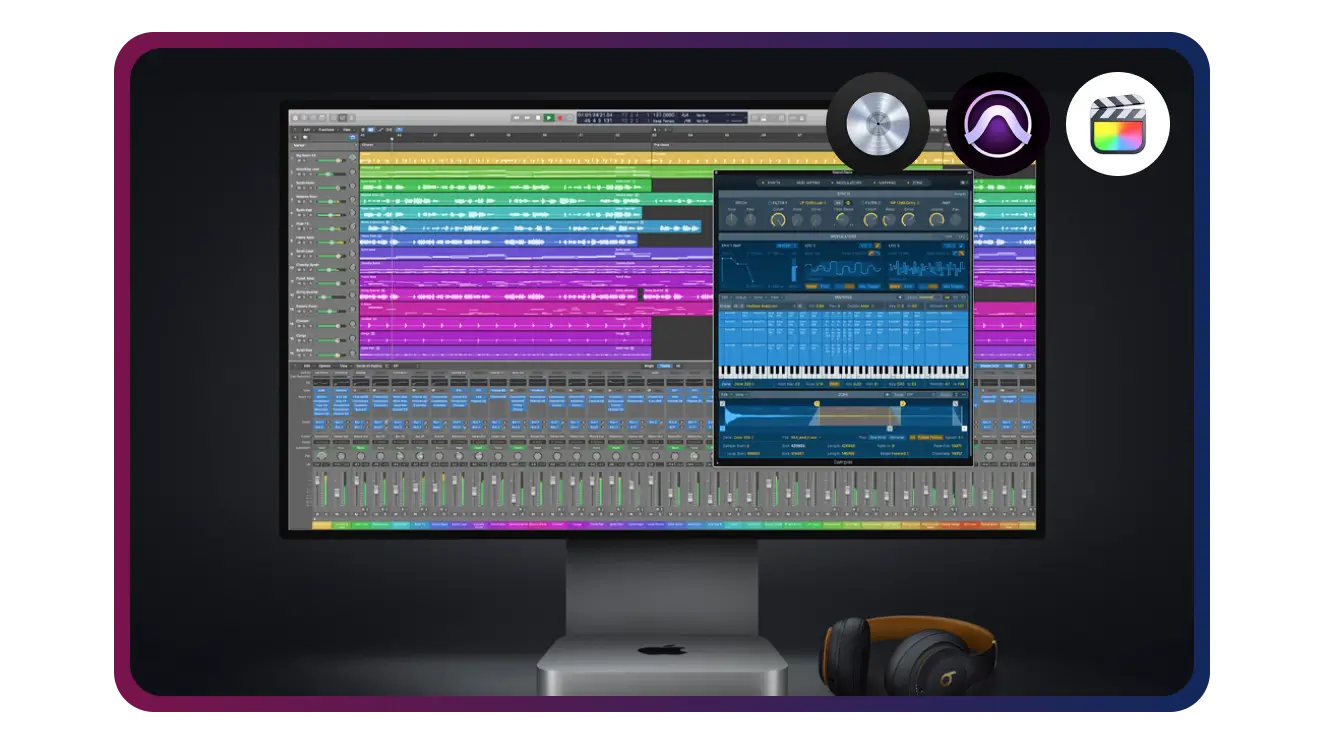
Engineered for the Apple Pro ecosystem. Our AIFF output is 100% native to Logic Pro, Pro Tools, and Final Cut Pro, eliminating codec lag and rendering errors on your production timeline.
Optimize My Workflow -
![Multi-Core Industrial Batch Processing]()
Multi-Core Industrial Batch Processing
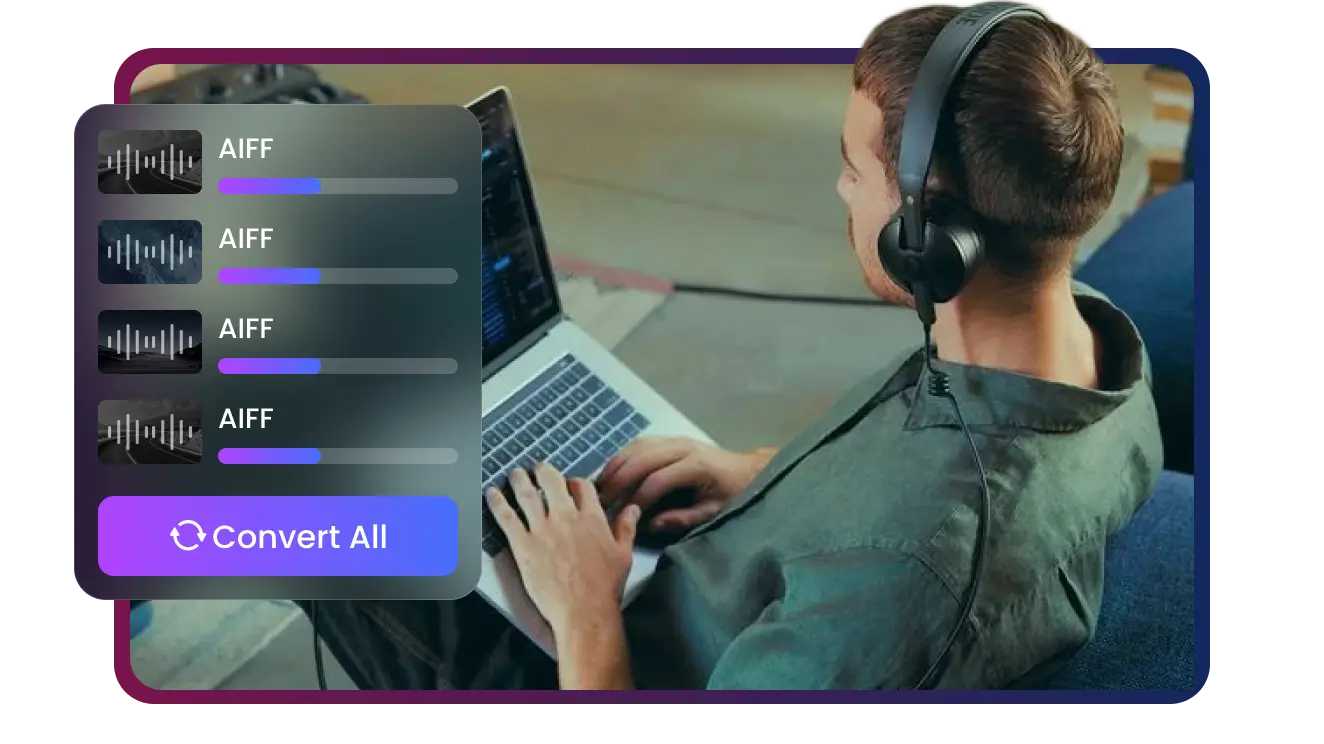
Why convert one by one? Leverage hardware acceleration to transcode entire sound libraries or sample packs at lightning speed. High-volume workflows meet uncompromised stability.
Batch Conversion -
![Supports 500+ Audio & Video Formats]()
Supports 500+ Audio & Video Formats
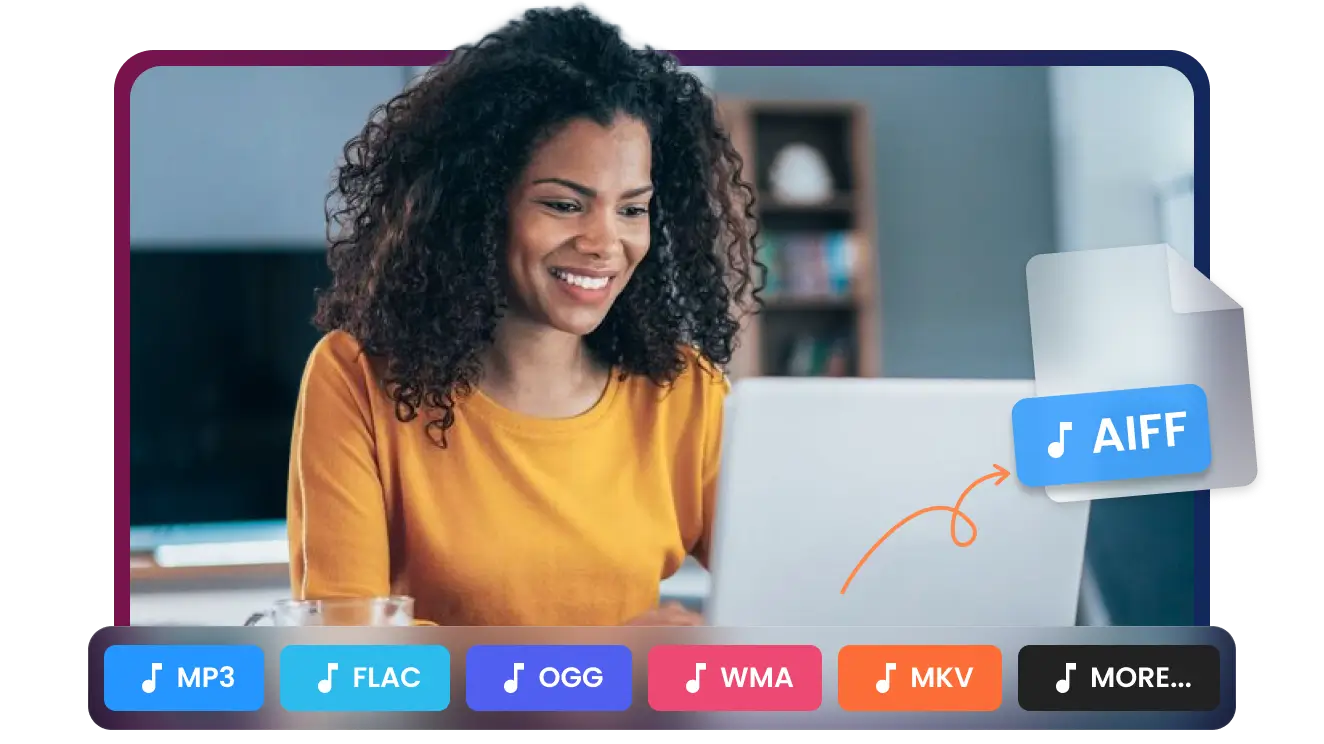
From MP3, AAC, FLAC, to MP4, AVI, MOV, and MKV, transform virtually any audio or video file into professional AIFF effortlessly.
Upload Any File -
![Optimized for Creators & Audiophiles]()
Optimized for Creators & Audiophiles
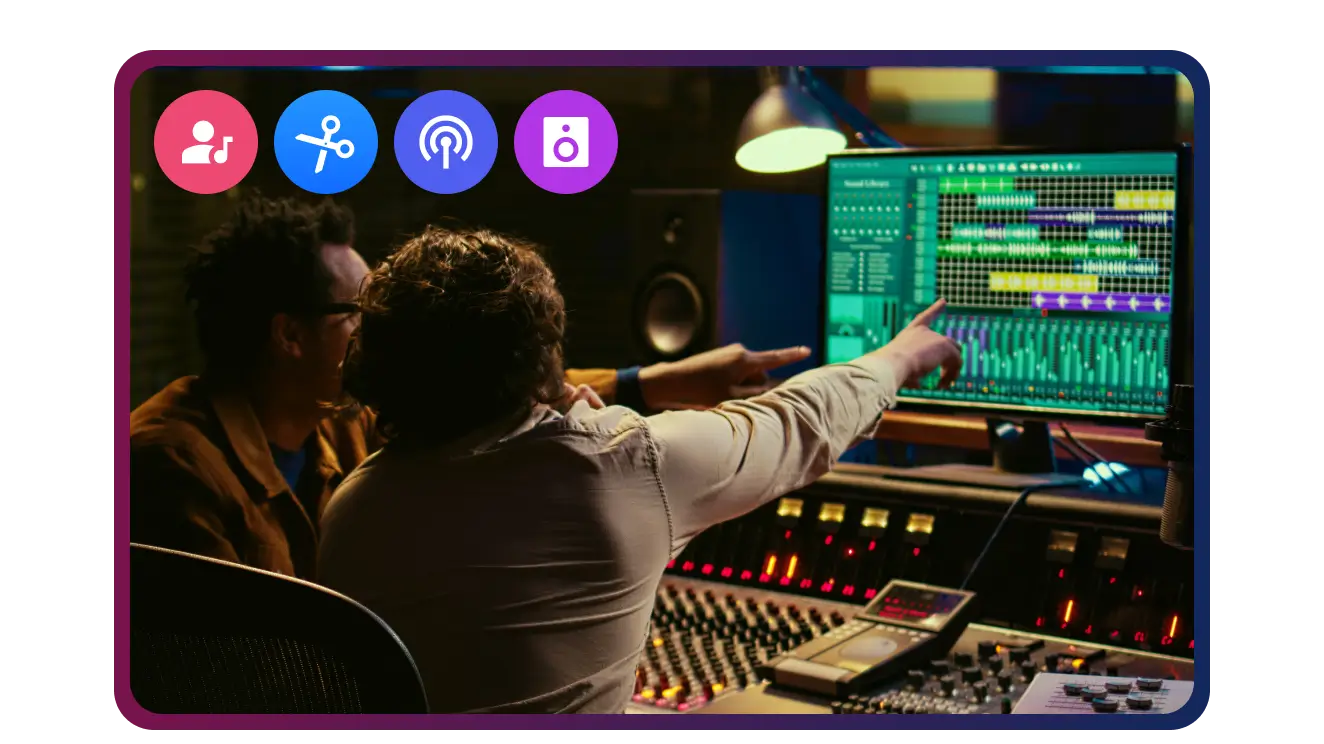
Ideal for podcasters, music producers, audio editors, and audiophiles who demand high-fidelity, lossless AIFF output.
Convert Now
Convert Any Audio or Video to AIFF — No Exceptions
Transform MP3, WAV, FLAC, AAC, or even video audio from MP4, AVI, MOV, MKV, and 500+ formats into pristine, studio-quality AIFF files instantly


Pixel-Perfect Audio to AIFF — Lossless, Studio-Ready Conversion Guaranteed
Music Producers
Podcasters
Audiophiles
Audio Editors
Sound Engineer


Join 500,000+ Audio Professionals Mastering Their Workflow with AIFF


Frequently Asked Questions
Why should I use AIFF instead of MP3 for my editing projects?
Does converting an MP3 to AIFF actually improve the sound quality?
Is this converter compatible with Logic Pro and Final Cut Pro?
Can I convert high-resolution video files directly to AIFF?
Does Multi-Downloader support 24-bit and 96kHz sampling rates?
Will my metadata and ID3 tags be preserved?
How fast is the batch conversion process?
Can I convert 'corrupted' or legacy WMA/WAV files?
Which file formats can I convert to AIFF?
Who is AIFF Converter ideal for?


