 Multi-Downloader


Convert MP3 to OGG. Instantly
Seamless Game Audio. Turn MP3 into OGG effortlessly. Preserve audio quality, reduce file size, and ensure perfect looping for games, web apps, and projects
- OGG
- Auto
-
 7Digital
- Amazon Music
- Apple Music
- Artlist
- Audio
- Audiomack
-
 Bandcamp
-
 Beatport
-
 BeatStars
-
 Boomplay
-
 Bugs
Bugs
- Deezer
-
 DI.FM
DI.FM
-
 DJ Bill Bass
- Epidemic Sound
- Internet Archive
-
 KKBOX
KKBOX
-
 LINE Music
-
 ccMixter
-
 Jamendo
-
 MakeBestMusic
-
 Melon
Melon
-
 Mixcloud
- Mureka
-
 Musopen
-
 Myinstants
-
 NetEase
-
 Pandora
-
 Pixabay
-
 Qobuz
Qobuz
-
 PrayerSong
-
 RaveDJ
-
 Smule
Smule
-
 Songer
-
 Soniva
- SoundCloud
-
 Splice
- Spotify
-
 StreetVoice
- Suno
-
 Tidal
Tidal
- Tumblr
-
 Udio
Udio
- YouTube
- YouTube Music
- Bilibili
-
 Instagram
- TikTok
-
 抖音
抖音
- 歌曲宝


- OGG
- Auto
-
7Digital
- Amazon Music
- Apple Music
- Artlist
- Audio
- Audiomack
-
Bandcamp
-
Beatport
-
BeatStars
-
Boomplay
-
Bugs
- Deezer
-
DI.FM
-
DJ Bill Bass
- Epidemic Sound
- Internet Archive
-
KKBOX
-
LINE Music
-
ccMixter
-
Jamendo
-
MakeBestMusic
-
Melon
-
Mixcloud
- Mureka
-
Musopen
-
Myinstants
-
NetEase
-
Pandora
-
Pixabay
-
Qobuz
-
PrayerSong
-
RaveDJ
-
Smule
-
Songer
-
Soniva
- SoundCloud
-
Splice
- Spotify
-
StreetVoice
- Suno
-
Tidal
- Tumblr
-
Udio
- YouTube
- YouTube Music
- Bilibili
-
Instagram
- TikTok
-
抖音
- 歌曲宝

Convert MP3 to OGG Instantly — Smaller Size, Gapless Looping
-
Ideal for looping audio, games, and web apps
-
Custom Quality Levels: From 32kbps up to 320kbps
-
Seamless looping for background music and sound effects
-
Sample Rate Control: Keep it at 44.1kHz or 48kHz for pro-sync
-
Batch Processing: Convert 100 files simultaneously in the cloud
Who Is This MP3 to OGG Converter For

Game Developers

Podcasters & Voice Creators

Open-Source Creators

Indie Creators & Video Editors

Scalable Teams
-
![Optimized for Looping Audio]()
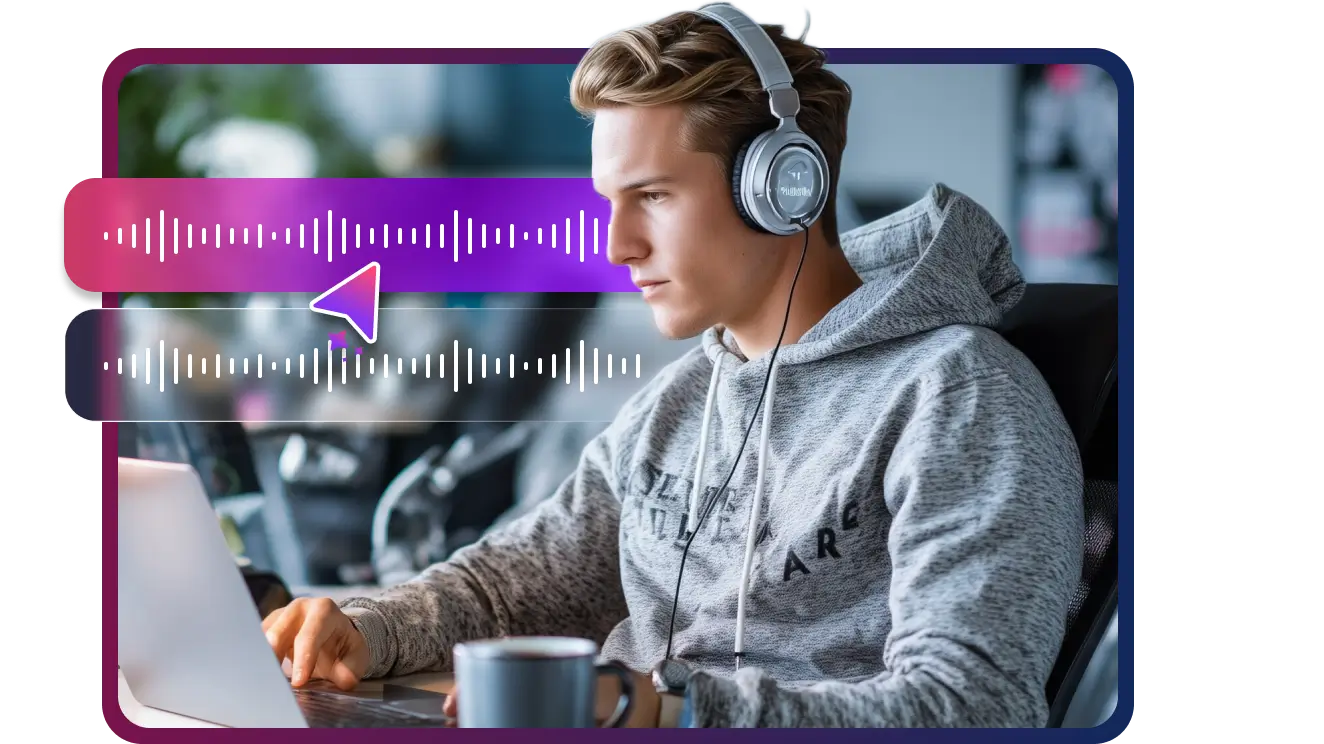
Optimized for Looping Audio
Perfect Loops, No Gaps or Clicks - OGG eliminates the encoder delay common in MP3, making it ideal for looping background music and in-game sound effects.
Convert MP3 to OGG -
![Smaller Files, Faster Performance]()
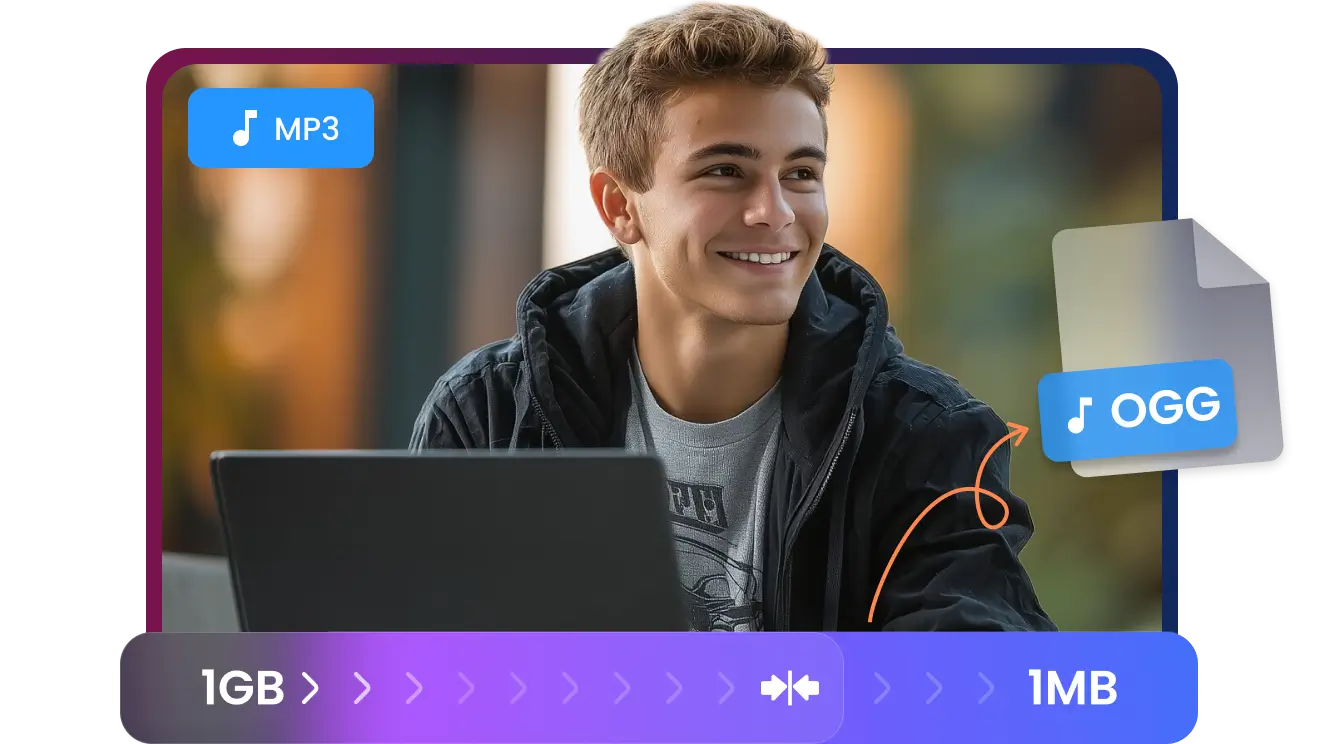
Smaller Files, Faster Performance
Reduce File Size, Improve Load Times - OGG delivers better compression efficiency than MP3, helping games and websites load faster while saving bandwidth.
Convert MP3 to OGG -
![Built for Games, Web and Apps]()
Built for Games, Web and Apps
Industry-Preferred Format for Developers: Convert MP3 to OGG for smaller file sizes, smooth looping audio, and better performance across games, web apps, and HTML5 projects
Convert MP3 to OGG -
![Stream Like the Pros]()
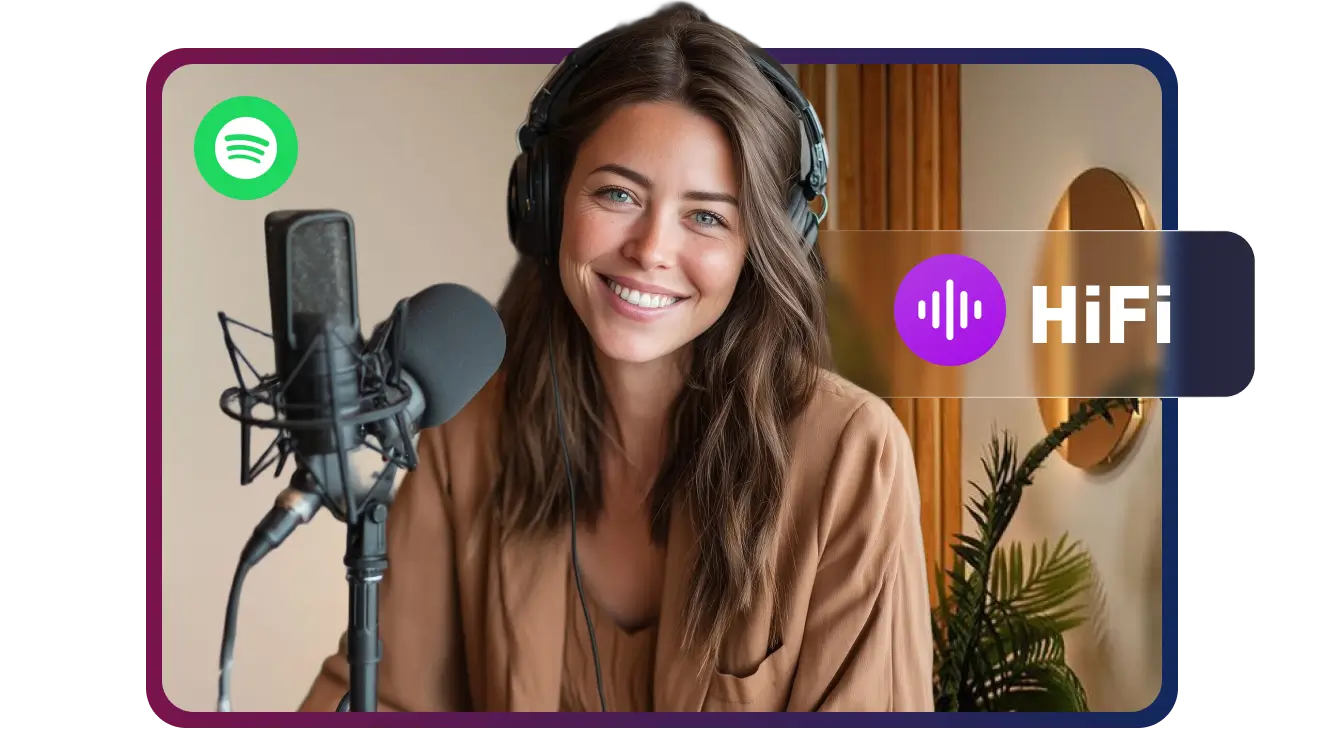
Stream Like the Pros
OGG is the gold standard for global platforms like Spotify. By converting to OGG, you get the perfect balance of rich, 320kbps audio and ultra-low file sizes. Why settle for bloated MP3s when you can use the format that powers the world’s biggest streaming service?
Convert MP3 to OGG -
![Quality You Control]()
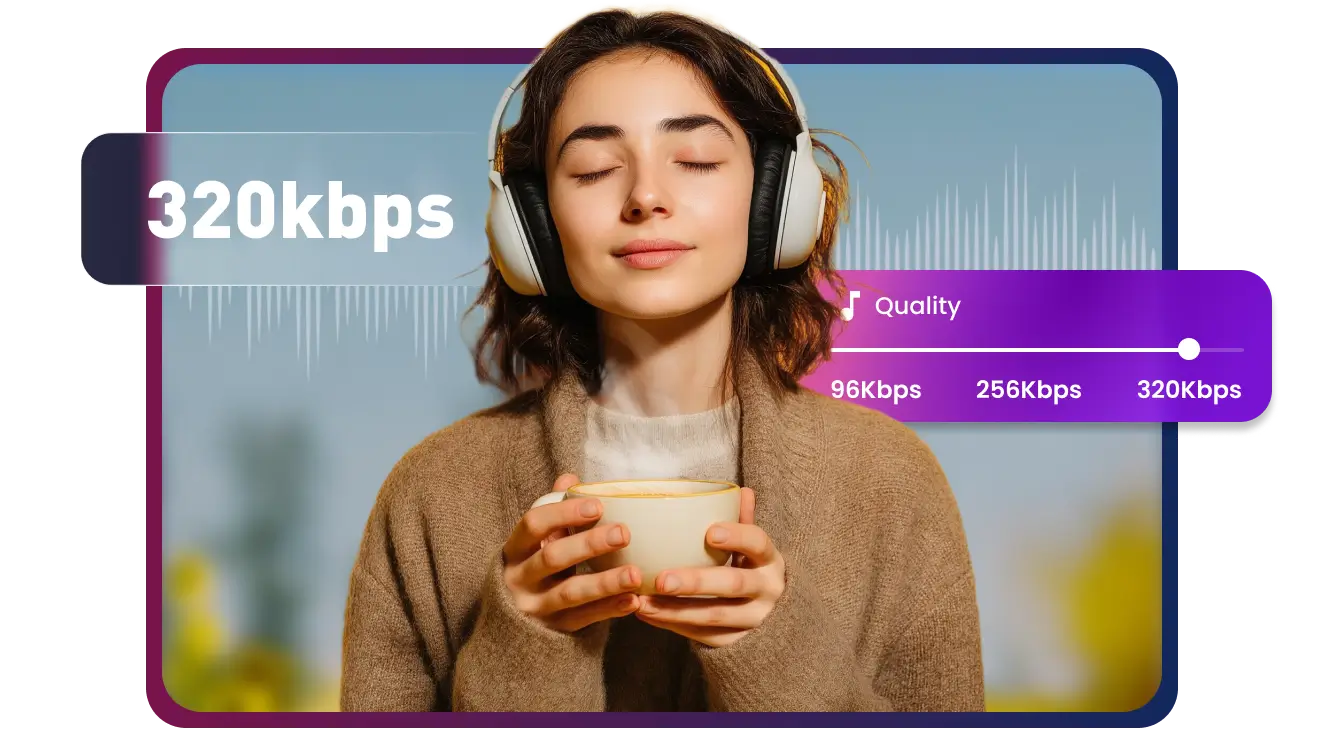
Quality You Control
Clear Sound at Any Bitrate - Maintain crisp audio while shrinking file sizes—perfect for music and SFX. Optimize your library today
Convert MP3 to OGG

How to Convert MP3 to OGG?
-
![Upload or Paste URL]()
1. Upload or Paste URL
1. Upload or Paste URLUpload a MP3 file from your PC or simply paste a link to an online file. Multi-Downloader handles both with ease. -
![Convert to OGG]()
2. Convert to OGG
2. Convert to OGGClick "Convert" and let our fast online tool process your file while preserving high-quality audio. -
![Download OGG]()
3. Download OGG
3. Download OGGGet your OGG file instantly. Ready for games, web apps, or seamless looping in any project.


Real Users. Pro Results.


Frequently Asked Questions


